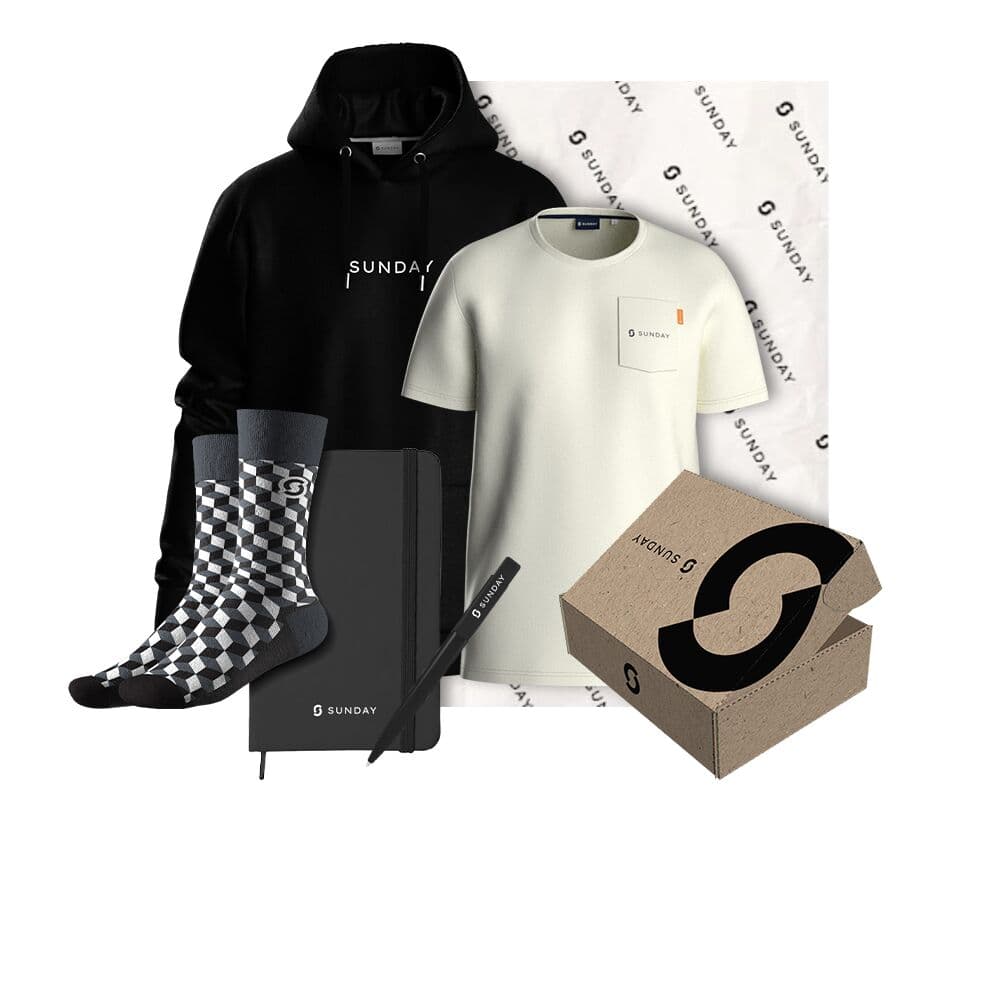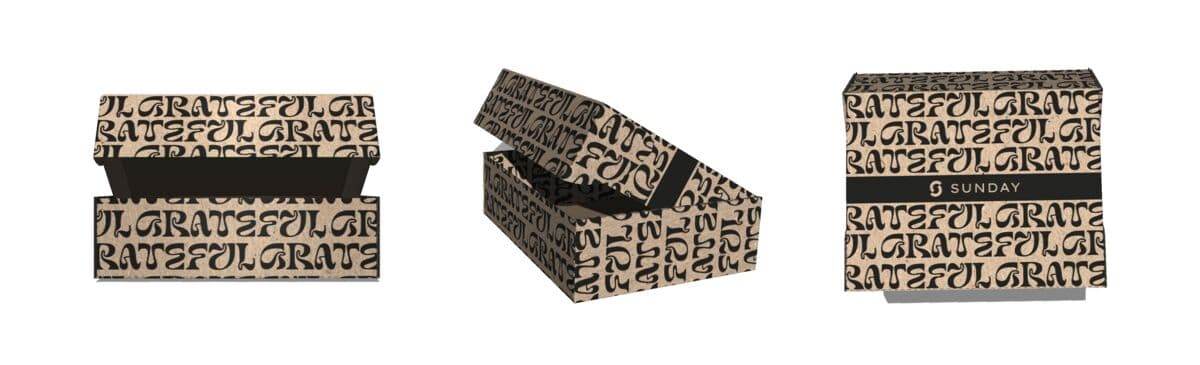



To automate client onboarding gifts: connect your CRM to your gifting platform, choose a trigger such as customer onboarded or a license purchased, define the box that fires, then either ship directly or send a redeem link so the recipient confirms their address and size. The platform handles warehousing and global shipping, including customs, so nothing gets lost and no client is forgotten. Set it up once and every new client gets the same welcome automatically.
At scale you must automate client gifting, because it is no one's core job. Salespeople are busy closing, so you cannot rely on them to remember a box for every new account. Automation also removes the one real way client gifts flop: inconsistency, where one client gets a box and posts about it while another gets nothing. Here is how to build a CRM-triggered onboarding gift that still feels personal. For the strategy behind it, see the client onboarding gifts pillar guide.
Why automate client gifting
Manual client gifting breaks in predictable ways: a rep forgets, an address is wrong, a box bounces, or one account gets remembered and another does not. Automation removes the human bottleneck without removing the human touch. The goal is simple: every new client gets the same well-designed welcome, on time, at their door.
- Nobody forgotten. The onboarding event triggers the send, so no new client slips through, even at high volume.
- Not the rep's job. Gifting runs off the system, not a salesperson's memory, so closing stays the priority.
- Consistent and fair. Everyone gets the same experience, which removes the sensitive case of one client posting and another getting nothing.
- Global by default. Clients anywhere are handled the same, shipped worldwide from one place with customs taken care of.
Step 1: Connect your CRM and pick a trigger
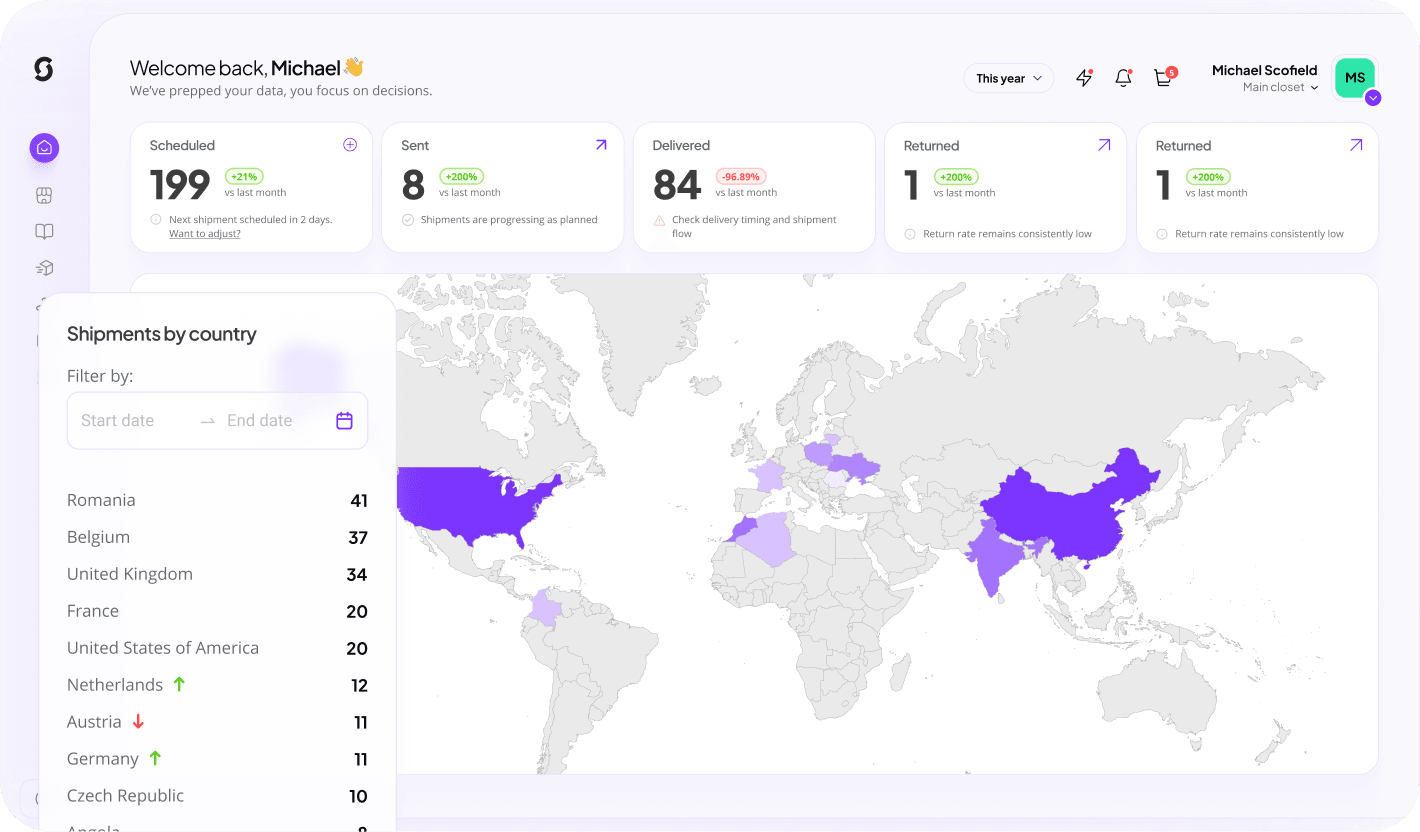
Automation starts with an event. Link your CRM, such as HubSpot, to the Sunday platform, then choose the trigger that means a client has truly started: customer onboarded, a license purchased, or a deal moved to a closed-won and live stage. For software, a license purchase is the cleanest signal. From there the platform watches for the event and fires the gift, with no one having to remember. Sunday is built as merch infrastructure that plugs into the tools you already use, so the trigger lives where your client data already lives. See how it works and the platform.
Step 2: Define the box and budget rule
Set the box and the budget once, then let the rule apply it consistently. Keep the spend proportional to the deal but tasteful.
| Trigger | Gift rule | Notes |
|---|---|---|
| Small subscription onboarded (~$100/mo) | ~€20–25 branded box | Socks plus a note; fully automated |
| Mid-market deal | Curated box under €50 | Wearable plus a desk item and a drink |
| Large / enterprise deal | Premium box, still tasteful | Tailor one item to the client's industry |
| Partnership / co-sell | Co-branded collection | Distributed across both companies' teams |
Stay generally under fifty euros to be safe given gifting rules vary by country, and because the gift is given after signing it reads as gratitude, not influence. A premium custom mug set, or branded custom socks for the whole implementing team, both automate cleanly because they need little or no sizing. Preview a mug in your colours with the free mug mockup generator. For the full menu, see the complete client onboarding gifts guide.
Step 3: Add a redeem link
The redeem link is what keeps automation from going wrong, and it is more comfortable for the client than a rep chasing personal details. Instead of shipping to whatever address your CRM has on file, the recipient gets a nicely designed form to confirm where to ship and, for any sized item, their size. It is far better than an account manager emailing to ask for someone's home address and measurements.

Send a redeem link, not a guess. The recipient confirms address and size on a branded form, so boxes land first time, anywhere in the world.
Step 4: Automate global shipping
Once the trigger fires and the address is confirmed, fulfilment should be hands-off. The platform pulls from warehoused stock, packs the box, and ships it worldwide. The point of an experienced partner for international gifting is that the recipient never pays customs or fields a courier's questions, and nothing gets lost. Sunday produces in Europe, warehouses your branded stock, and ships to 200 plus countries, so a client team spread across eight countries is no harder than one office. See distribution for how global fulfilment works.
- Trigger fires from the onboarding event in your CRM.
- Gift rule selects the right box for that deal size.
- Redeem link collects confirmed address and size.
- Warehouse packs and ships worldwide, customs handled, with tracking.
Step 5: Measure and personalise
Automation is the engine, not the message. Keep the human parts: a handwritten or personal note on every box does the personalisation, so you do not have to personalise every item, and a swag bomb to the whole implementing team multiplies goodwill across the account. Then track impact through the platform's merch metrics to see automatically what clients like and refine the box over time.
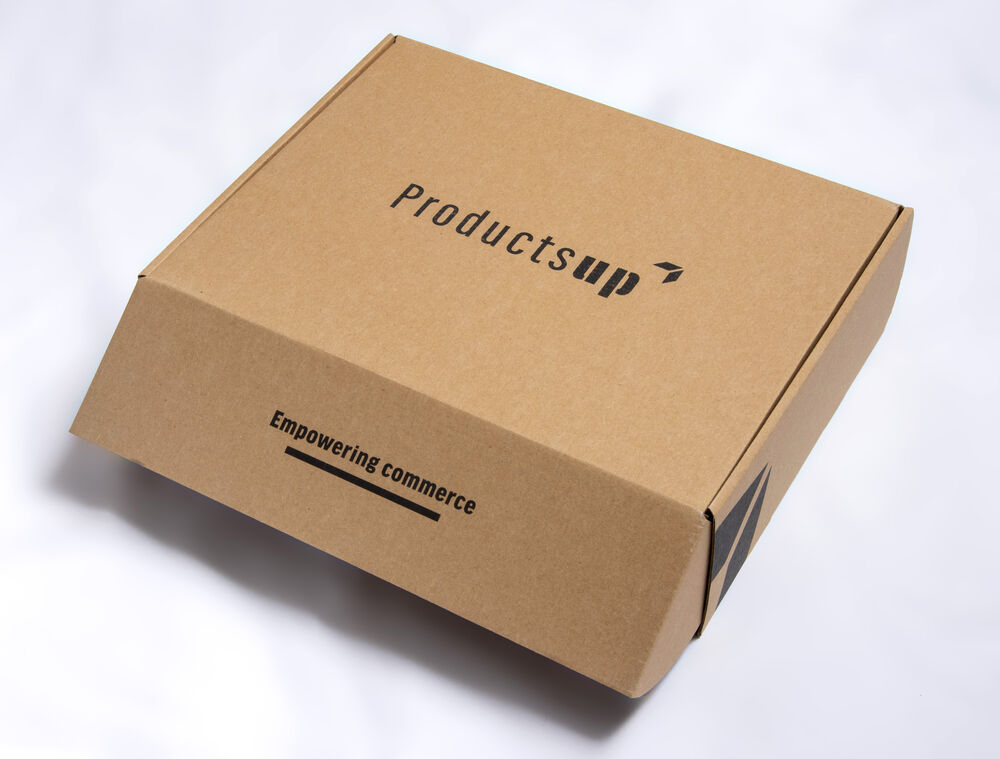
Automation does not mean generic. A well-designed box plus a personal note still becomes internal branding as it travels through the client's office.
Automating client onboarding gifts: questions answered
How do you automate client onboarding gifts?
Connect your CRM to a gifting platform, choose a trigger such as customer onboarded or a license purchased, define the box and budget rule once, then ship directly or send a redeem link so the recipient confirms address and size. The platform warehouses stock and ships globally, including customs, so every new client gets the same welcome automatically.
Can client gifting integrate with my CRM like HubSpot?
Yes. The onboarding event in your CRM becomes the trigger. You pick the event that means a client has truly started, such as a license purchase, and the system fires the gift when it happens, so nothing depends on a rep remembering.
When should the automated gift fire?
A few days to a week after signing, not at the moment of signature. The client is already on a high at signing; firing once the first high fades lets the box reactivate excitement and bridge onboarding doubt. For long-wait purchases, fire around the halfway point of the wait.
How do you collect the client's address and size?
Use a redeem link. The recipient gets a branded form to confirm their delivery address and any size. It avoids stale CRM addresses and is far more comfortable than an account manager emailing to ask for personal details.
How does shipping work for global client teams?
Once the address is confirmed, the platform ships from warehoused stock worldwide, with customs handled so the recipient never pays duty or deals with a courier. Sunday ships to 200 plus countries, so a team across eight countries is no harder than one office.
Does automation make the gift feel impersonal?
No, if you keep the human parts. A handwritten note on every box does the personalisation, and a swag bomb to the whole implementing team multiplies goodwill. Automation handles timing, addresses and shipping while the note and design keep it personal.
Keep reading: client onboarding gifts
Build this campaign with Sunday
Connect your CRM, set your trigger and box once, and let every new client get the same welcome automatically. Create a free account and see it in about 30 seconds.
Automate your gifting