
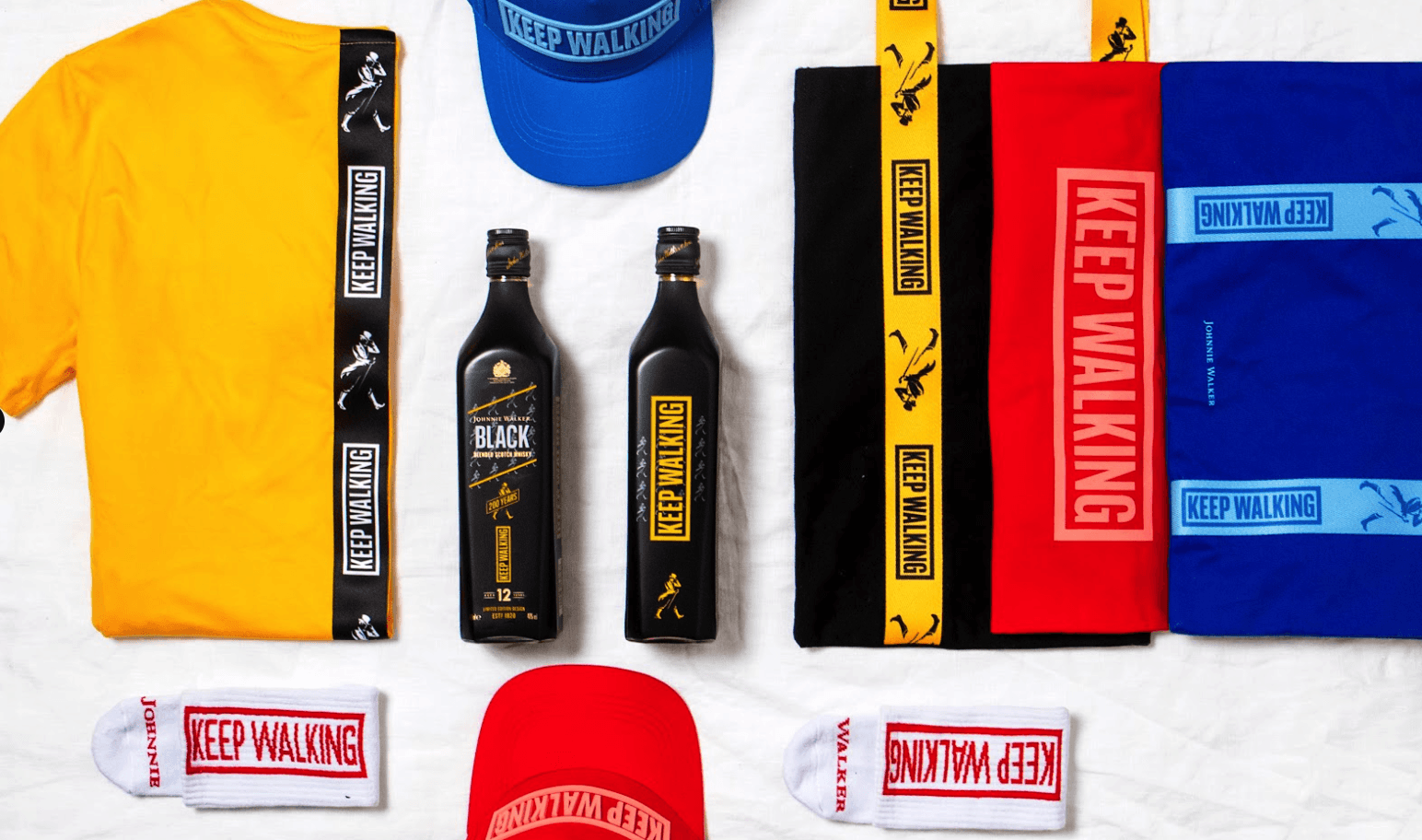


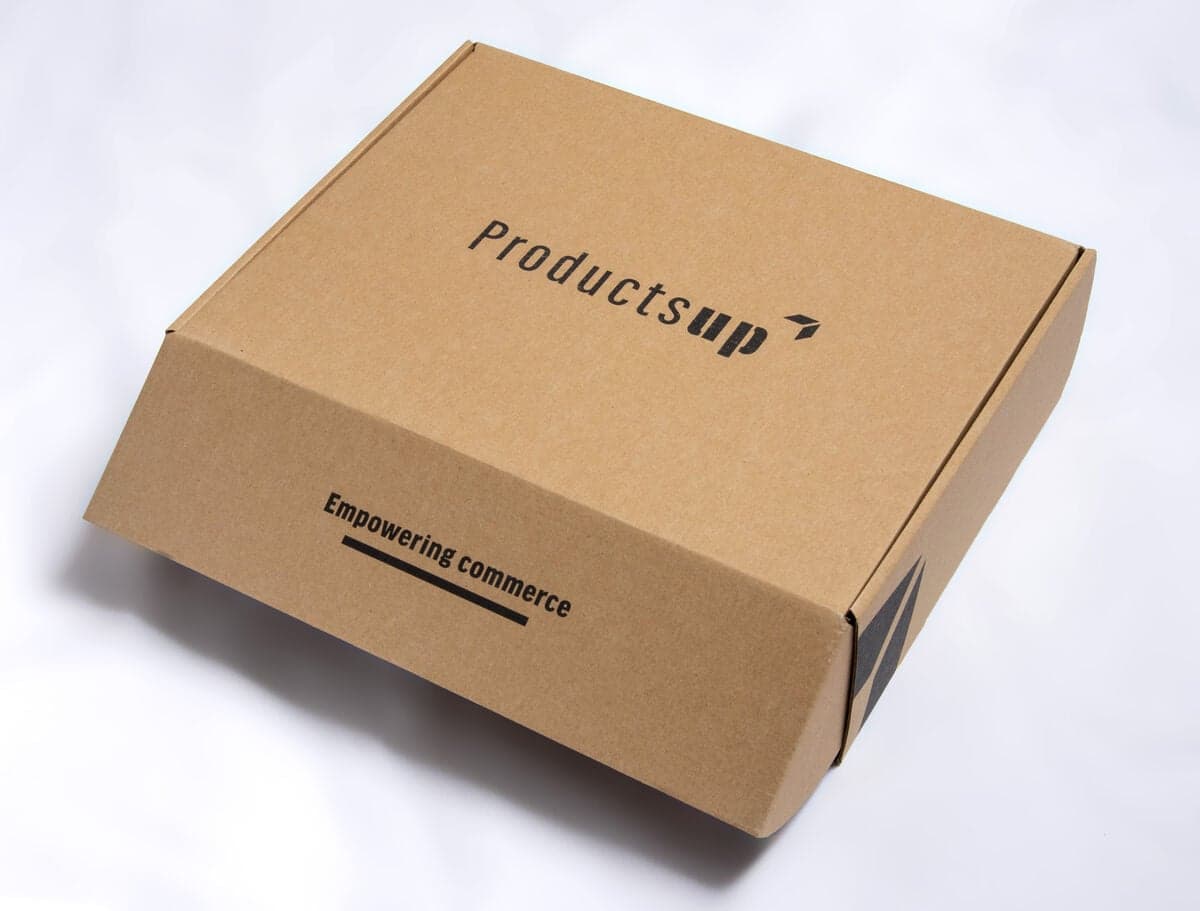
To automate customer service recovery gifts, connect your support desk to a fulfilment platform so sending a gift is part of resolving a ticket. With a Zendesk to Sunday integration the flow is: the rep resolves the ticket and marks it resolved, selects an approved gift and budget tier, adds a personal note, and Sunday creates and fulfils the shipment, collects the address, and handles inventory, customs and tracking. Automation removes the admin, not the empathy. The human touch starts with solving the problem and continues in the personal note.
The risk with automating gifts is making them feel automated. The fix is to automate only the logistics and keep the two human moments, the resolution and the note, in the rep's hands. This guide walks through the Zendesk-to-Sunday flow step by step.
Why automate at all
Manual recovery gifting falls apart at scale. A rep has to remember to send something, find the product, get an address, raise a shipment and track it, all while handling the next ticket. So it gets skipped, or it arrives a week late when the link between the resolution and the gesture has gone. Automation fixes the consistency and the timing. When sending the gift is built into resolving the ticket, it happens every time, immediately, while the resolution is still fresh.
The Zendesk to Sunday flow
The integration turns a multi-step manual chore into four actions, three of which take the rep seconds.
| Step | Who | What happens |
|---|---|---|
| 1. Resolve and confirm | Support rep | The rep solves the issue, confirms the customer is satisfied, and marks the ticket resolved in Zendesk |
| 2. Select gift and budget | Support rep | From the resolved ticket, the rep picks an approved gift and budget tier (for example minor ≤ €10, significant ≤ €25, major ≤ €50) |
| 3. Add a personal note | Support rep | The rep writes a short note in their own name, referencing the specific issue |
| 4. Create and fulfil | Sunday | Sunday collects the address, creates the shipment, and handles inventory, fulfilment, customs and tracking |
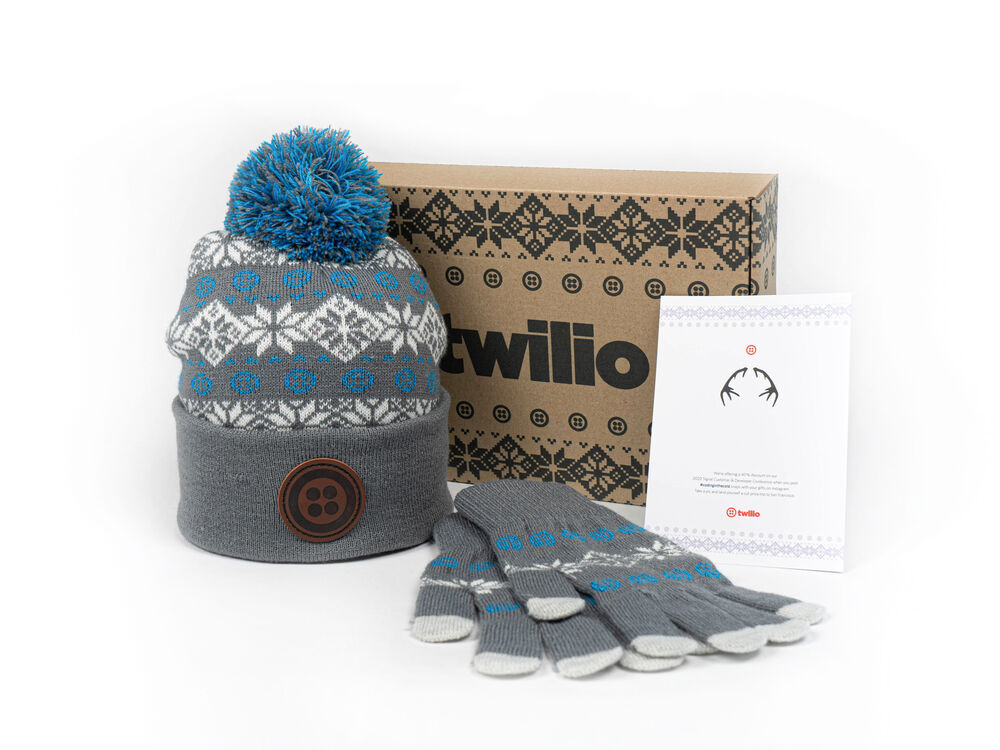
From a resolved Zendesk ticket, the rep selects an approved gift and budget tier. The product choice is pre-approved, so the decision takes seconds.
What you set up once
The automation works because the rules and the products are decided in advance, by the team that owns retention. You configure this once, then support draws on it for every ticket:
- Approved gift collections. A small, curated set of on-brand products so reps choose fast and never go off-brand.
- Budget tiers. Severity-based limits, for example minor up to €10, significant up to €25, major or high-value up to €50.
- Thresholds for when to gift. Internal guidance weighing severity, duration, inconvenience, customer value and churn risk, so not every minor question triggers a gift.
- The Zendesk connection. The link that lets a resolved ticket initiate a gift without leaving the support workflow.
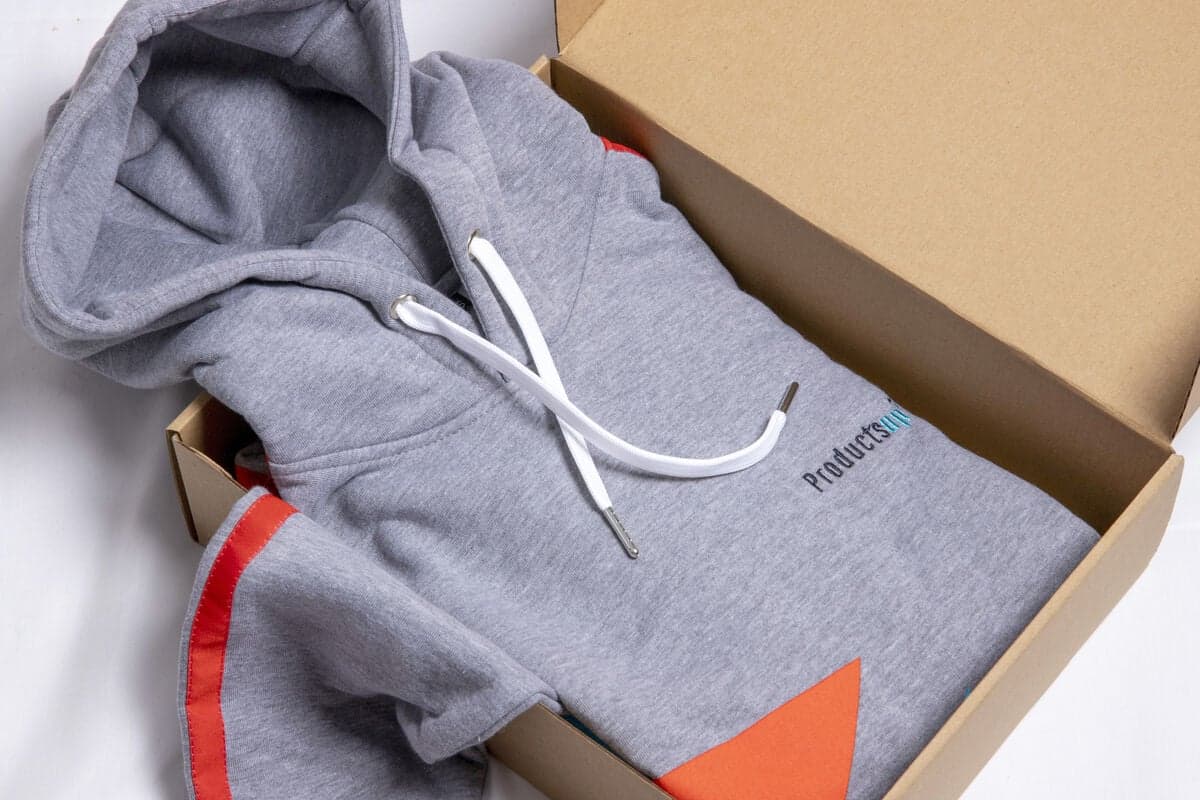
For high-value accounts you might add a premium tier, such as a custom jacket, which is substantial, useful and worn for years. Browse the custom jackets range and preview a restrained, gift-appropriate design with the free jacket mockup generator before adding it to your approved collection.
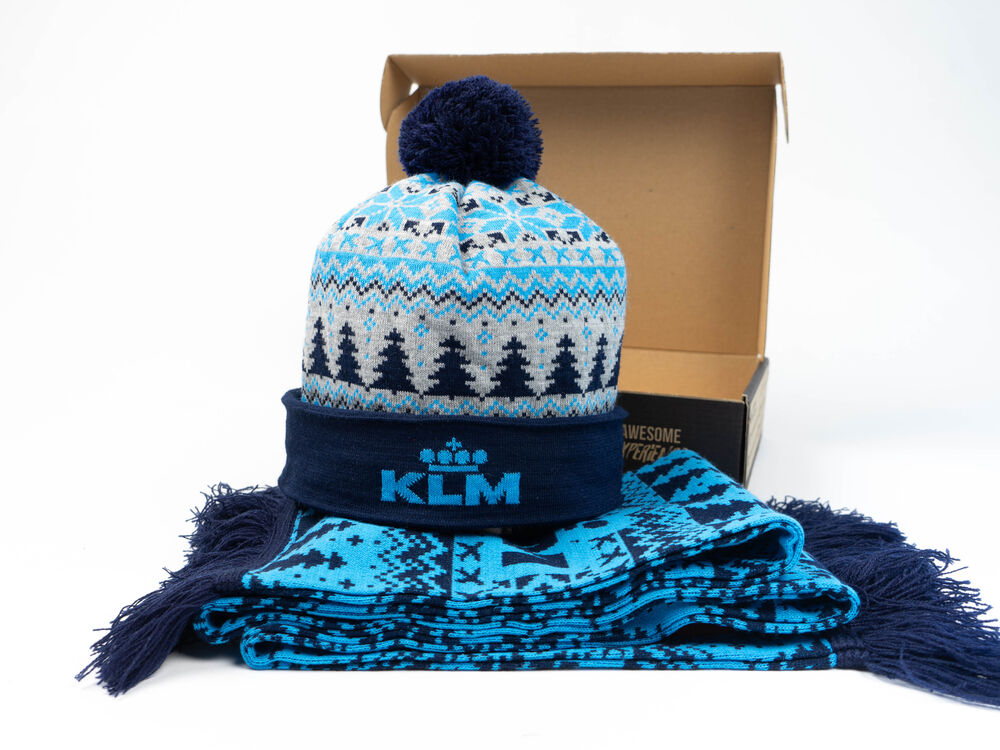
The personal note stays with the rep. Automation handles the address, shipment, customs and tracking; the rep writes the words.
Keeping the human touch
The whole point of recovery gifting is that it feels personal. So the integration automates the logistics and protects the empathy. Two moments stay human: the rep solving the problem, and the rep writing the note. The note is the real personalisation, written in the rep's own name and referencing the specific issue, for example: “I'm sorry you had an issue with your SIM card. Thank you for giving us the opportunity to solve it. I hope this can still put a smile on your face.”
Measuring impact
Because the flow runs through your support desk, the impact is measurable. Track immediate sentiment and longer-term retention:
| Signal | What it tells you |
|---|---|
| NPS / satisfaction | Immediate sentiment after the resolved-and-gifted interaction |
| Retention & churn | Compare gifted customers against a similar non-gifted group, ideally A/B |
| Social & word-of-mouth | Customers posting the gift is positive exposure |
| Renewals, LTV, repeat purchases | The longer-term retention payoff in recurring businesses |
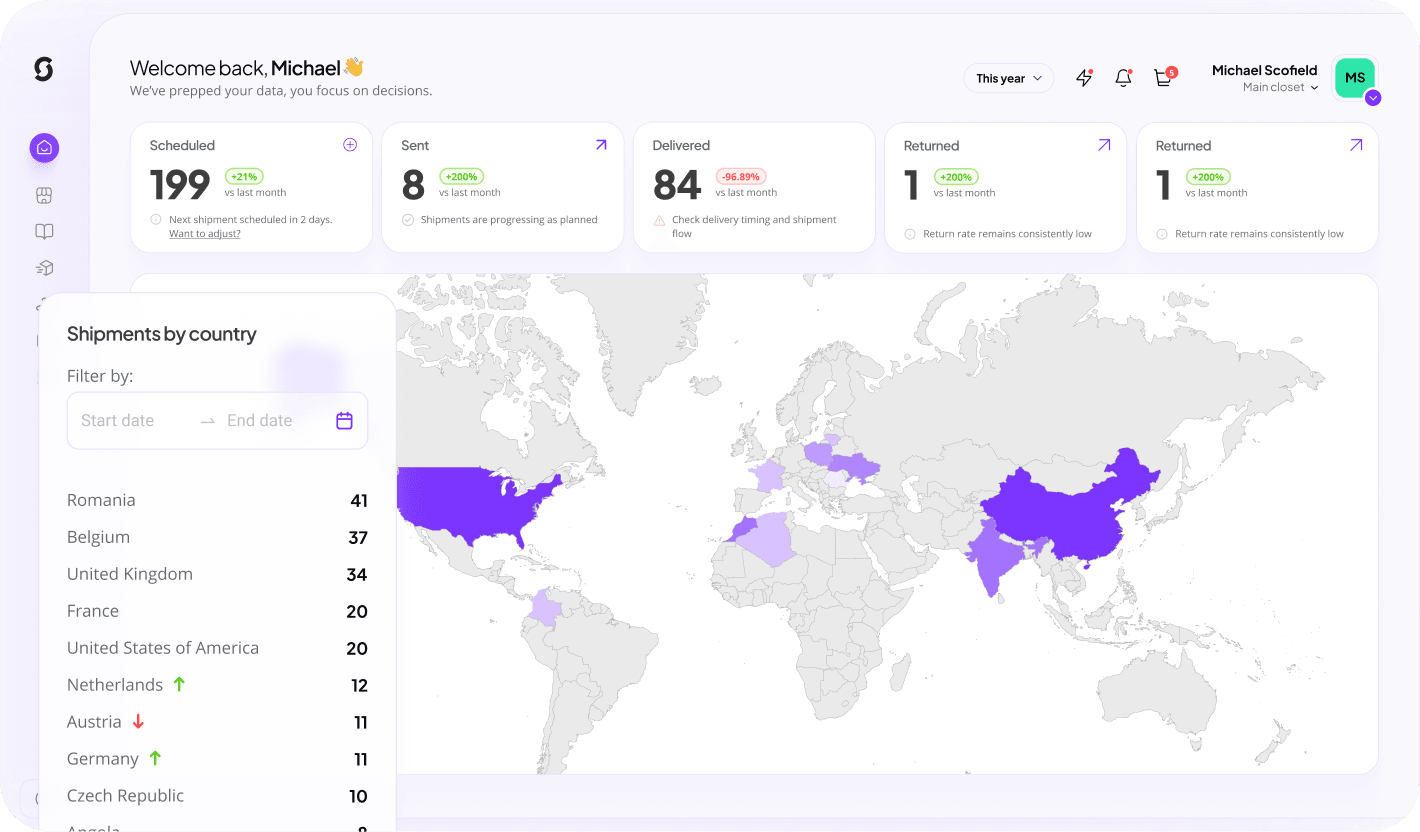
Sunday creates and fulfils the shipment, then reports back, so the team owning retention can measure the impact.
Build the integration
Sunday turns recovery gifting into a structured, scalable workflow: approved gift collections, budget tiers, the Zendesk integration, personal notes, automated shipment creation, address collection, inventory, global fulfilment, customs, tracking and reporting. The goal is simple: make sending the gift as easy as resolving the ticket. Learn more about the platform, see how it works, and for sending to customers across markets, that is what distribution handles.
Keep reading: customer service recovery gifts
Wire recovery gifting into your support desk
Set up approved gifts, budget tiers and the Zendesk integration so your team sends the right gift the moment a ticket is resolved.
Build this campaign with Sunday