


To automate partner appreciation gifts, connect your CRM or PRM to a fulfilment platform and trigger gifts on real events: onboarding, certification, a first deal or a revenue milestone. The platform then handles eligibility, product choice, size and address collection, approvals, international shipping and tracking. The hard part is never the courier, it is capturing the request and forgetting no one. Automation removes the admin so no partner slips through.
Partner gifting works when it is part of the programme, not a series of disconnected sends. The moment a programme scales past a handful of partners, manual gifting falls apart: spreadsheets of addresses, chased sizes, missed milestones. Automation fixes that by tying each gift to data you already hold. To design the wider programme, start with the complete guide.
Trigger gifts on real events
A good partner gift maps to a behaviour, not a calendar. The data to trigger on already lives in your CRM or PRM: partner level, certifications, training completion, registered deals, revenue, service performance, geography and campaign participation. Automate the gift to fire when a meaningful threshold is met, so the recognition arrives close to the moment it is earned.
| Trigger | What it recognises |
|---|---|
| Onboarding | A new partner ready to represent the brand, with a standard kickoff kit |
| Certification | Completed training, rewarded with a visible desk or wearable item |
| First deal | The individual who closed it, building an early emotional connection |
| Revenue milestone | N deals, a volume threshold or new-market expansion |
| Sales campaign | Partners who hit a target on a priority range, for a defined window |
AnyDesk automates its onboarding gift so every new IT partner receives a kit without anyone remembering to send it. That single automation removes the most common failure in partner gifting: the forgotten new partner.
Model 1: CRM and PRM-triggered gifting
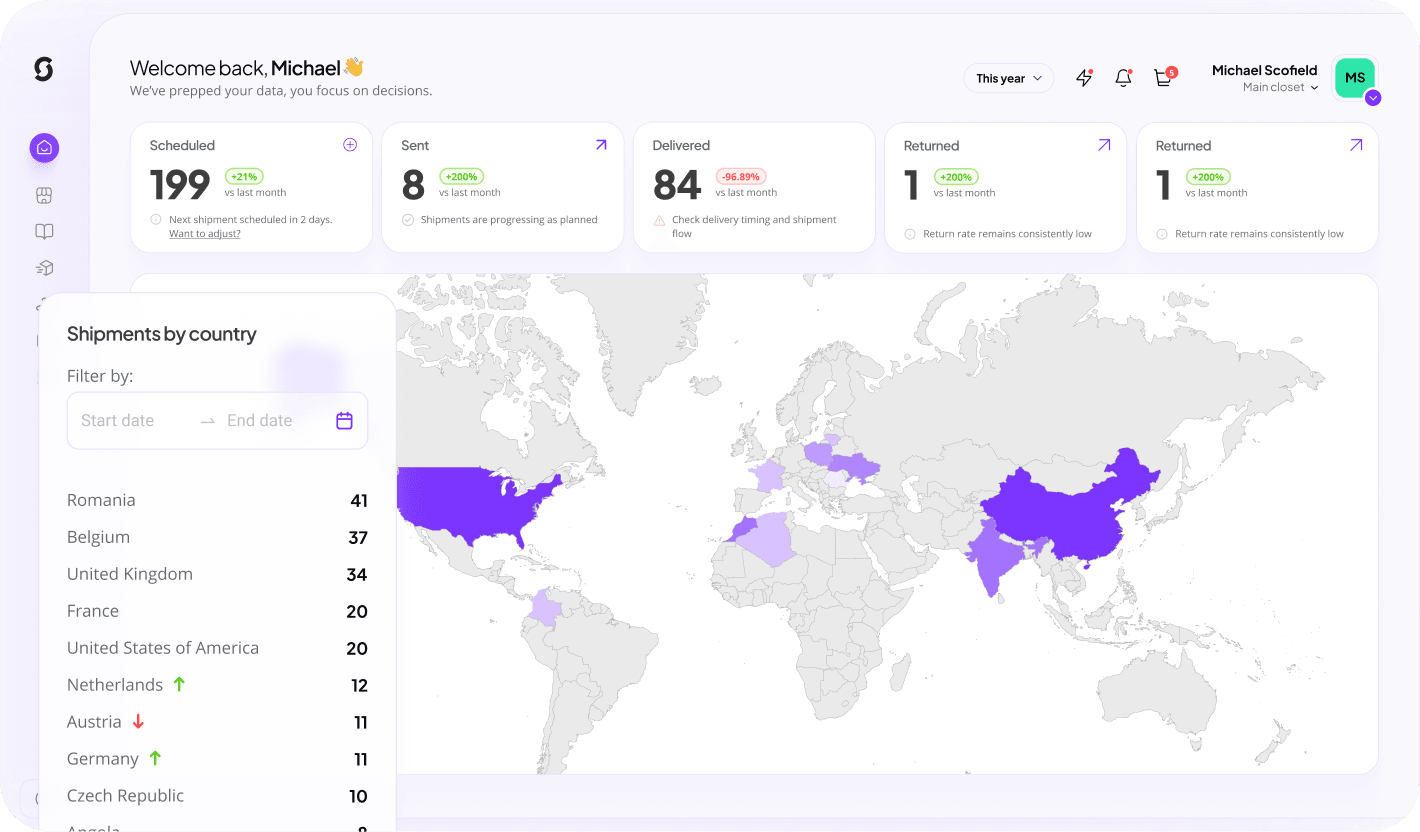
In the first model, your partner data lives in the CRM or PRM. When a trigger is met, the system connects to Sunday and auto-initiates the gift. No manual admin, no forgotten partners, no exported spreadsheet. The gift, the recipient and the eligibility are all decided by rules you set once. This suits programmes with clear, data-driven milestones and a partner-ops team that wants the system to run itself. Sunday connects into the stack you already use, so the trigger can come from your existing platform and tools.
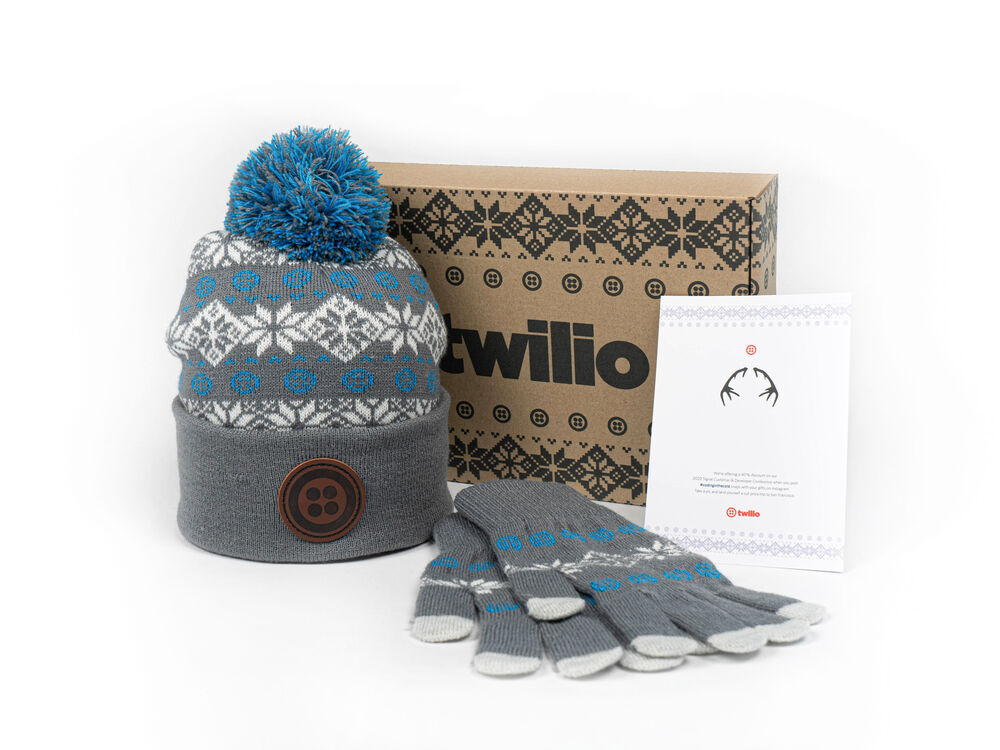
A gift triggered from CRM data: the rule fires, the kit is assembled and the partner is recognised close to the moment.
Model 2: a partner merch shop with credits
The second model gives partners more freedom. Partners earn credits for training, reaching a new tier, closing deals, hitting targets or joining campaigns, then spend them in an approved partner merch shop. They can transfer credits to their own employees, bulk-order for an event, choose co-branded products, pick event merch, or buy extras. The partner gets choice; the vendor keeps brand and budget control because the catalogue and the credit rules are set centrally. This is the most underrated structure in partner gifting: flexibility for the partner, control for the vendor.
The part everyone underestimates
The hard part of global partner gifting is not the courier. It is capturing requests, collecting product choices, confirming addresses, checking eligibility, and forgetting no one. And because you are giving a gift, you cannot demand hours of back-and-forth from the partner to make it happen. The whole flow has to be light for the recipient and automated behind the scenes. That is exactly where most manual programmes fail and where automation earns its place.
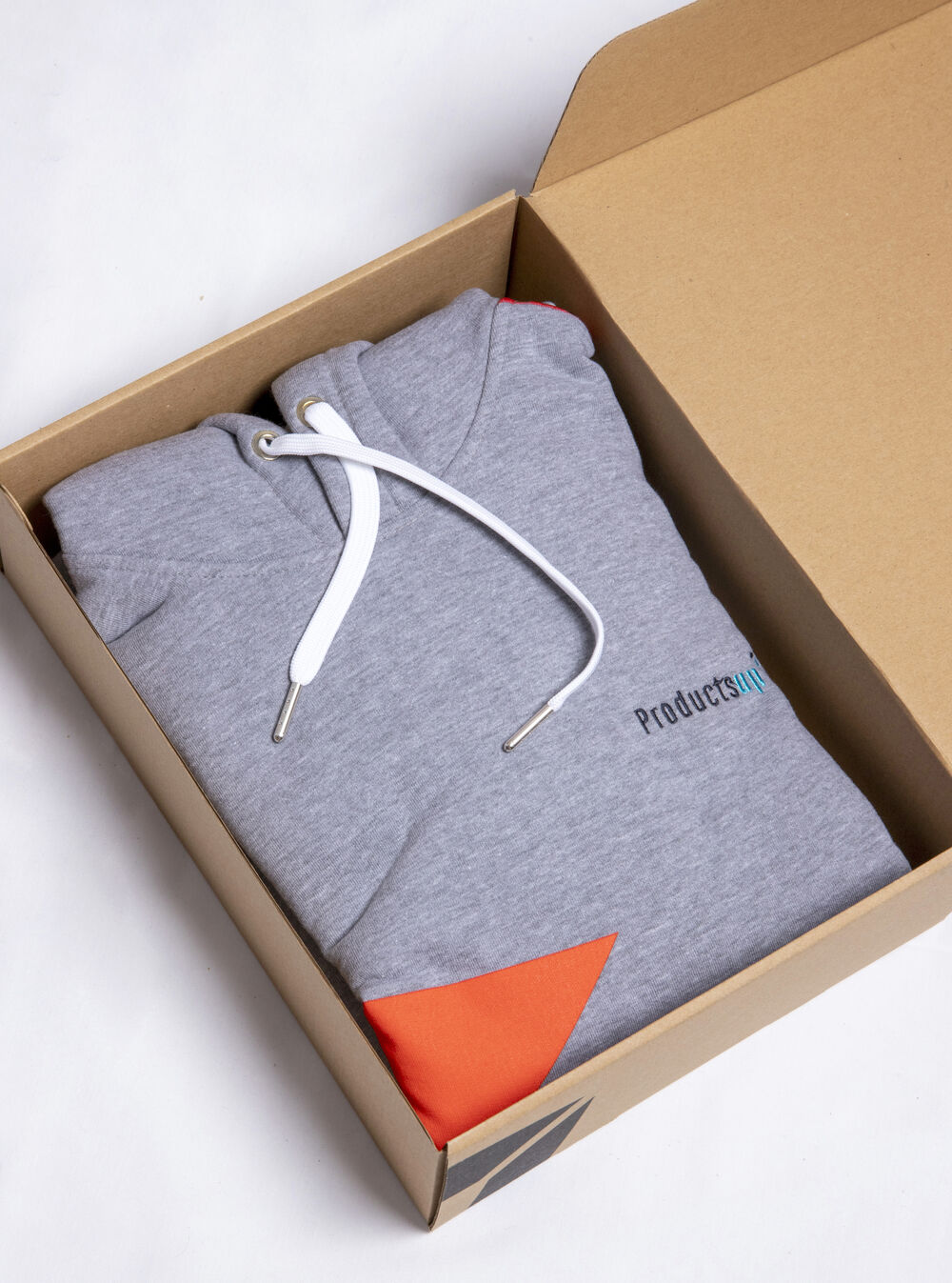
A light flow for the partner: confirm choice, size and address in a click. The admin runs behind the scenes.
The automated flow, end to end
A complete automated partner gift runs through these steps without a partner-ops project behind it:
- Recipient selection and eligibility. The trigger picks the partner or individual and checks they qualify.
- Product choice. The recipient picks from an approved selection, or the kit is pre-set.
- Address and size collection. A single light request to the recipient, no spreadsheets.
- Approvals and inventory. Budget and stock are checked automatically.
- Shipment, customs and tracking. International fulfilment, customs docs and tracking are handled end to end.
Sunday provides this request-to-delivery infrastructure, including the international logistics, so a partner in another country gets the same experience as one next door. See how global send works in distribution and how production runs in how it works.
How to start
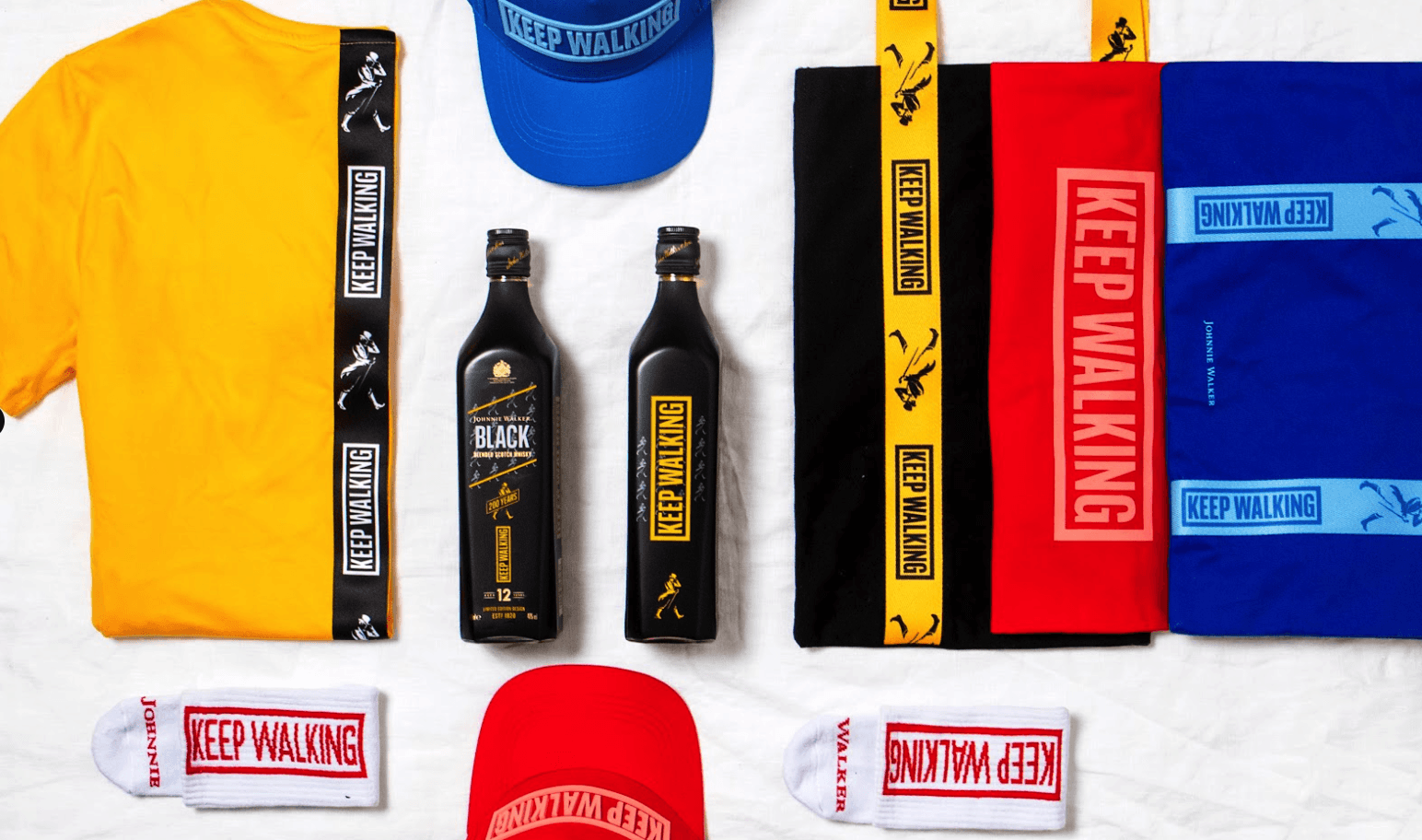
Begin with one trigger, usually onboarding, and a single standard kit so every new partner is covered automatically. Build the product selection from your catalog: apparel, bags, desk products and a winter option. A branded beanie is a natural winter-kit and partner-event item; see the range of custom beanies and preview your logo in the free beanie mockup generator. Once onboarding runs itself, add certification and milestone triggers.
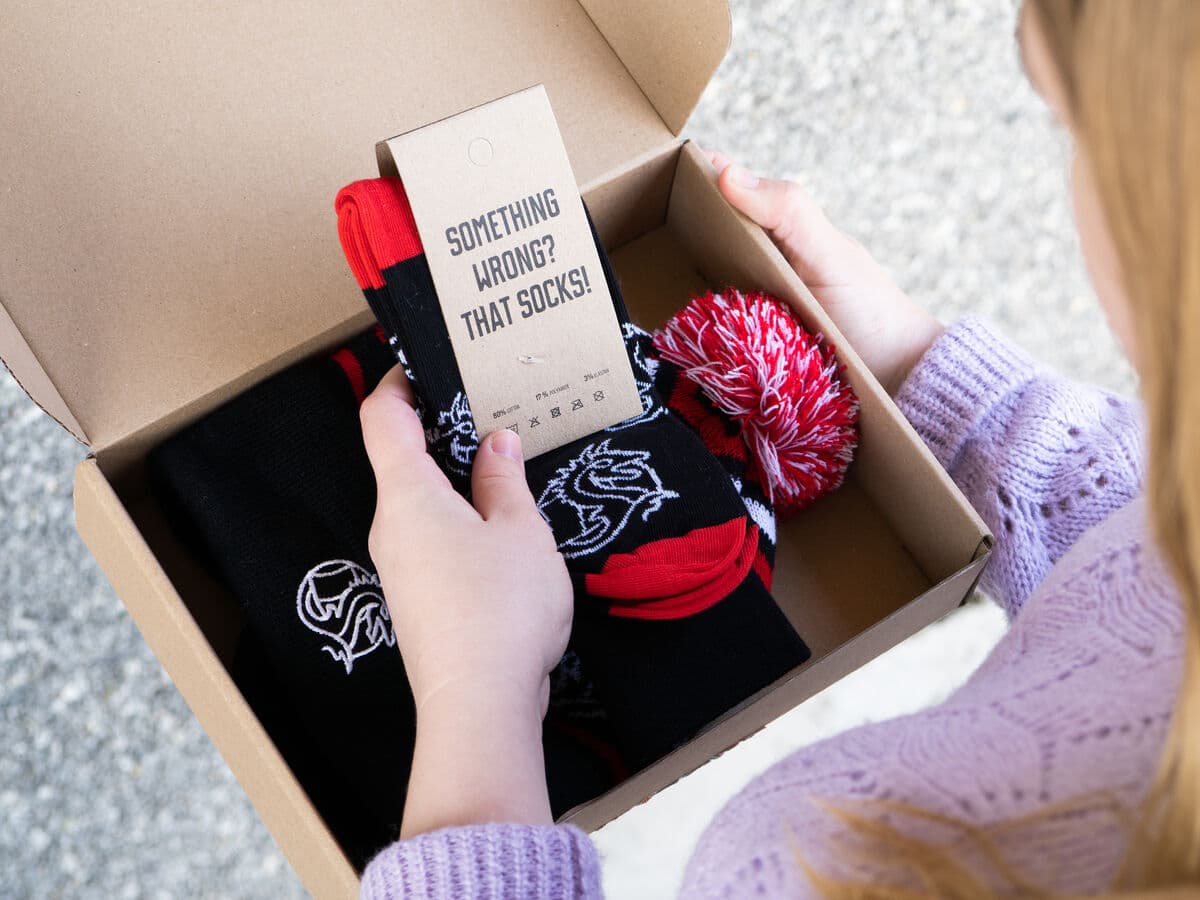
Packed, documented and tracked. The international shipping is handled so the partner-ops team does not run a logistics project.
Keep reading: partner appreciation gifts
Automate your partner gifting with Sunday
Trigger gifts from your CRM, collect sizes and addresses without admin, and ship globally with tracking. Made in Europe, live in 30 seconds.
Build this campaign