To automate referral gifts, connect your CRM so a qualifying event fires the flow: a trigger (referral submitted, converted, or an independent review), an automatic thank-you email, a redeem page where the advocate picks a reward and enters their size and address, then automated fulfilment and tracking. Keep it manual and personal at low volume. Automate once you reach hundreds a month. The goal is to remove the logistics, not the recognition.
When to automate, and when not to
Automation depends on volume, and the honest answer is that not every program should be automated. The decision is simple.
| Your volume | How to run it |
|---|---|
| Low-volume B2B (a few a month) | Keep it manual and personal. A salesperson or CSM calls the advocate, writes a personal message, selects the gift and launches the shipment. The human touch is the point. |
| High-volume (hundreds a month) | Automate via CRM. The trigger fires the thank-you email, a redeem page, reward selection, size and address collection, fulfilment and tracking. The advocate can choose from packages. |
The mistake is automating too early. If you send twelve referral gifts a year, a personal note and a hand-picked gift will always beat a workflow. Automate when the manual work starts breaking, usually when address-chasing and shipping admin eat more time than the recognition itself.
The automated flow in four steps
An automated referral gift program is one clean line: trigger, thank-you, redeem, fulfilment. Everything else is detail hanging off those four points.
- Trigger. A qualifying event in your CRM fires the flow.
- Thank-you. An automated message recognises the advocate and points them to their reward.
- Redeem page. The advocate picks a reward, then enters size and shipping details.
- Fulfilment. The order is produced, packed, shipped and tracked automatically.
Built well, the whole thing runs without anyone pulling a spreadsheet. Built badly, it becomes a manual chase with extra steps. The four sections below make each point work.
Every step in the flow points at one outcome: the right reward in the advocate's hands, fast, without anyone chasing an address.
Step 1: the CRM trigger
The trigger is the moment that fires a reward, and vague triggers create inconsistent execution, which destroys trust. Make it explicit in your CRM. Common triggers, using tools like HubSpot or Salesforce:
- Referral submitted. A contact is tagged as a referrer, or a referral form creates a record.
- Qualified meeting booked. The referred prospect reaches a defined stage.
- Opportunity converted. The referred deal closes, firing a larger reward.
- Independent review published. A voluntary review is logged, firing a compliant thank-you after the fact.
Decide which triggers apply and whether different tiers fire at different points, for example a small recognition when the referral is submitted and a substantial gesture when it converts. Because the CRM already holds the advocate record, the automation can personalise the message and pick the right tier without manual lookup.
Step 2: the thank-you
When the trigger fires, an automated message goes out. This is where teams over-engineer, so keep it human. The thank-you recognises the advocate, references what they did, and links them to their reward. It does not turn into a sales push. An overly commercial follow-up stops feeling like a thank-you and quietly undoes the goodwill.
Timing matters here too. Reward as close to the action as possible, because the tighter the link the stronger the association. An automated flow makes this easy: the message can fire within minutes of the trigger, which no manual process can match at scale.
Step 3: the redeem page
The redeem page is what makes automation feel premium instead of robotic. Instead of you chasing the advocate for their address and size, they land on a page, choose their reward and enter their own details. It solves the single hardest logistics problem in merch: sizing and shipping data.
- Reward selection. The advocate picks from a curated set of packages, so choice feels like a gift rather than a form.
- Size collection. For apparel, the advocate selects their own size, which removes the guesswork that ruins wearable rewards.
- Address collection. The advocate enters their shipping address directly, so nothing is transcribed by hand.
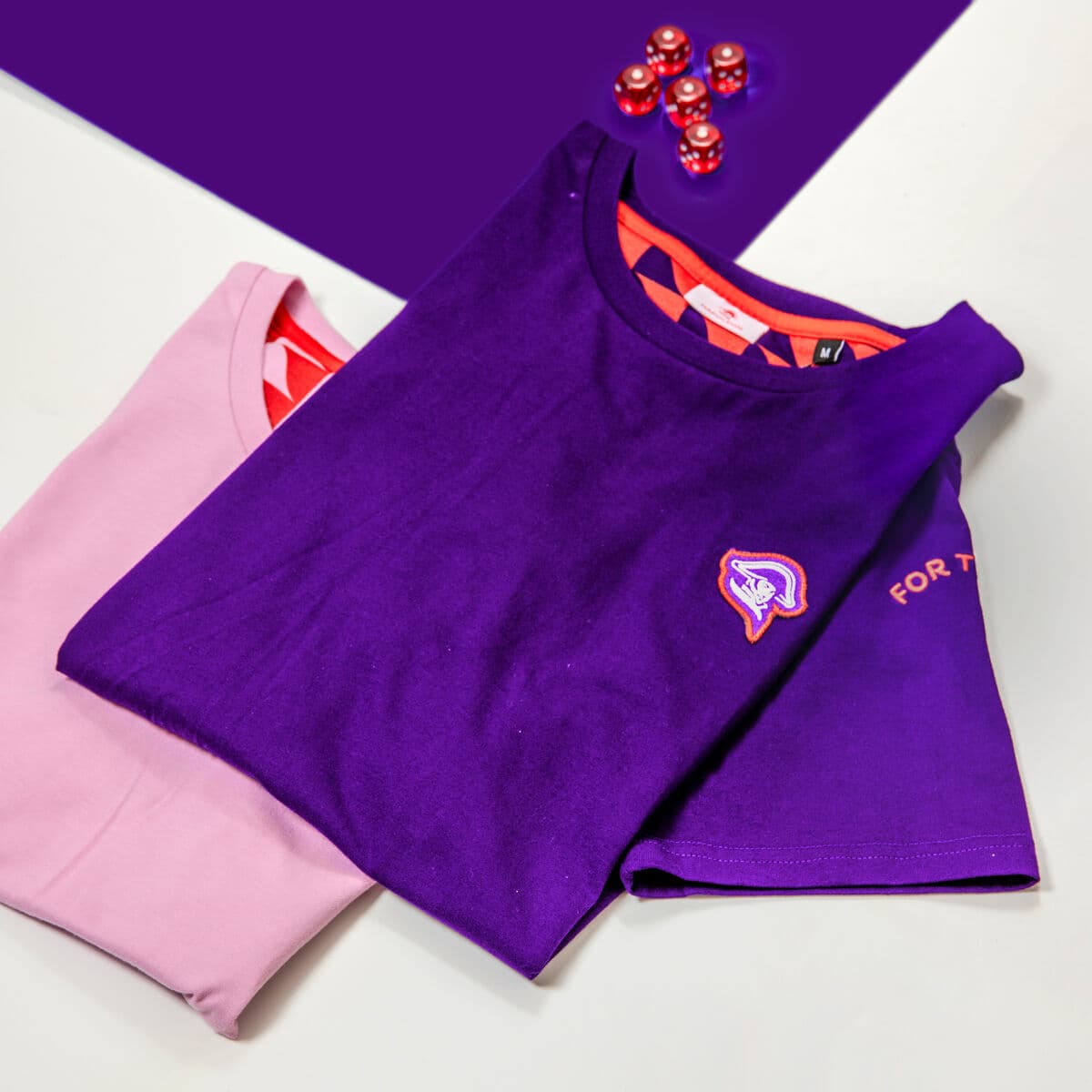
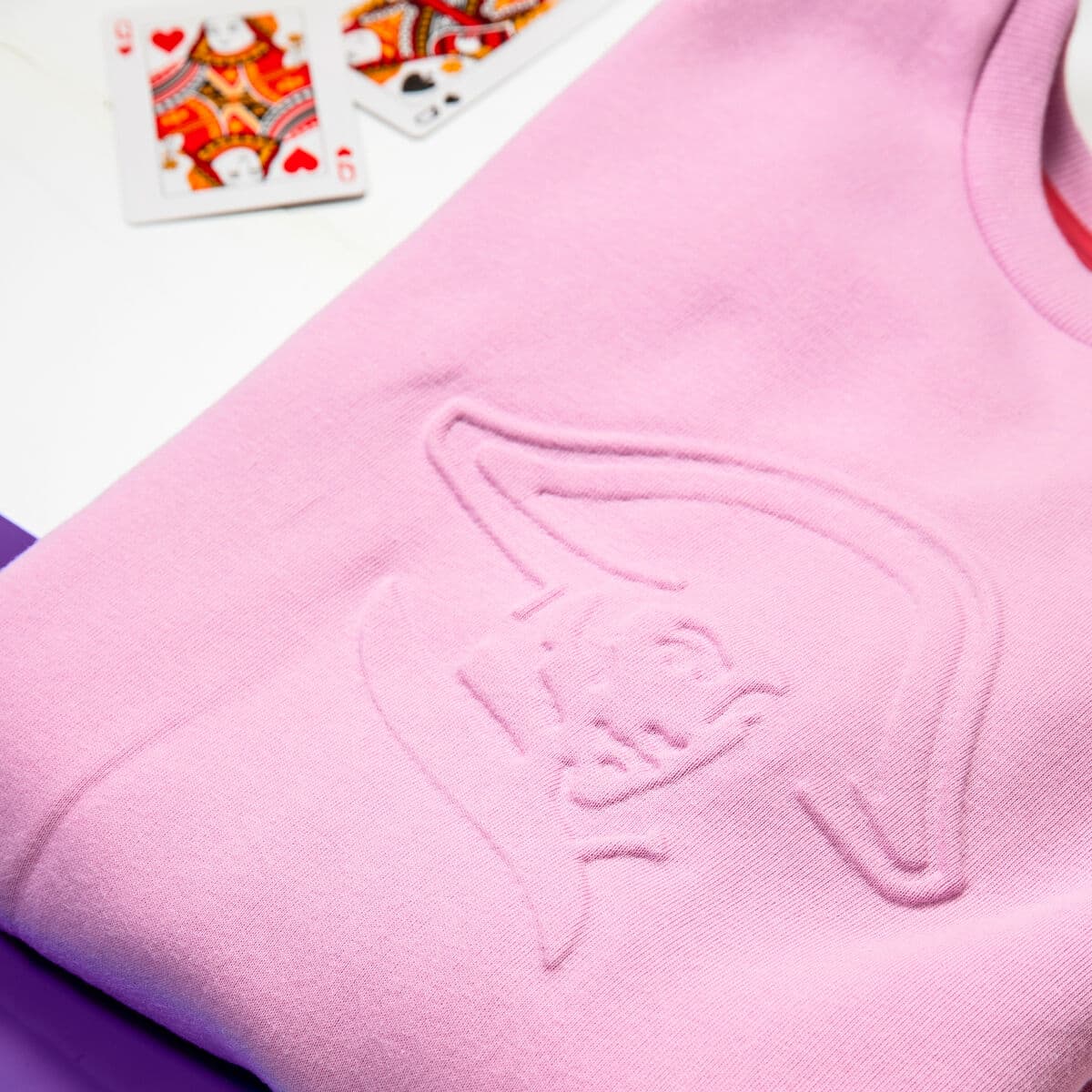
This is also where reward quality shows. Unique or limited merch carries status and exclusivity that a generic gift card cannot, and it works especially well at the higher tiers. Ambassador-only apparel is a strong pick. You can preview a design in the free sportswear mockup generator before you build the collection, and offer a piece of custom sportswear in your own colours as the standout reward on the redeem page.

The redeem page turns the hardest logistics problem, sizing and addresses, into a choice the advocate makes for themselves.
Step 4: fulfilment and tracking
Once the advocate has chosen and entered their details, fulfilment runs on its own. The order is produced, packed, shipped and tracked, and global distribution means the advocate can be anywhere. This is the step that most manual programs choke on, because packing and shipping hundreds of individual rewards to different countries does not scale by hand.
Automated fulfilment closes the loop. The advocate gets tracking, you get a record against the CRM contact, and nobody stands at a post office. The point of the whole flow is to remove that logistics load so your team spends its time on recognition and relationships instead. See how it works or explore the platform for the mechanics.

Fulfilment and tracking run automatically, so a program shipping to hundreds of advocates across countries never becomes a manual project.
Automating reviews without breaking rules
Automation makes compliance easier to get wrong, so build the rule into the flow. Google Reviews, Trustpilot and similar platforms restrict paid or incentivised reviews. Never wire up a workflow that promises a gift in exchange for a positive public review.
The compliant automation is a thank-you after an independent review, never conditioned on the sentiment. Deliver a strong experience, let the customer review on their own, then let the automation send a thank-you afterwards. On your own channels you have more flexibility to request testimonials, product photos, interviews and UGC, still with transparent rules. The safe design is to trigger review thank-yous on the fact that an independent review happened, not on whether it was five stars.
What the setup needs
Pulling it together, an automated referral and review rewards program needs a small stack of moving parts working as one:
- CRM triggers and platform integrations (HubSpot, Salesforce) to fire the flow.
- Curated reward packages and exclusive ambassador merch, including tiered collections.
- Redeem pages with reward selection, size collection and address collection.
- Automated fulfilment, global distribution and tracking.
Sunday provides this infrastructure end to end. Small programs keep the manual, personal touch while Sunday handles delivery. Large programs automate the whole flow from trigger to shipment. The positioning is important: this is not about buying reviews, it is the infrastructure to recognise genuine advocacy thoughtfully, at scale, and compliantly. Browse the full catalog for reward options.
Frequently asked questions
How do I automate referral gifts?
Connect your CRM so a qualifying event fires the flow. A trigger such as a referral submitted, a referral converted or an independent review fires an automated thank-you, then a redeem page where the advocate picks a reward and enters their size and shipping address, then automated fulfilment and tracking. The advocate can choose from curated packages. The goal is to remove the address-chasing and shipping admin while keeping the human recognition intact.
When should I automate instead of doing it manually?
Automate based on volume. Low-volume B2B, a few gifts a month, should stay manual and personal: a salesperson or CSM calls the advocate, writes a personal note, selects the gift and ships it. At hundreds a month, automate via CRM. The mistake is automating too early. Do it when the manual work starts breaking, usually when address collection and shipping admin cost more time than the recognition itself.
What triggers should I use in the CRM?
Use explicit triggers so execution stays consistent. Common ones are a referral submitted, a qualified meeting booked, a referred opportunity converted, and an independent review published. Different tiers can fire at different points, for example a small recognition when a referral is submitted and a larger reward when it converts. Because the CRM holds the advocate record, the automation can personalise the message and choose the right tier without manual lookup.
What is a redeem page and why does it matter?
A redeem page is where the advocate chooses their reward and enters their own size and shipping address after the trigger fires. It solves the hardest logistics problem in merch, which is collecting sizing and shipping data at scale. Instead of your team chasing details, the advocate self-serves, and the choice feels like a gift rather than a form. It is also where premium, tiered and ambassador-only rewards are presented.
Can I automate review rewards compliantly?
Yes, if you build the rule into the flow. Never wire up a workflow that promises a gift for a positive public review, because Google, Trustpilot and similar platforms restrict incentivised reviews. Trigger review thank-yous on the fact that an independent review happened, never on positive sentiment, and keep the reward unconditional. Deliver a strong experience, let the customer review on their own, then let the automation thank them afterwards.
Does automation lose the personal touch?
Only if you let it. Automation should remove the logistics, not the recognition. The thank-you can be templated but should read like a person wrote it, referencing the specific referral or review. Automated timing actually strengthens the personal effect, because the message can fire within minutes of the action, which manual processes cannot match at scale. Small programs can also stay manual while a platform handles only the delivery.
Keep reading: referral gifts and review rewards
Run the whole flow on Sunday
From CRM trigger to redeem page to global shipment, Sunday automates the logistics so you keep the recognition. Build a referral and review rewards program that scales.
Build this campaign with Sunday