


To run a partner onboarding kits program, work in five steps. First, pick the trigger: the milestone where the partner becomes meaningfully active (signing, registration, certification, first deal or first install), not always the contract date. Second, tier by partner type, size, revenue potential and strategic importance. Third, set co-branding rules for higher tiers only. Fourth, automate fulfilment with either a fully-automatic model or a one-button approval model. Fifth, outsource distribution once you pass roughly 25 active partners, because addresses, sizes, customs and bulk boxes become a multi-person job.
Step 1: Pick the trigger
The trigger decides what the kit means. The best trigger is the point a partner becomes meaningfully active, which is not always the contract date. Choose the milestone you most want to reinforce.
- Signed agreement. The classic trigger. Ties the kit to the moment of commitment.
- Completed registration. Ideal for self-service programmes where partners sign up online.
- Certification. Fires the kit when the partner becomes operationally ready. Strong for installers and technical partners, where the kit rewards being ready to work.
- First deal or first installation. Rewards real activity, often with a second reward after the first success.
- Tier upgrade. Recognises a partner growing into a bigger relationship.
Step 2: Tier by partner value
Not every partner gets the same kit. Tiering keeps the program standardised enough to scale and tailored enough to reflect value. Tier by partner type, size, revenue potential, strategic importance, market, certification status and integration level.
| Tier lever | What it affects |
|---|---|
| Partner type & size | Product quantity and the number of employee kits (a 100-person partner gets more than a small shop) |
| Revenue potential | Kit value and budget as a share of the partner's commercial value |
| Strategic importance | Customisation depth and co-branding eligibility |
| Integration level | Whether the kit equips a whole field team or just the partner lead |
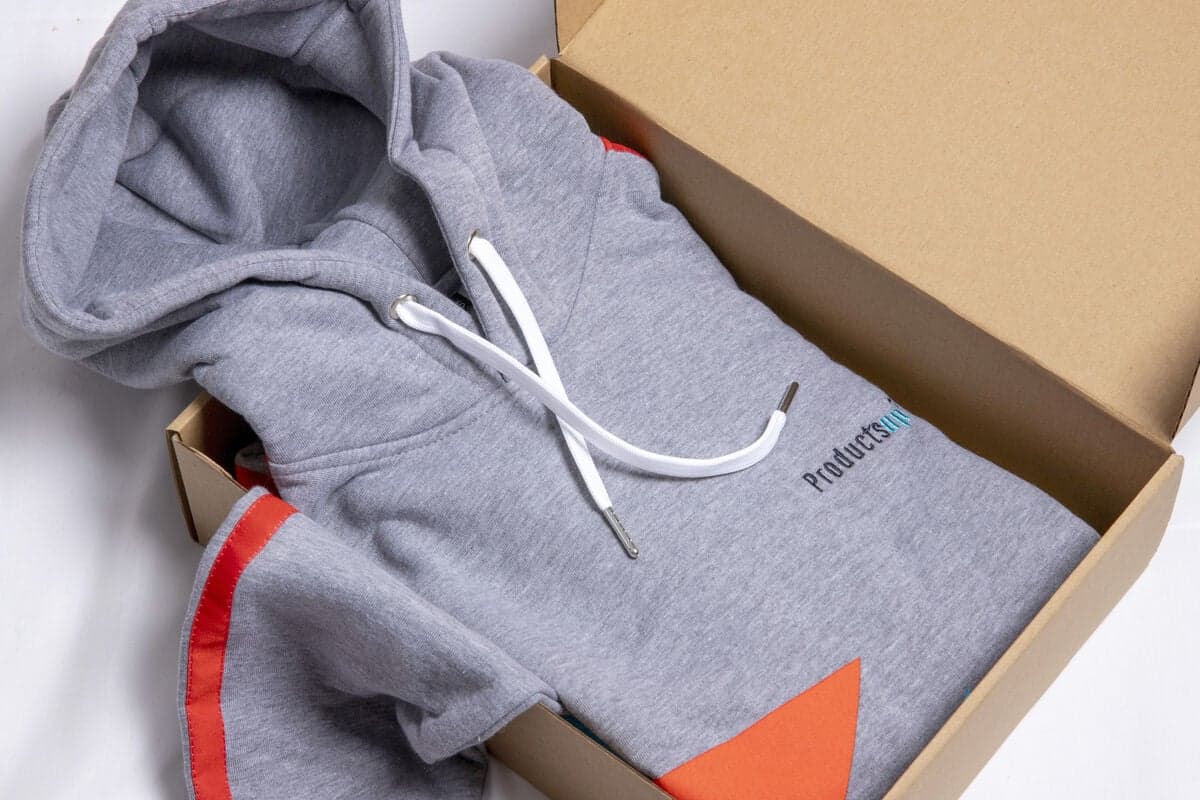
The same IT vendor above tiers by partner size: a small IT company receives fewer items, a 100-employee partner receives more. That is tiering doing its job, value-adjusted, still automated, still scalable.
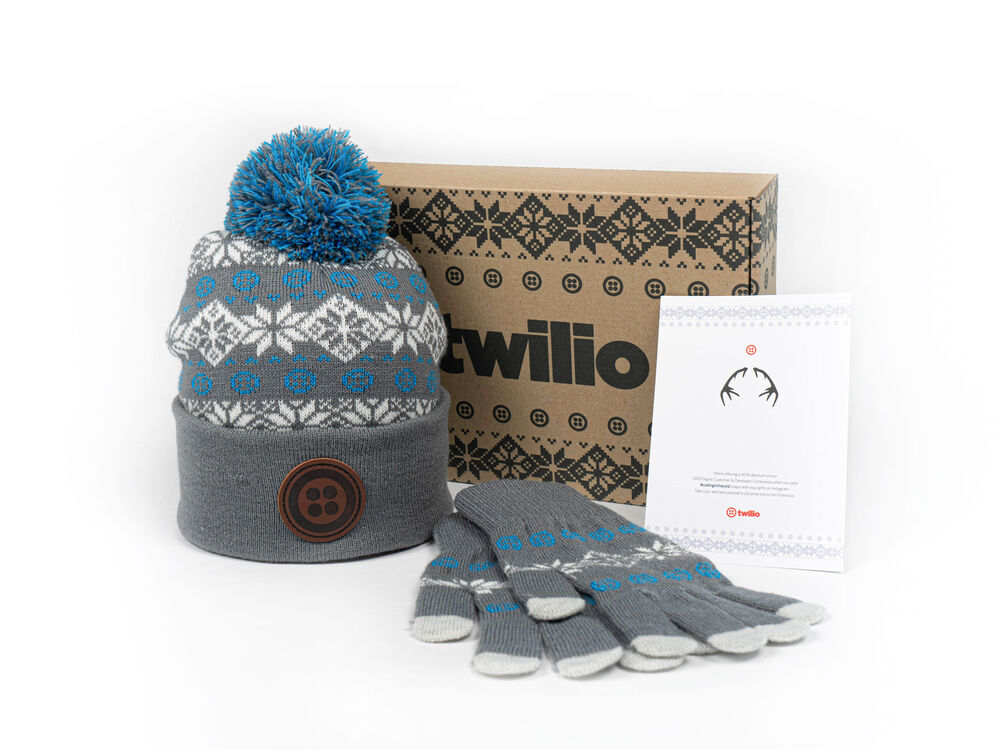
A higher-tier partner box. Tiering decides how much goes in, how customised it is, and whether co-branding applies. Standardise the system, vary the value.
Step 3: Set co-branding rules
Co-branding, adding the partner's name or logo alongside yours, is a reward, not a default. Reserve it for higher tiers and meaningful volume: the vendor funds it, so the partner earns it. The trick is to make it a status marker without turning it into an admin burden for every order.
- Standardise logo position and maximum dimensions so every co-branded item looks intentional.
- Approve colours and products in advance, with templates and production rules.
- Build one global collection that can be localised for selected partners, rather than a bespoke design per partner.
Done this way, co-branding becomes a reward you can grant with a click, not a design project you dread. Set the rules once, then apply them by tier.
Step 4: Automate fulfilment
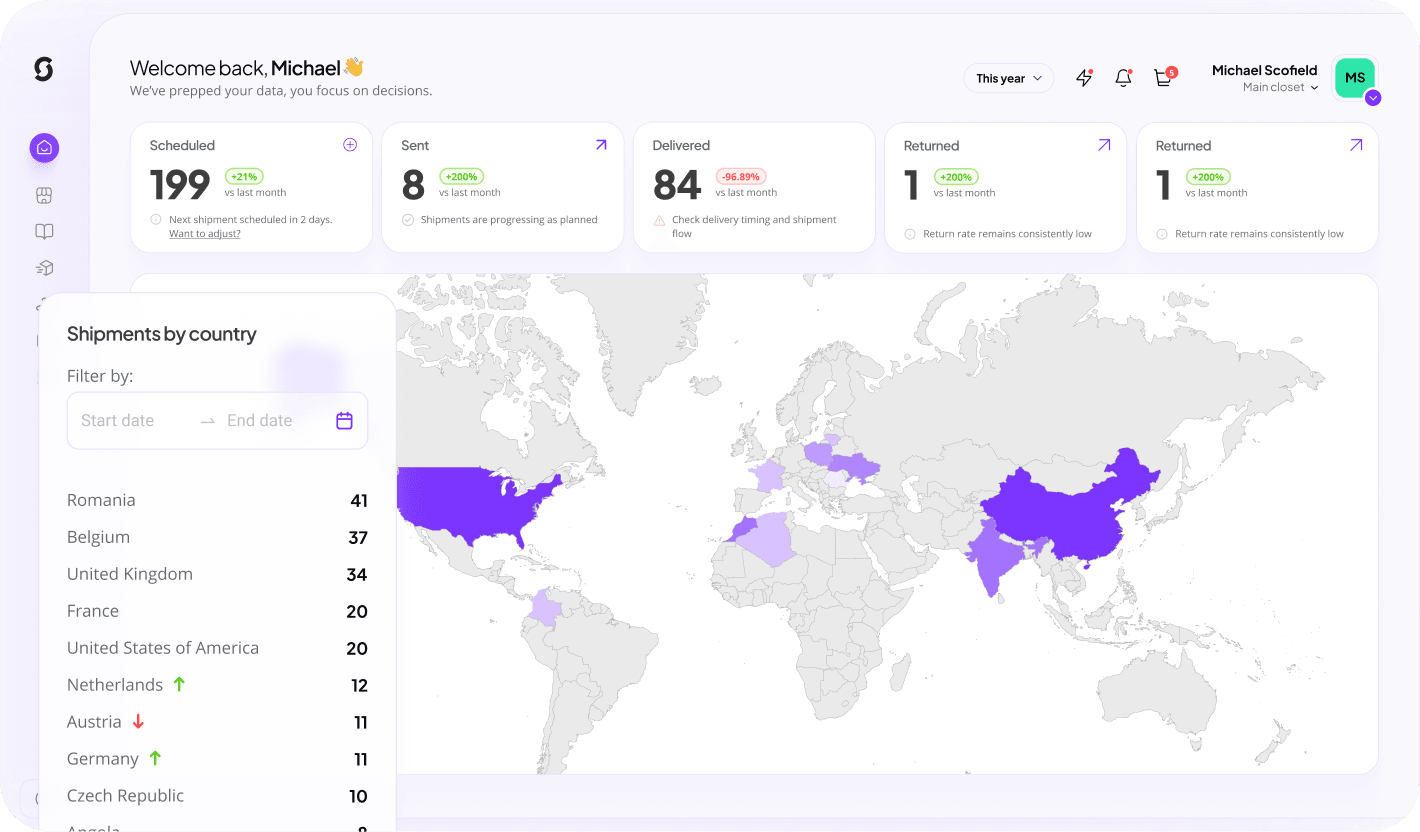
Connect your CRM or PRM so the program runs on real signals: partner status, agreement date, certification, employee count, tier, first-deal date, install milestones and geography. There are two automation models, and most programs use both.
- Fully automaticAn objective trigger fires the kit with no human step: auto invitation, redeem page, package. Best for registration, online certification, standard signings and tier upgrades, where the milestone is unambiguous.
- One-button approvalA manager presses one button and the rest runs: email, redeem, address collection, product, shipment, tracking. The human makes the decision; the admin is automated. Best where a person should still judge whether to send.
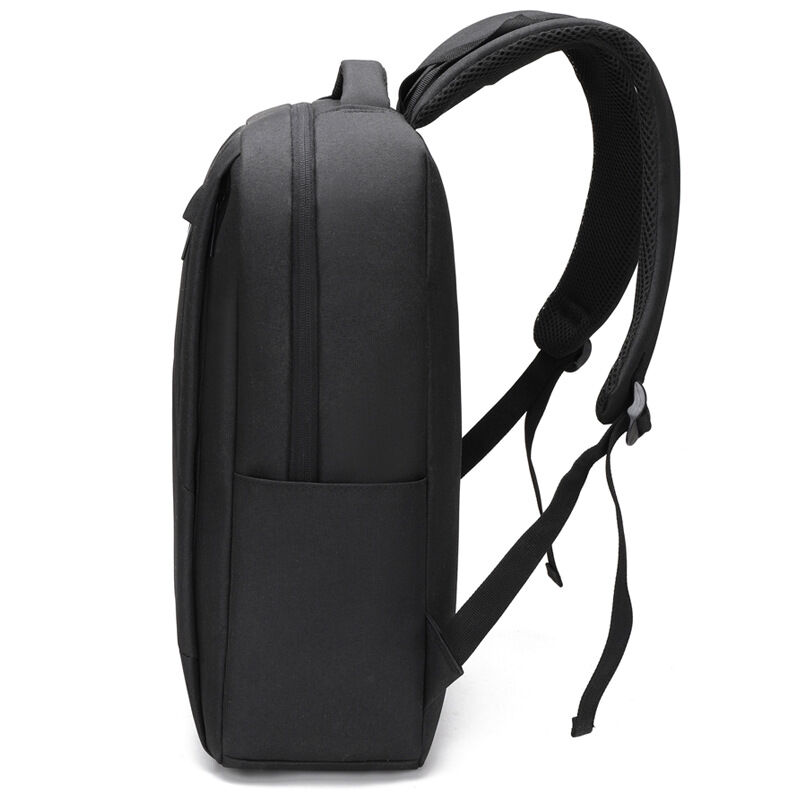
A backpack is a common anchor item in automated partner kits, useful, visible and premium. Sunday produces the custom backpack, lets you preview it in your colours in the free backpack mockup generator, and handles the fulfilment on the same platform.
Step 5: Know when to outsource distribution
Here is the practical threshold. Past roughly 25 active partners, external distribution becomes genuinely valuable, and it is essential once you add multiple countries, recurring shipments, tiers, co-branding, bulk boxes and certification triggers. Below that, you can manage by hand. Above it, the admin quietly becomes a multi-person internal job.
The pain is never the courier. It is missing and outdated addresses, product and size collection, bulk shipments, customs and duties, tracking, forgotten partners and endless follow-up. Partners will not manage your merch process for you. Sunday handles individual shipments, bulk partner boxes, regional shipments, pallets, recurring distributions and global customs, so your channel team builds relationships instead of packing boxes. See the distribution service, explore the platform, or read how it works.
Measuring the program
Merch supports a business outcome, not just a gesture, so measure against the objective you chose in step one.
- Resellers: time to first deal, activation rate.
- Installers: certification completion, first-install speed.
- Distributors: active partner employees, local revenue growth.
- Across all: engagement, churn, merch redemption, tier progression, revenue ramp.
The point is that merch supports a business outcome rather than being a standalone gesture, so the metric should map to the milestone the kit was designed to accelerate.
Keep reading: partner onboarding kits
Run your partner kits program on Sunday
Connect your triggers, set your tiers, and let Sunday handle production and global distribution. Create a free account and build the campaign in 30 seconds.
Build this campaignRunning a partner onboarding kits program: questions answered
When should a partner onboarding kit be sent?
Send it at the milestone where the partner becomes meaningfully active, which is not always the contract date. Common triggers are a signed agreement, completed self-service registration, certification, first deal, first installation and tier upgrade. Certification is a strong trigger for installers and technical partners because it marks operational readiness. First deal or first install rewards real activity, often with a second reward after the first success. Pick the milestone you most want to reinforce, then tie the kit to it.
How do you tier partner onboarding kits?
Tier by partner type, size, revenue potential, strategic importance, market, certification status and integration level. Tiering affects product quantity and value, customisation depth, co-branding eligibility, the number of employee kits, budget and partner-store access. For example, a small partner receives fewer items while a 100-employee partner receives more. The aim is a system standardised enough to scale across many partners yet tailored enough to reflect each partner's value, rather than one identical kit for everyone.
Is co-branding partner kits worth the hassle?
Yes, if you reserve it for higher tiers and meaningful volume. Co-branding is a reward and a status marker, not a default: the vendor funds it, so the partner earns it. Keep it manageable by standardising logo position and maximum dimensions, approving colours and products in advance, and building one global collection that can be localised for selected partners. Done that way, co-branding becomes something you grant with a click rather than a design project per partner, so it stays a reward and not an admin burden.
How do you automate partner kit fulfilment?
Connect your CRM or PRM so the program runs on real signals like partner status, agreement date, certification, employee count, tier and geography. Then use two models. Fully automatic fires the kit from an objective trigger with no human step, ideal for registration, online certification and standard signings. One-button approval lets a manager press a single button and automates the rest: email, redeem, address collection, product, shipment and tracking. The rule is to automate the repetitive ops, not the relationship decisions that should stay human.
When should you outsource partner kit distribution?
Around 25 active partners is the practical threshold where external distribution becomes valuable, and it is essential once you add multiple countries, recurring shipments, tiers, co-branding, bulk boxes and certification triggers. The hard part is never the courier; it is missing addresses, size collection, bulk shipments, customs, tracking and forgotten partners. Partners will not manage your merch process. Sunday handles individual shipments, bulk partner boxes, regional shipments, pallets and global customs, so your channel team builds relationships instead of packing boxes.
How do you measure whether a partner onboarding program works?
Measure against the objective you set with the trigger. For resellers, track time to first deal and activation rate. For installers, track certification completion and first-install speed. For distributors, track active partner employees and local revenue growth. Across all partner types, watch engagement, churn, merch redemption, tier progression and revenue ramp. The point is that merch supports a business outcome rather than being a standalone gesture, so the metric should map to the milestone the kit was designed to accelerate.