


To run a client onboarding gifts program, set a clear trigger (a closed deal or completed onboarding), pick one standardized gift under €50, personalize it with a handwritten note and a redeem link for size and address, connect your CRM so it fires automatically a few days after signing, and track the impact through your gifting platform. Automation is the whole point: it makes the program consistent, which is the one thing that decides whether it works.
Gifting is no one's full-time job. Salespeople are busy closing, so a program that relies on someone remembering to send a box will quietly fail and, worse, become inconsistent: one client posts their package, another got nothing, and that gap turns sensitive fast. A real program removes the human memory from the loop. Here is how to build one in five steps.
Step 1. Set the trigger and timing
Start by deciding exactly what fires the gift and when. The trigger is an event in your CRM: a deal moves to closed-won, a license is purchased, or onboarding is marked complete. The timing rule matters as much as the trigger.
- Not on signature. The client is already on a high. A gift now adds little.
- A few days to a week after. Once the first excitement fades and the wait begins, the gift reactivates the relationship and removes the doubt that creeps in.
- For long-wait purchases, like a multi-month delivery, send around the halfway point to break the waiting cycle.
That post-signing window is the whole reason this works. Around 43% of B2B client churn happens in the first 90 days, and a gift placed in the dip after the deal high is a cheap, reliable touchpoint against it.
Step 2. Choose and standardize the gift
Pick one gift and standardize it so it is easy to ship and consistent across every client. Proportion it to the deal but keep it under €50 to stay clear of gifting rules that vary by country. Because the gift comes after signing, it is a token of gratitude, not an inducement, so it does not influence the contract.
| Deal size | Sensible gift | Budget guide |
|---|---|---|
| ~€100/mo subscription | A small branded welcome box, automated | ~€20–25 |
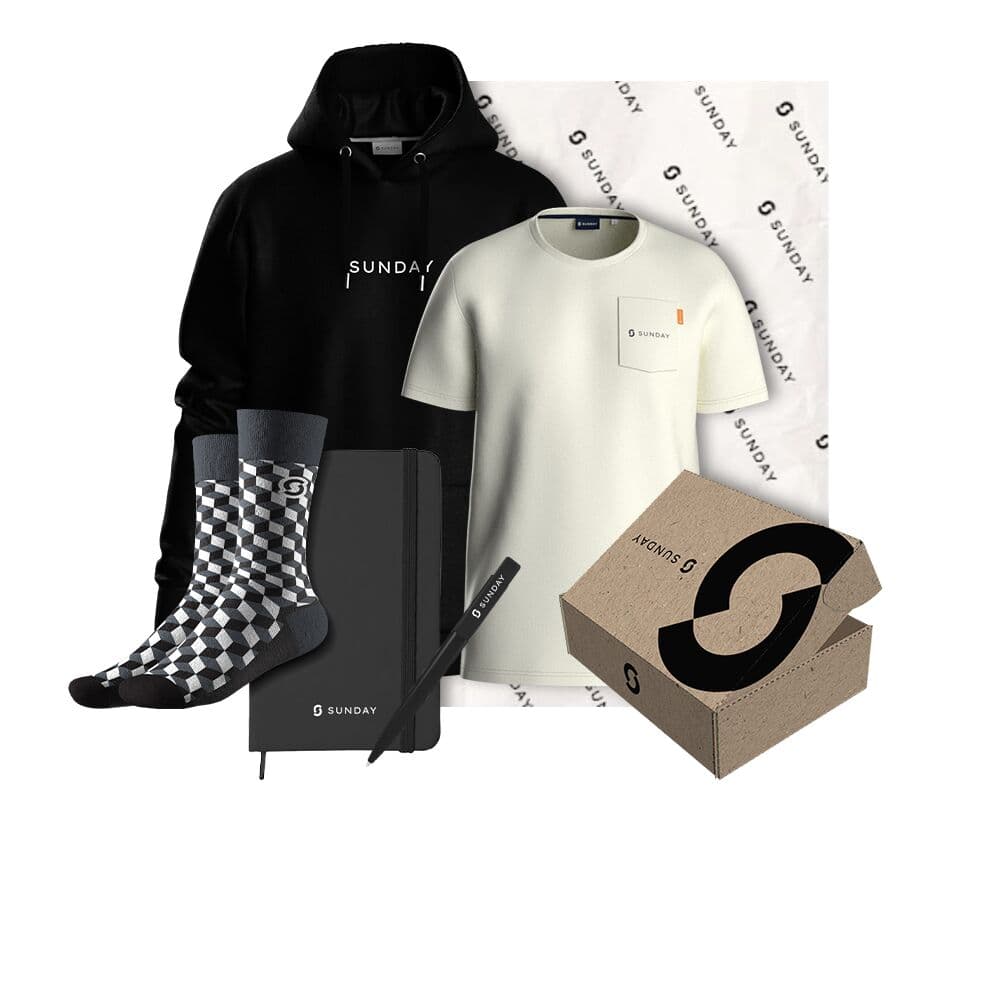
| Mid-market deal | A fuller box: apparel + a desk item + a note | Under €50 |
| Six-figure deal | A premium box, optionally with wine, still tasteful | Proportional, not excessive |
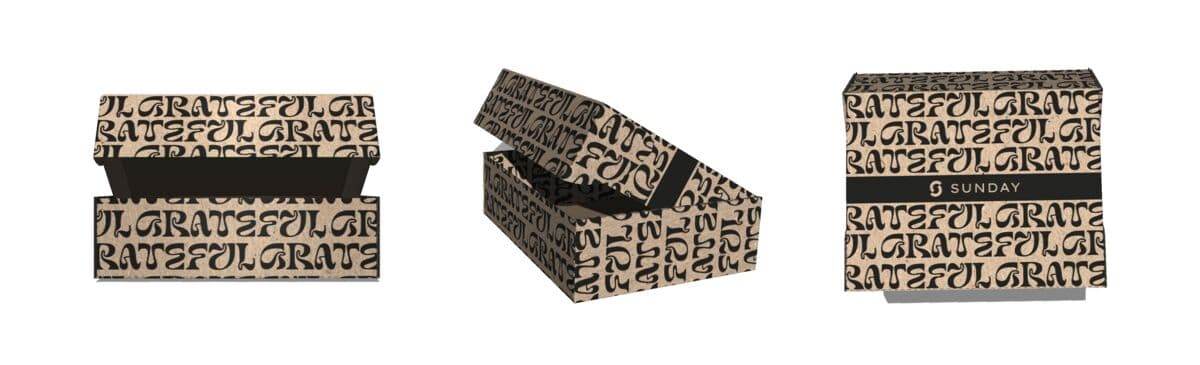
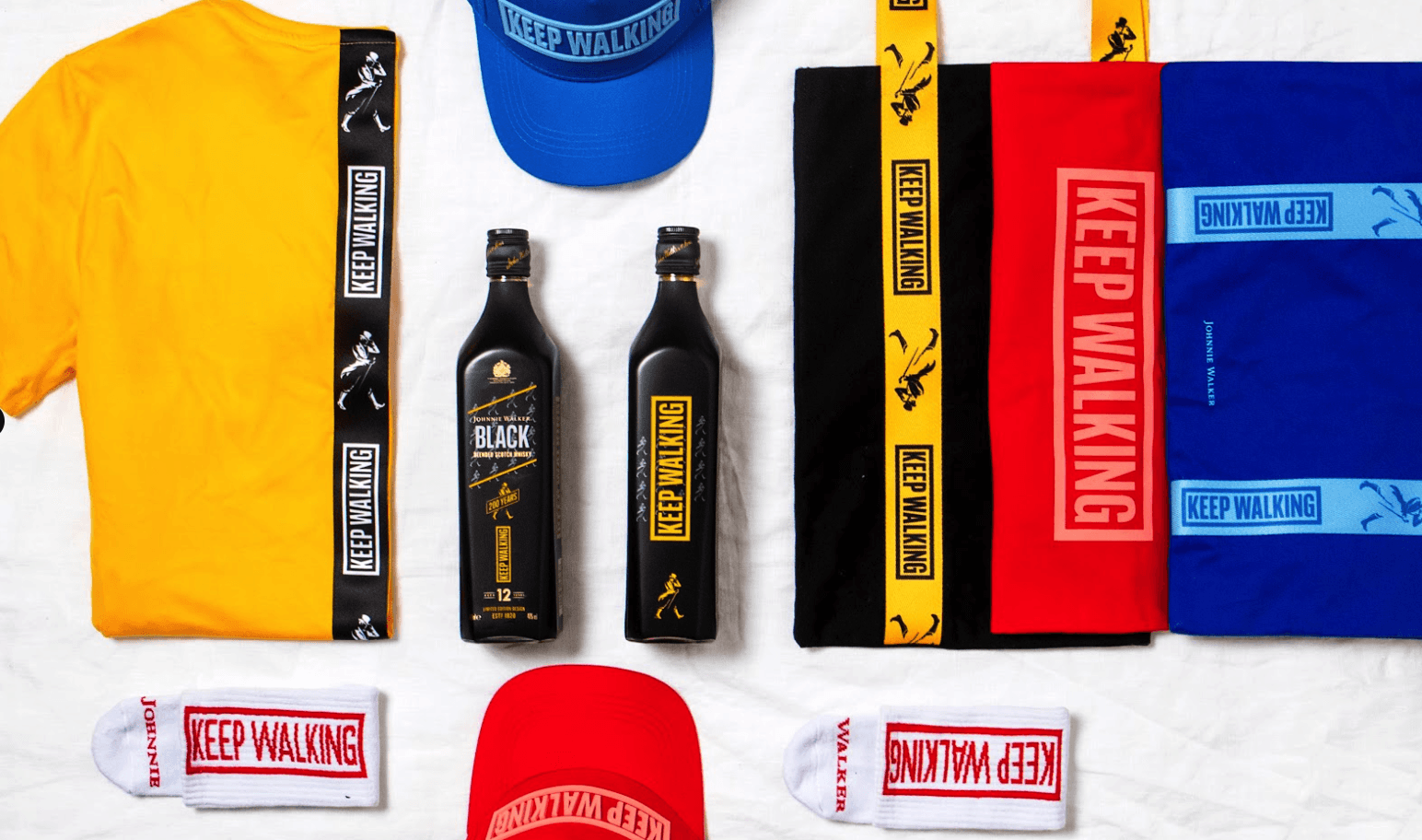
Make the packaging pop and put something genuinely good inside. The box travels the client's office, so it doubles as internal branding. Reliable contents: a wearable apparel piece subtle enough to actually wear, desk items people keep, or a premium mug set with a pack of coffee. You can preview any item in your brand with the free mug mockup generator, browse custom mugs, or explore the full catalog. For more, see the best products for client onboarding gifts.
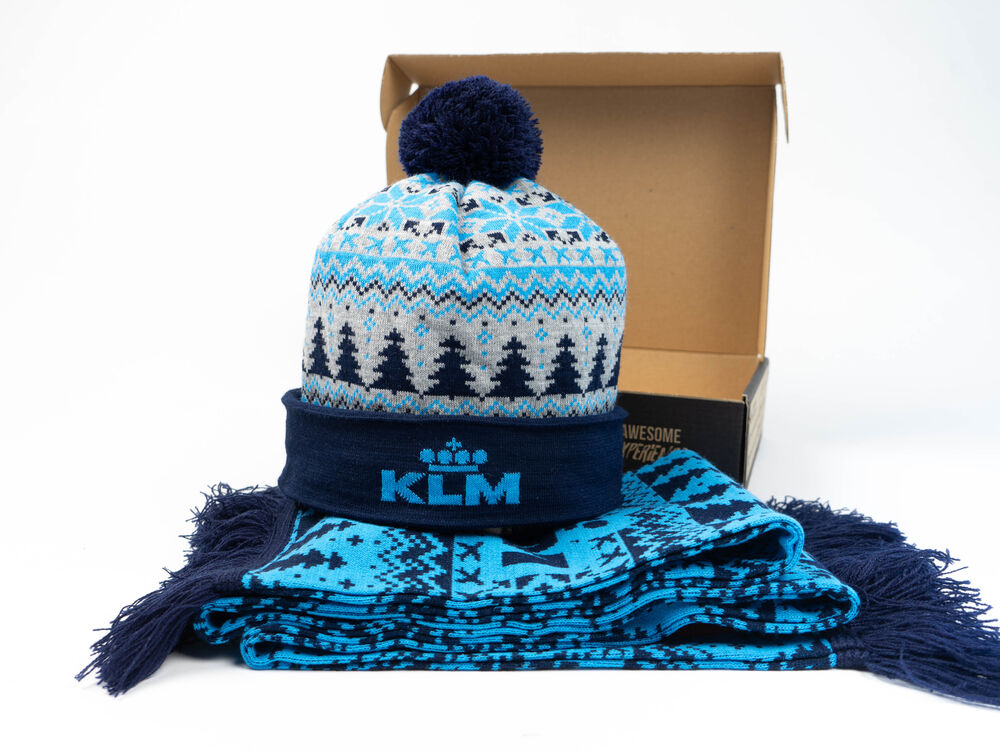
Standardize one well-designed, easily shippable box. Consistency is what makes the program work at scale.
Step 3. Personalize it
You do not need to personalize every item. A single handwritten or personal note does most of the work and is always appreciated. Where it fits, tailor the gift to the client's industry: a golf kit for finance, a travel pack for a travel-software client. For larger rollouts run with a partner, a co-branded collection reads like a real collaboration.
For sizes and addresses, send a redeem link rather than chasing personal details by email. The recipient fills in their own size and shipping address through a clean, well-designed form, which is far more comfortable than a rep asking. It also lets you gift a whole client team at once, a "swag bomb" that spreads goodwill across everyone who actually uses your product.
Step 4. Automate it from your CRM
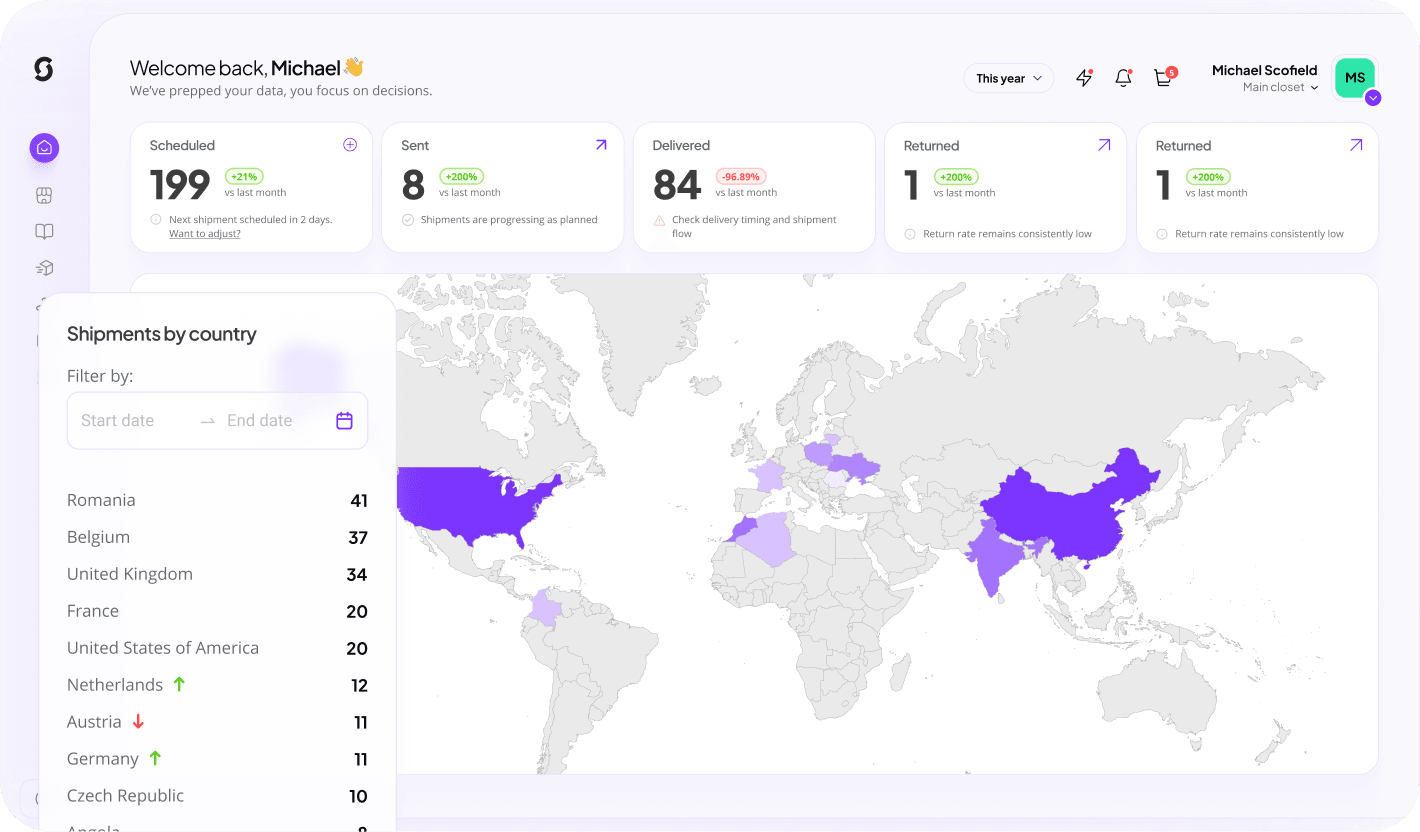
This is the step that turns a nice gesture into a program. Connect your CRM to the Sunday platform, map the trigger you chose in step one, and let the gift fire automatically. No one has to remember, which means no one gets forgotten.
The workflow
- Connect your CRM to the platform.
- Choose the trigger: "customer onboarded", "license purchased", or "deal closed-won".
- Choose fulfilment: ship directly, or send a redeem link for address and size.
- Sunday handles global logistics, customs and delivery, so the recipient never pays duty or fields a courier question and nothing gets lost.
Global, hands-off fulfilment is why you want an experienced partner for international gifting. When a client's team is spread across countries, Sunday ships per recipient and takes care of distribution end to end. See exactly how it works, and for the deeper build read our automation guide.
Step 5. Measure the impact
Track the program so you can prove it and improve it. Through the gifting platform you can see delivery, redemption and merch metrics, and learn automatically what people actually like. Tie it back to the metric that matters: retention through the first 90 days, the window where a human touchpoint moves the needle most.
- Redemption rate: how many recipients claim the gift through the redeem link.
- Delivery and coverage: confirm every triggered client actually received one. Consistency is the goal.
- Retention correlation: compare 90-day retention for gifted vs non-gifted cohorts.
- Engagement signals: replies, social posts, referrals prompted by the gift.
Mistakes to avoid
- Sending on signature instead of a few days later.
- Sending a single generic item with no packaging or note.
- Relying on salespeople to remember, which guarantees inconsistency.
- Going over budget, or sending something so big it feels like an inducement.
- Sending crap. You cannot give a low-quality item to a client. Design and quality are the whole point.
One factual note for finance teams: whether client gifts are tax deductible varies by country, so check local rules. Treat it as a detail, not a reason to skip the program.
Running a client onboarding gifts program: questions answered
How do you run a client onboarding gifts program?
Set a CRM trigger like a closed deal or completed onboarding, choose one standardized gift under €50, personalize it with a handwritten note and a redeem link, automate it to fire a few days after signing, and measure delivery, redemption and 90-day retention. Automation keeps it consistent, which is what makes it work.
What should trigger the gift?
An event in your CRM: a deal moving to closed-won, a license purchase, or onboarding marked complete. Send the gift a few days to a week after, once the initial high fades, rather than on signature.
How do you automate client gifts from a CRM?
Connect your CRM to a gifting platform, map your trigger, and choose whether to ship directly or send a redeem link for the recipient's address and size. The platform then fires the gift automatically and handles global logistics, customs and delivery.
How do you handle clients in different countries?
Use a platform that warehouses stock and ships per recipient. It handles customs and delivery so no recipient pays duty or chases a courier, and nothing gets lost. A redeem link collects each person's address and size cleanly.
How do you measure if the program works?
Track redemption rate, delivery coverage across every triggered client, the correlation with 90-day retention, and engagement signals like replies and referrals. The gifting platform surfaces merch metrics so you can see what people like.
Are client onboarding gifts tax deductible?
It depends on the country, and rules vary, so check locally. Because the gift is given after signing as a token of gratitude rather than an inducement, it sits comfortably as a goodwill gesture. Treat the tax question as a detail, not a blocker.
Keep reading: client onboarding gifts
- Client onboarding gifts: the complete guide
- How to automate client onboarding gifts with your CRM
- Best products for client onboarding gifts
- Client onboarding gifts FAQ
- Client onboarding gift ideas
Run your onboarding gifts on autopilot
Connect your CRM, set the trigger, and let every new client get a perfectly timed gift. Create a free account and build it in 30 seconds.
Build this campaign