
A sock template is a flat technical drawing that maps every zone of a sock and shows where logos, patterns, colors, and text can be placed. It's the translation layer between your brand vision and the knitting machine's capabilities. Without it, designers guess at proportions, placements get awkward, and the first mockup comes back looking nothing like what you imagined.
Good manufacturers provide templates as part of the design process. You shouldn't need to create one from scratch. But understanding how a template works makes you a faster, more effective briefer. You'll know which zones are available, what constraints exist, and how to communicate your design intent in a way that produces the right result on the first attempt.
- 6: distinct customizable zones on a standard crew sock template.
- 48h: from brief to first design mockup at Sunday.
- 2x: faster design process when briefs use template zones.
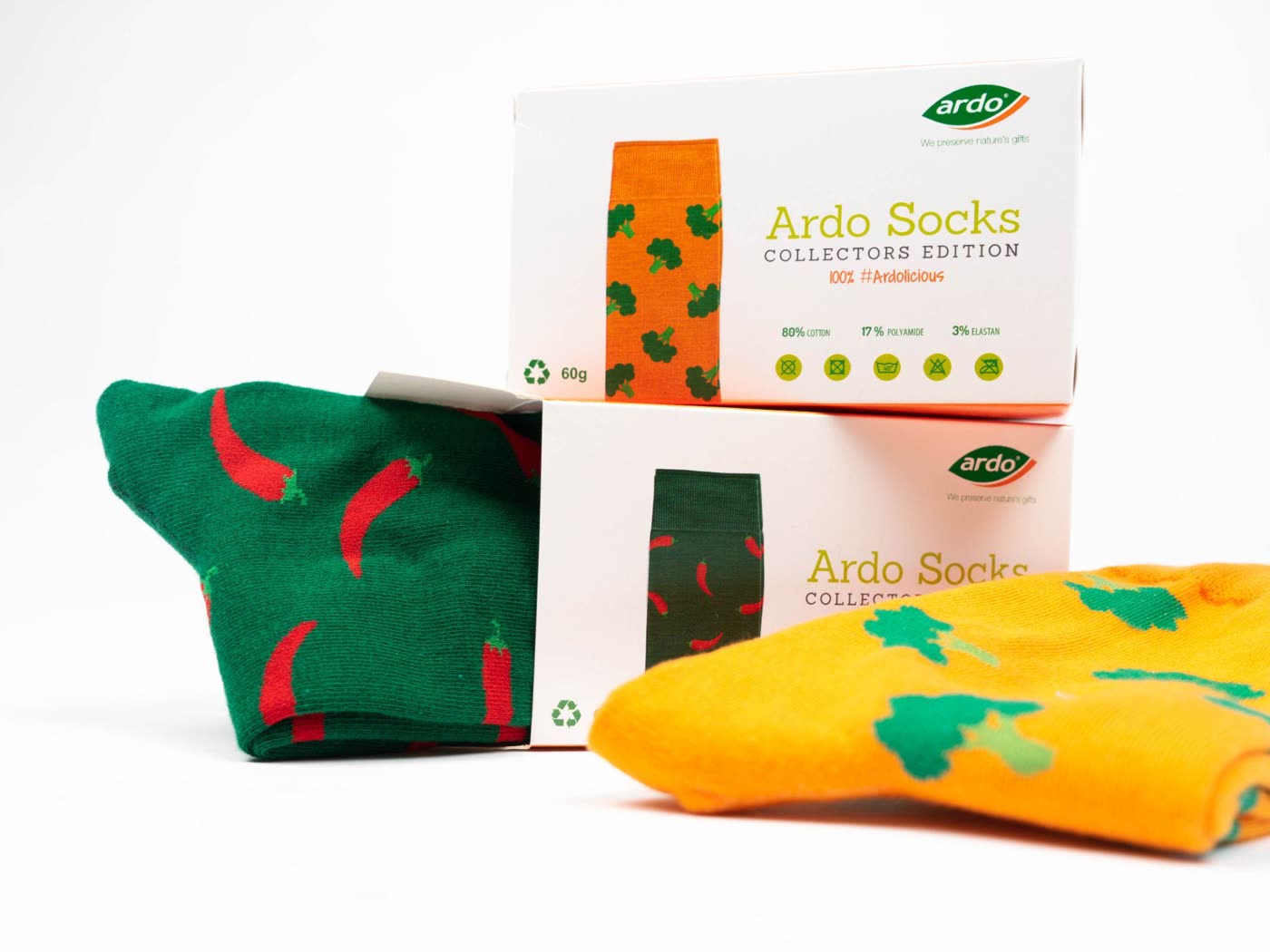
What is a sock template? A sock template is a flat, 2D technical drawing of a sock laid flat, showing the cuff, leg, heel, foot, and toe zones with their dimensions and constraints. It serves as a design canvas that maps directly to how the sock will be knitted. Marketing teams use it to place logos and patterns, and manufacturers use it to program the knitting machine.
What is a sock template?
Think of a sock template as the blueprint of your design. It takes the three-dimensional shape of a sock and flattens it into a 2D canvas with labeled zones. Each zone has specific dimensions, color limitations, and knit characteristics that affect what designs will work.
A crew sock template, for example, shows the cuff (top 3-5cm), leg (main canvas, 12-18cm), heel turn, foot bed, and toe box. The leg is your primary design area. The cuff is a secondary branding zone. The heel, sole, and toe offer surprise placement opportunities for hidden branding details.
Customizable zones on a sock template
| Zone | Dimensions | What to place | Constraints |
| Cuff | 3-5cm height, full circumference | Wordmarks, stripes, color bands | Elastic content limits fine detail |
| Leg (front) | 12-18cm height, ~15cm wide | Main logo, patterns, all-over designs | Primary canvas; 6-8 color max |
| Leg (back) | Same as front | Secondary patterns, repeat marks | Less visible when seated |
| Heel | ~8cm height | Accent color, small icon | Stretch area; avoid fine detail |
| Sole | Full foot length | Hidden messages, full logos | Not visible during wear |
| Toe | ~5cm | Accent color, small icon | Stretch area; keep designs simple |
Design files and inputs needed
To work effectively with a sock template, prepare these files before briefing your manufacturer:
- Logo: Vector format (.ai, .eps, .svg). Multiple versions if available (icon only, wordmark, full lockup). Each variant gives the designer flexibility for different placement zones.
- Color palette: Pantone codes for all brand colors. Specify primary, secondary, and accent colors. Include any colors that should NOT be used.
- Brand guidelines: If you have a brand guide PDF, share it. Minimum clear space around logos, preferred proportions, and any placement restrictions help the designer work accurately.
- Reference images: Photos of sock designs you like. These communicate aesthetic direction faster than written descriptions. Even if the reference is from a different brand, it gives the designer a visual anchor.
Design briefing checklist
Give your designer everything they need in one brief:
- Logo file(s) in vector format (.ai, .eps, .svg)
- Pantone color codes for all brand colors
- Sock style: crew, ankle, or no-show
- Material preference (or "recommend for our use case")
- Preferred logo placement zone(s)
- Design direction: subtle, bold, all-over, minimalist
- Use case: event, onboarding, gift, retail
- Target audience: employees, customers, conference attendees
- Quantity estimate
- Reference images (socks you like the look of)
- Things to avoid (specific colors, styles, placements)
- Packaging preference if known
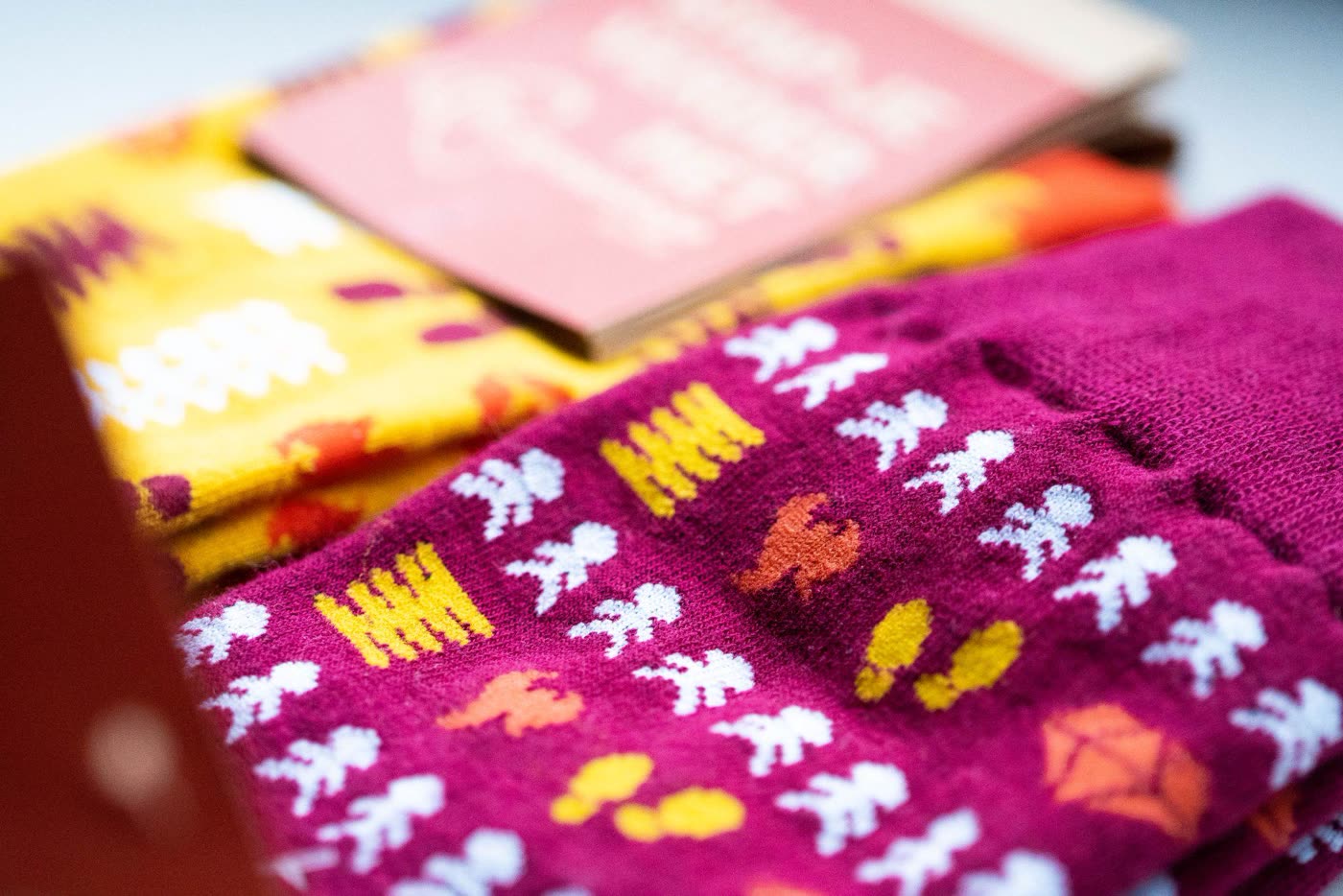
Pattern examples by use case
Events
Bold colors, event-specific themes, large patterns. The sock should be eye-catching and collectible. Consider a date stamp or event name as a design element. All-over pattern with the logo as one repeated element works well.
Employee onboarding
Subtle branding, premium feel. Dark base color (navy, charcoal) with brand accent at the cuff or in a micro-pattern. The sock should feel like something they'd buy, not something they were given. Small logo at the cuff or sole.
Client gifts
Elegant, restrained. Premium material (bamboo or merino). Logo on the sole only (hidden surprise) or as a very small mark at the cuff. The design should work as a gift, not as advertising. Rich colors, minimal text.
Retail / community merch
Fashion-forward. Treat this like a product design, not a corporate project. Bold patterns, seasonal colorways, limited editions. The brand mark is secondary to the overall design aesthetic. Think Stance or Happy Socks, but in your brand colors.
Common template mistakes
- Ignoring the heel and toe stretch zones: Fine details placed in stretch areas (heel turn, toe box) distort when worn. Keep these zones simple: solid colors or bold, simple marks.
- Too many colors: Knitting machines handle 6-8 colors. Designs with 10+ colors need to be simplified or switched to sublimation printing. Plan for the constraint early.
- Filling every zone: A sock where every zone has a different design element looks busy and unfocused. Leave some zones as solid color. Negative space makes the branded elements stand out.
- Providing raster logos: A low-resolution .png or .jpg logo will produce pixelated results. Always provide vector files for clean scaling.
Using templates to speed up design
Use our template as your canvas
Sunday provides templates for every sock style. The template shows zones, dimensions, and constraints so your brief maps directly to what's possible in production.
Brief with specificity
Use the checklist above. The more specific your brief (placement, colors, direction, examples), the closer the first mockup hits the mark. Vague briefs produce vague results.
First mockup in 48 hours
Our design team translates your brief into 2-3 mockup options. Each mockup is mapped to the template and optimized for the knitting process.
Iterate on the template
Mark up the mockup with changes: move this here, change this color, try a different pattern density. Template-based feedback is faster than starting from scratch.
Approved template goes straight to production
The approved design template is the exact file used to program the knitting machine. No translation step. What you approved is what gets produced.
Free templates, free design support, 48-hour mockups. Start your custom sock project with Sunday.