


To automate work anniversary gifts: connect your HRIS or CRM so tenure dates trigger sends, define which gift each milestone gets once, route each recipient through a redeem page to confirm address and size, then let the platform handle warehousing and global shipping. Set it up once and every milestone fires automatically, so nobody gets forgotten.
The real failure mode for anniversary programs is not budget. It is that people get forgotten, and that hurts most in large, distributed teams where some groups quietly get less attention than others. Automation fixes that. It is the whole game: set the rules once, and the program runs itself while still feeling personal. Here is how to build it. This is part of our complete work anniversary gifts guide.
Why automate anniversary gifts
Manual anniversary programs break in predictable ways: a date is missed, an address is wrong, a box bounces, or one team gets remembered and another does not. Automation removes the human bottleneck without removing the human touch. The goal is simple: everyone actually gets something, on time, at their door.
- Nobody forgotten. Tenure dates trigger the send, so no milestone slips through, even across thousands of people.
- No stale addresses. The employee confirms where to ship, so boxes do not get sent to an old home.
- Right sizes. For sized items, the recipient picks, so you never guess and never reship.
- Global by default. Remote and on-site staff are treated equally, shipped worldwide from one place.
Step 1: Set the trigger (HRIS / CRM)
Automation starts with a date. Connect your HRIS, or a CRM like HubSpot, so each person's start date becomes an anniversary trigger. You define the tenure milestones that matter, 1, 5, 10 and 20 years for a traditional company, or every year plus an onboarding-complete gift for a fast-moving one. From there the system watches the dates and fires the send when each milestone arrives, with no one having to remember. Sunday is built as merch infrastructure that plugs into the tools you already use, so the trigger lives where your people data already lives. See how it works and the platform.
Step 2: Define gift rules by tenure
Set the term and the gift each tenure gets, once. This is the rules layer: map each milestone to a gift, and the automation applies it consistently every time someone reaches it. A simple ruleset looks like this.
| Trigger | Gift rule | Notes |
|---|---|---|
| Onboarding complete | Branded socks | Low cost, high delight, no sizing friction |
| 1 year | Small branded box | Always with a personal note |
| 5 years | Premium curated box | Recipient picks sizes via redeem page |
| 10+ years | Standout gift | Pair with public recognition |
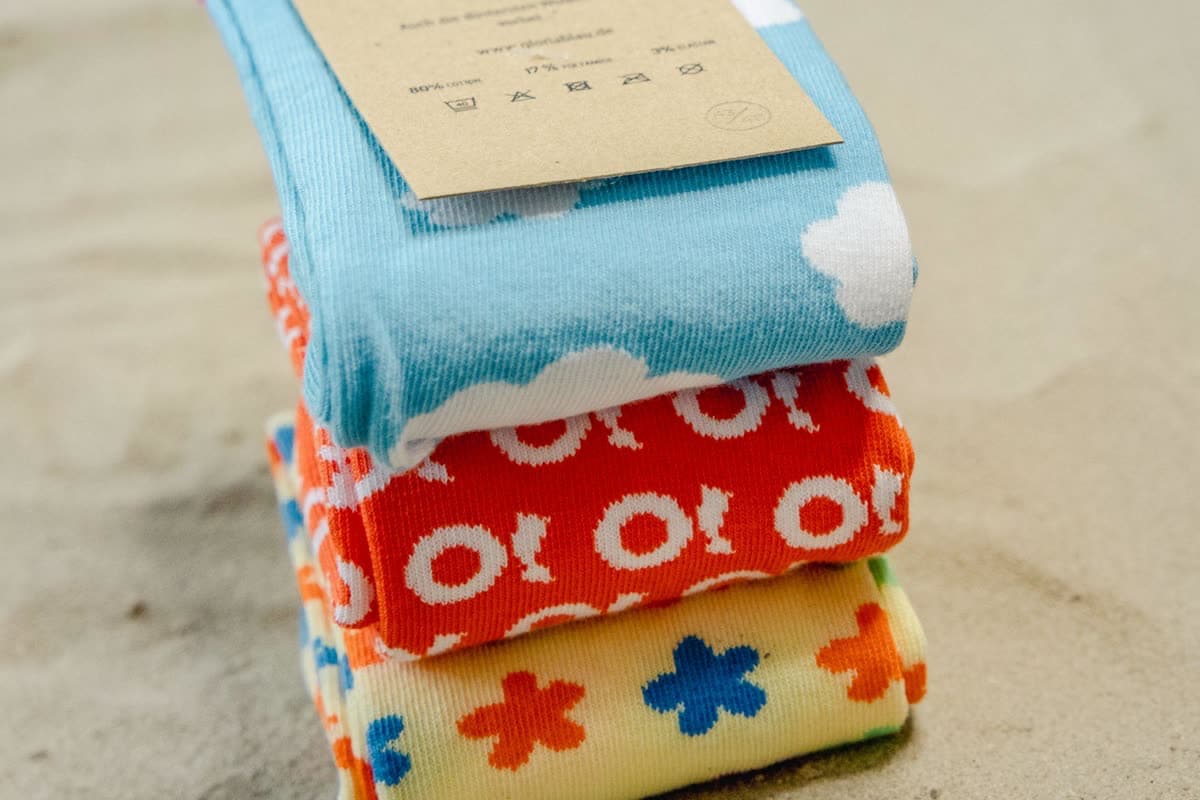
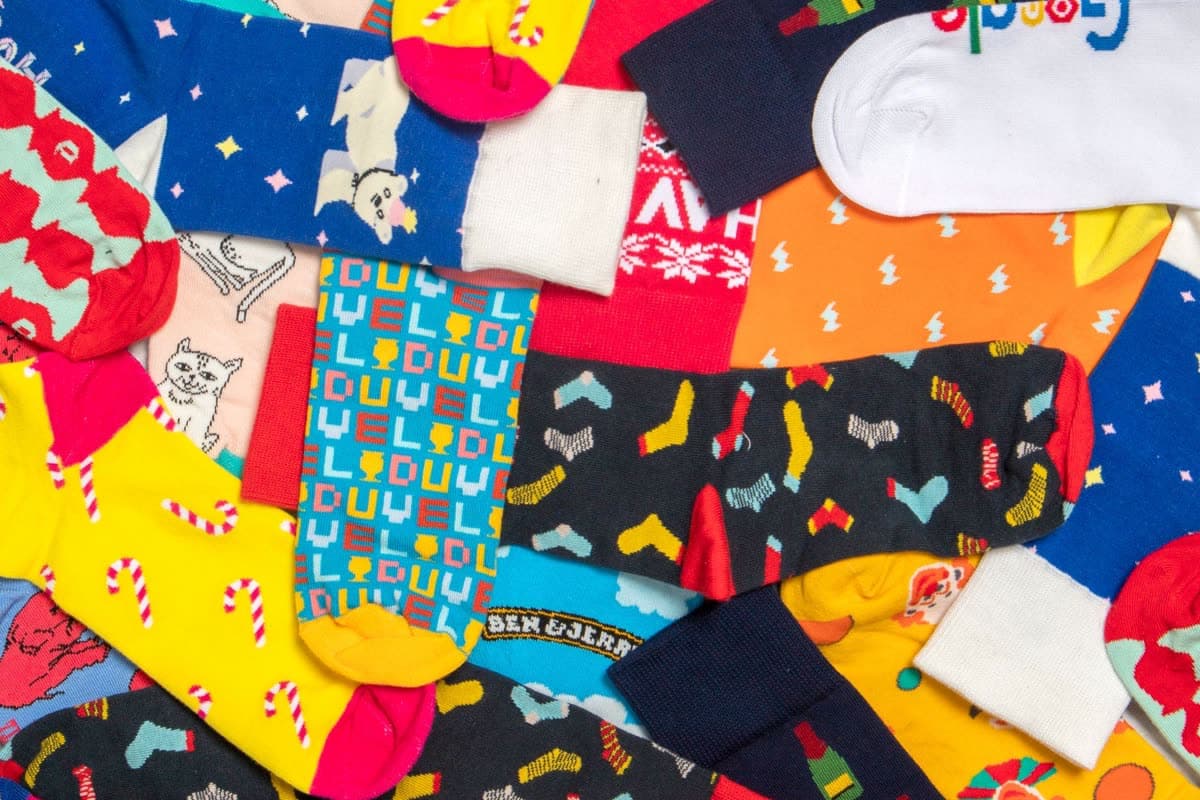
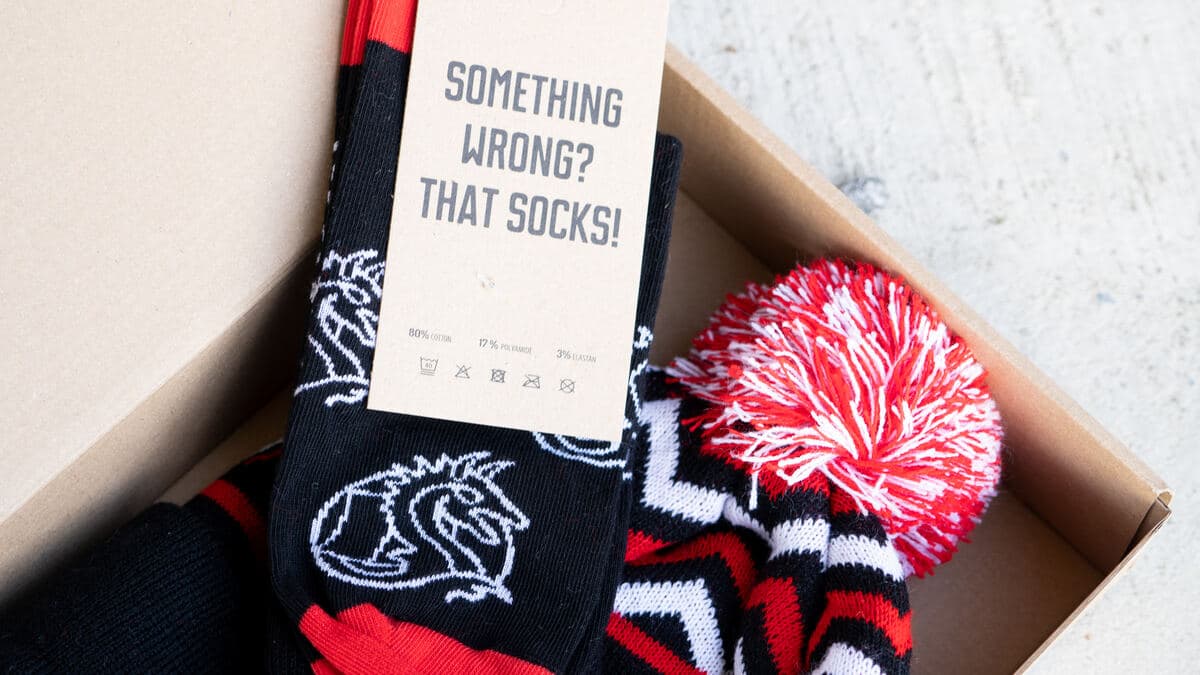
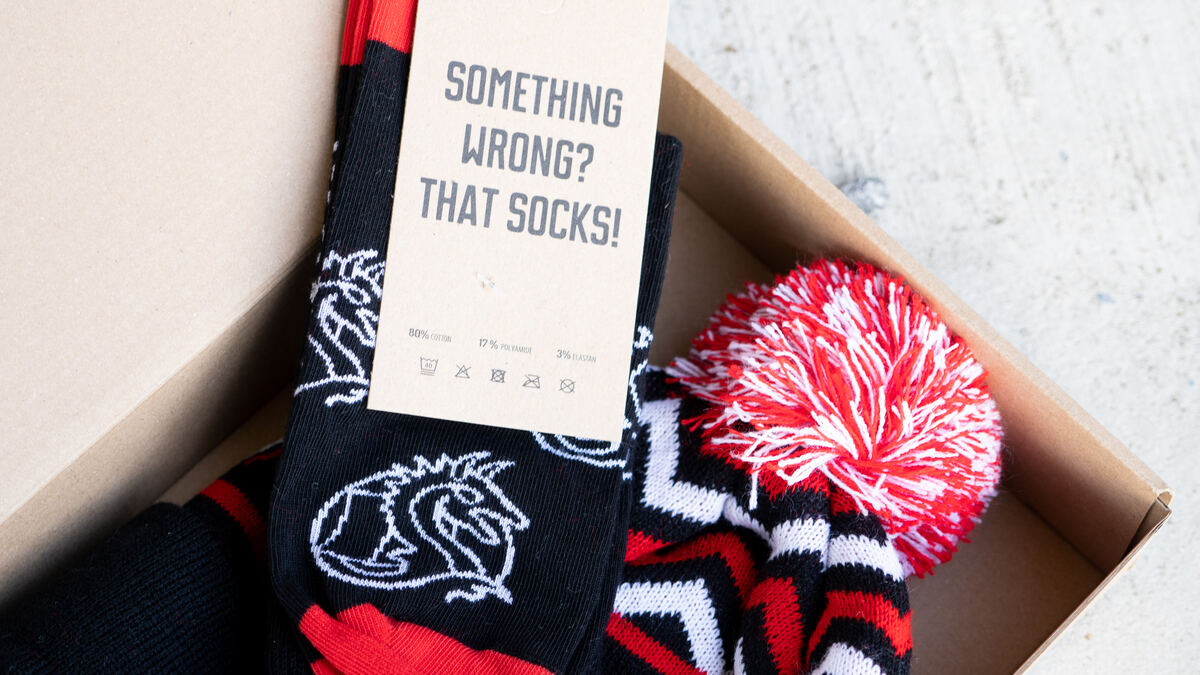
Branded socks are a natural fit for the early milestones: one size fits most, so there is no sizing step at all, and they are picture-worthy and cheeky even for a serious brand. Preview a pair in your colours with the free sock mockup generator, or explore the custom socks page. For the full gift menu, see best anniversary products.
Step 3: Add a redeem page
The redeem page is the piece that keeps automation from going wrong. Instead of shipping to whatever address HR has on file, the employee gets a notification and confirms their own details: where to ship, and their size for any sized item. HR data goes stale the moment someone moves, and confirming the address means it is not the first time the box fails to deliver. Nobody wants to pay for wasted shipping.

Confirm the address before you ship. A redeem page lets each employee set their delivery details and sizes, so boxes land first time, anywhere in the world.
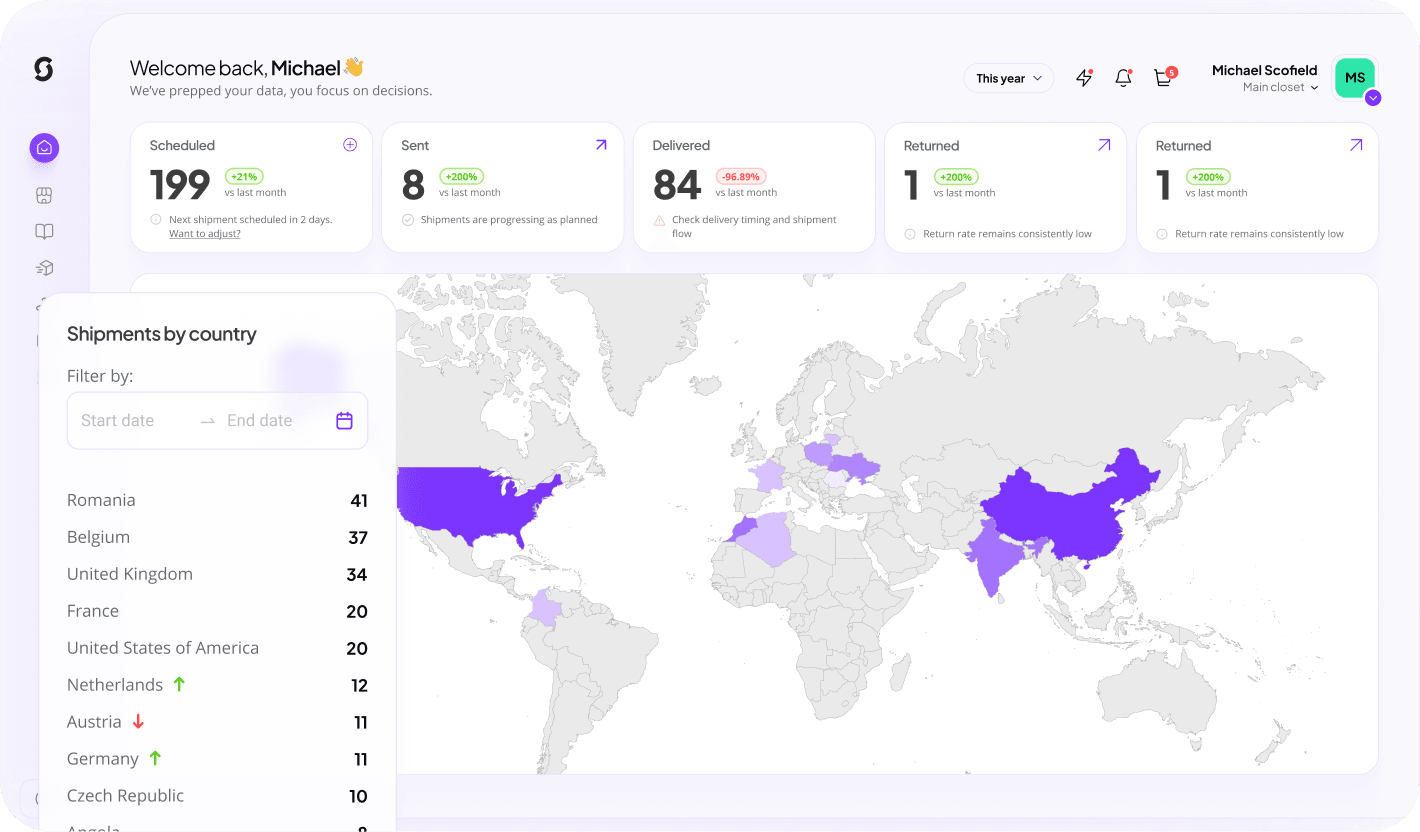
The Sunday view. Automation can still feel personal, even when it is just a notification. The redeem page gives the employee a small moment of choice, and at least everyone actually gets something.
Step 4: Automate global shipping
Once the gift rule fires and the address is confirmed, fulfilment should be hands-off. The platform pulls from warehoused stock, packs the right gift, and ships it, to a home for remote staff or to the office for on-site teams. Sunday warehouses your branded stock and ships globally to 200 plus countries, so a distributed team is no harder than a single office. That removes the part of anniversary programs that usually eats the most admin time. See distribution for how global fulfilment works.
- Trigger fires from the tenure date in your HRIS or CRM.
- Gift rule selects the right item for that milestone.
- Redeem page collects confirmed address and size.
- Warehouse packs and ships worldwide, with tracking.
Keeping it personal
Automation is the engine, not the message. Keep a personal note on every gift, scale the gift to tenure so a 10-year milestone feels different from a first year, and build a story where you can. One team assigned each tenure band an animal and gave a matching outfit, and reaching the next animal became a status symbol. The automation handled the timing and the shipping; the story did the rest.
Keep reading: the work anniversary series
- Work anniversary gifts: the complete guide for 2026
- Best products for work anniversary gifts
- 9 ways companies use custom socks
Build this campaign with Sunday
Connect your tenure data, set your gift rules once, and let every milestone fire automatically. Create a free account and see it in about 30 seconds.
Automate your program