

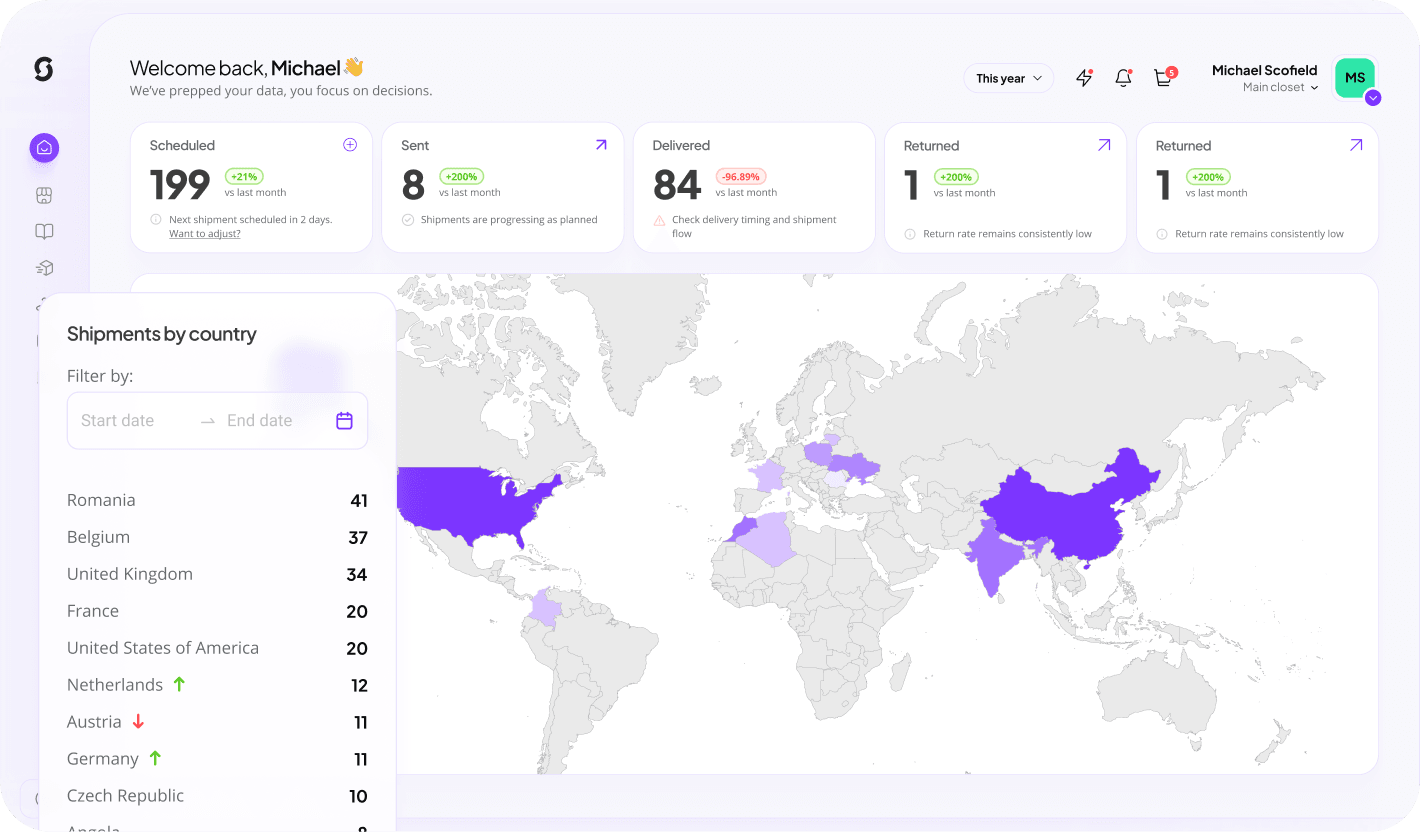



What it does
Jaggaer buyers access Sunday's catalogue and route merch through the same sourcing, contract and PO processes used for every other indirect category.
What you can do with Jaggaer
Place orders
Create merch orders in Sunday from the connected tool, single items, kits or bulk runs.
Approvals & budgets
Spend limits, budget owners and approval steps enforced before anything ships.
Catalogue sync
Expose the Sunday catalogue, products, variants, prices, to the connected tool.
Invoicing & cost allocation
POs, invoices and cost-center splits land in your finance system automatically.
Punch-out catalog
cXML/OCI punch-out: shop the Sunday catalogue inside your procurement suite and return the cart as a requisition.
How it works
Onboard Sunday
Register Sunday as an approved supplier.
Load the catalogue
Hosted or punch-out, whichever your team prefers.
Transact
POs and invoices exchange automatically.
Key benefits
Category control
Merch stops being maverick spend.
Performance data
Delivery and quality metrics feed supplier scorecards.
Simple for buyers
Familiar shopping experience.
What syncs
| Data | Direction | Details |
|---|---|---|
| Catalogue items | Sunday → App | Pricing and lead times. |
| Purchase orders | App → Sunday | Received electronically. |
| Invoices | Sunday → App | Matched to PO. |
Requirements
- Jaggaer supplier onboarding
- cXML or OCI connectivity
Frequently asked
Is the Jaggaer integration included in my plan?
Yes. Every Sunday workspace can connect Jaggaer at no extra cost. Usage is only limited by your Jaggaer plan's own API access.
How long does setup take?
Most teams are live in under 30 minutes. Connect the account, map your fields once, and turn on the automations you need.
Can I control what data is shared?
Yes. You choose which objects and fields sync, and you can pause or disconnect the integration at any time from workspace settings.