

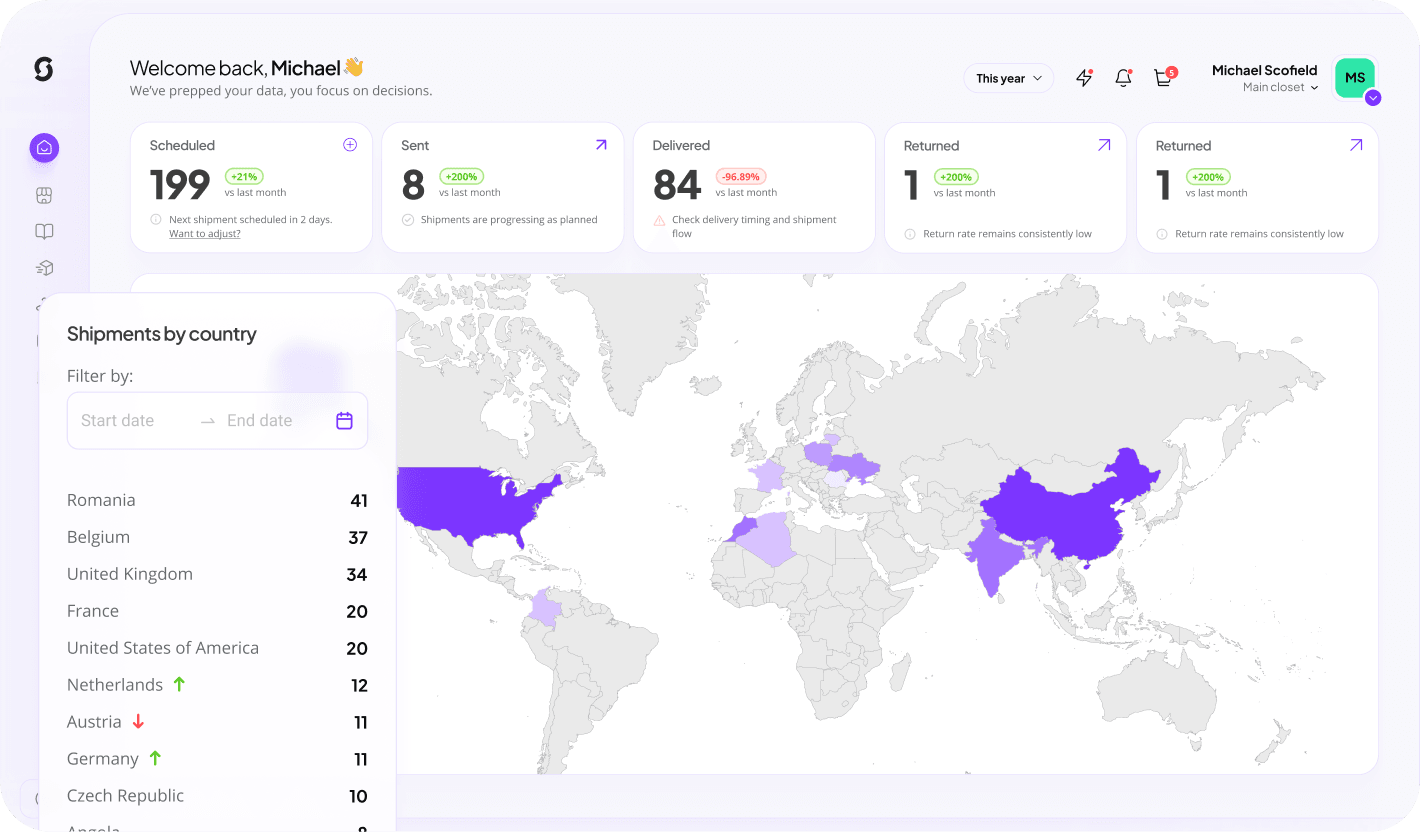



What it does
Sunday posts bills to QuickBooks Online with classes and locations applied, giving finance a real-time view of merch spend without chasing receipts.
What you can do with QuickBooks
Place orders
Create merch orders in Sunday from the connected tool, single items, kits or bulk runs.
MerchMetrics analytics
Pull spend, delivery and engagement data from MerchMetrics into your reporting.
Approvals & budgets
Spend limits, budget owners and approval steps enforced before anything ships.
Invoicing & cost allocation
POs, invoices and cost-center splits land in your finance system automatically.
How it works
Connect QuickBooks
Authorise the Sunday app.
Set defaults
Pick the expense account, class and location logic.
Review
Bills post as drafts until you're happy to automate fully.
Key benefits
Less chasing
Documentation attached to every bill.
Better categorisation
Consistent coding across every order.
Real-time view
Spend visible the day it happens.
What syncs
| Data | Direction | Details |
|---|---|---|
| Bills | Sunday → App | Coded and attached. |
| Classes & locations | App → Sunday | For allocation rules. |
| Payment status | App → Sunday | Synced back to Sunday. |
Requirements
- QuickBooks Online Plus or Advanced
- Company admin
Frequently asked
Is the QuickBooks integration included in my plan?
Yes. Every Sunday workspace can connect QuickBooks at no extra cost. Usage is only limited by your QuickBooks plan's own API access.
How long does setup take?
Most teams are live in under 30 minutes. Connect the account, map your fields once, and turn on the automations you need.
Can I control what data is shared?
Yes. You choose which objects and fields sync, and you can pause or disconnect the integration at any time from workspace settings.