


To automate partner onboarding kits, connect your CRM or PRM so the kit triggers on a real event, a signed agreement, a completed certification, a first deal or a tier upgrade. Then choose one of two models: fully automatic, where an objective trigger sends the invitation, redeem link and package with no human step, or one-button approval, where a manager approves and everything after that runs itself. Redeem pages collect the address, size and product choice you don't already have.
The point of automation: remove repetitive operations, not relationship decisions. You still decide which partners matter and what they get. Automation just means nobody on your channel team hand-packs a box, chases an address or fills in a customs form.
The real pain at scale
The hard part of partner kits was never the courier. It is everything around the shipment, and it multiplies with every partner.
- Missing and outdated addresses. You often don't have current recipient details, and partners won't manage your merch process for you.
- Product and size collection. Apparel needs sizes, kits need product choices, and chasing them by email is a slog.
- Bulk, regional and pallet shipments. Different partners need different shipping shapes, from a single box to a pallet.
- Customs, duties and tracking. Cross-border shipments add paperwork and questions you have to answer.
- Forgotten partners and repeated follow-up. At scale this quietly becomes a multi-person internal job.
Connect CRM and PRM triggers
Automation starts with the data you already hold in your CRM or PRM. Connect it, and the kit can react to real partner events instead of a manual list. The signals worth wiring up:
- Partner status and signed agreement date
- Completed certification and certified-user count
- Employee count and partner tier
- First-deal date and first-installation milestone
- Tier upgrade and geography
Each of these can be a trigger. The best trigger is the one that marks the partner becoming meaningfully active, which is why AnyDesk sends its kit on signing and an installer programme sends on certification. Pick the milestone you most want to reinforce, then let the CRM fire it automatically.
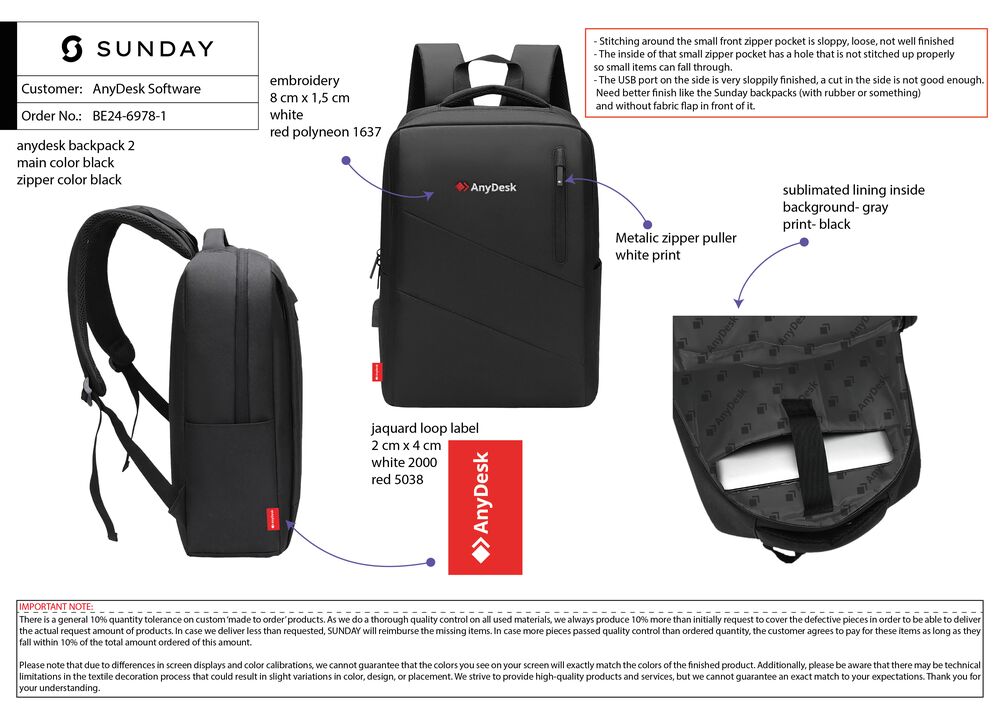
AnyDesk's kit auto-triggers on signing and adjusts by partner size. The backpack is a key item, and the whole flow runs without the channel team packing anything.
The two automation models that work
There are two models, and most programmes use both depending on the trigger.
-
Fully automatic
An objective trigger fires and everything follows with no human step: the invitation, the redeem link, the package and the shipment all go out automatically. Use it where the trigger is clean and objective: self-service registration, online certification, standard signings and tier upgrades. High volume, low ambiguity, no decision needed.
-
One-button approval
A manager presses one button and the admin runs itself: the email, redeem link, address collection, product selection, shipment and tracking all follow. The human makes the decision; the automation handles the work. Use it where a person should sign off, a strategic partner, a larger co-branded kit, a judgement call, without that person doing any of the operational steps.
| Model | Human step | Best for |
|---|---|---|
| Fully automatic | None: objective trigger | Registration, online certification, standard signings, tier upgrades |
| One-button approval | Manager approves once | Strategic partners, larger or co-branded kits, judgement calls |
The goal in both is the same: remove the repetitive operations, keep the relationship decisions with a human. You automate the admin, not the judgement.
Use redeem pages to collect what you don't have
Redeem pages are the piece that makes partner-kit automation actually work, because the vendor usually lacks the recipient's details. Instead of chasing them, the trigger sends the partner a branded redeem link, and the partner fills in what only they know: name, address, company, partner type, product choice, size and variant. The page carries your branding, any co-branding, enablement information, a welcome message and the next step, so collecting an address doubles as an onboarding moment.
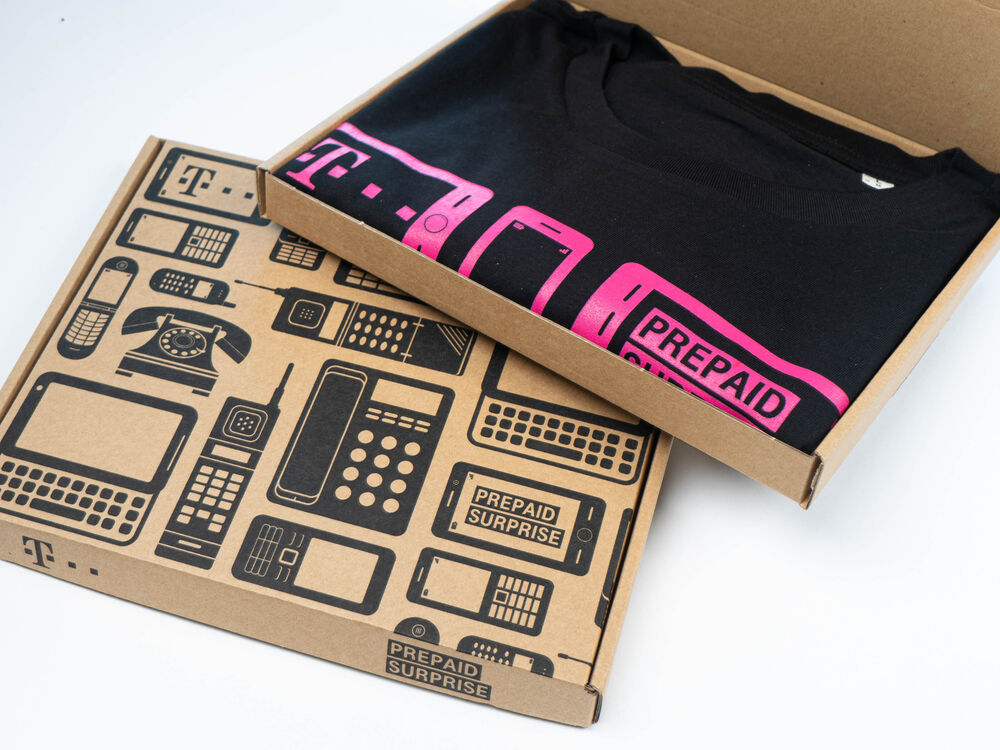
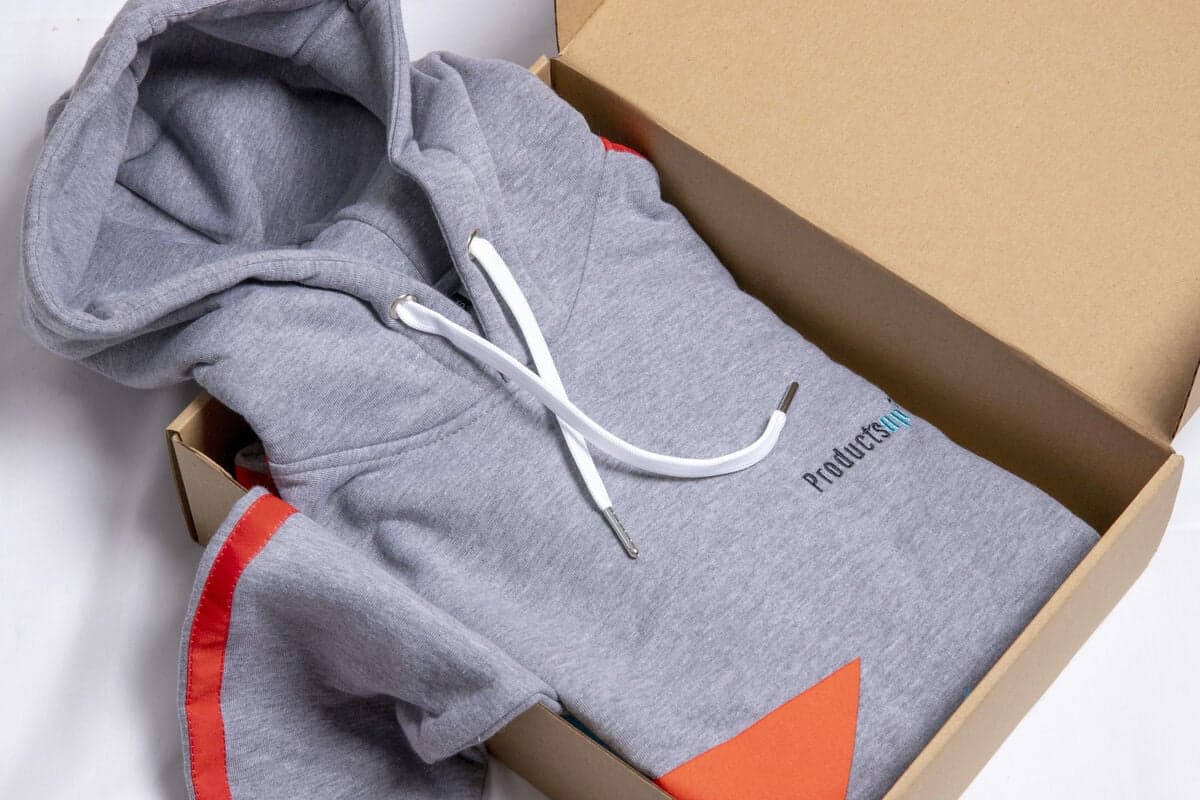
The output of the flow: a branded box, packed and shipped, from a trigger and a redeem page. No spreadsheet, no address chasing, no hand-packing.
Automate the tiering too
Tiering is not a separate manual step once the data is connected. Because the CRM knows partner type, size, revenue potential, strategic importance, market, certification status and integration level, the automation can select the right kit for each partner automatically. A small partner gets a lean kit, a strategic one gets a fuller, possibly co-branded package. Standardise the collection into one global set of products, localise it for the tiers that earn it, and let the data pick. Co-branding stays a reward for higher tiers, because the vendor funds it and the partner earns it, but even that can be templated so it is not an admin burden.
When to outsource distribution
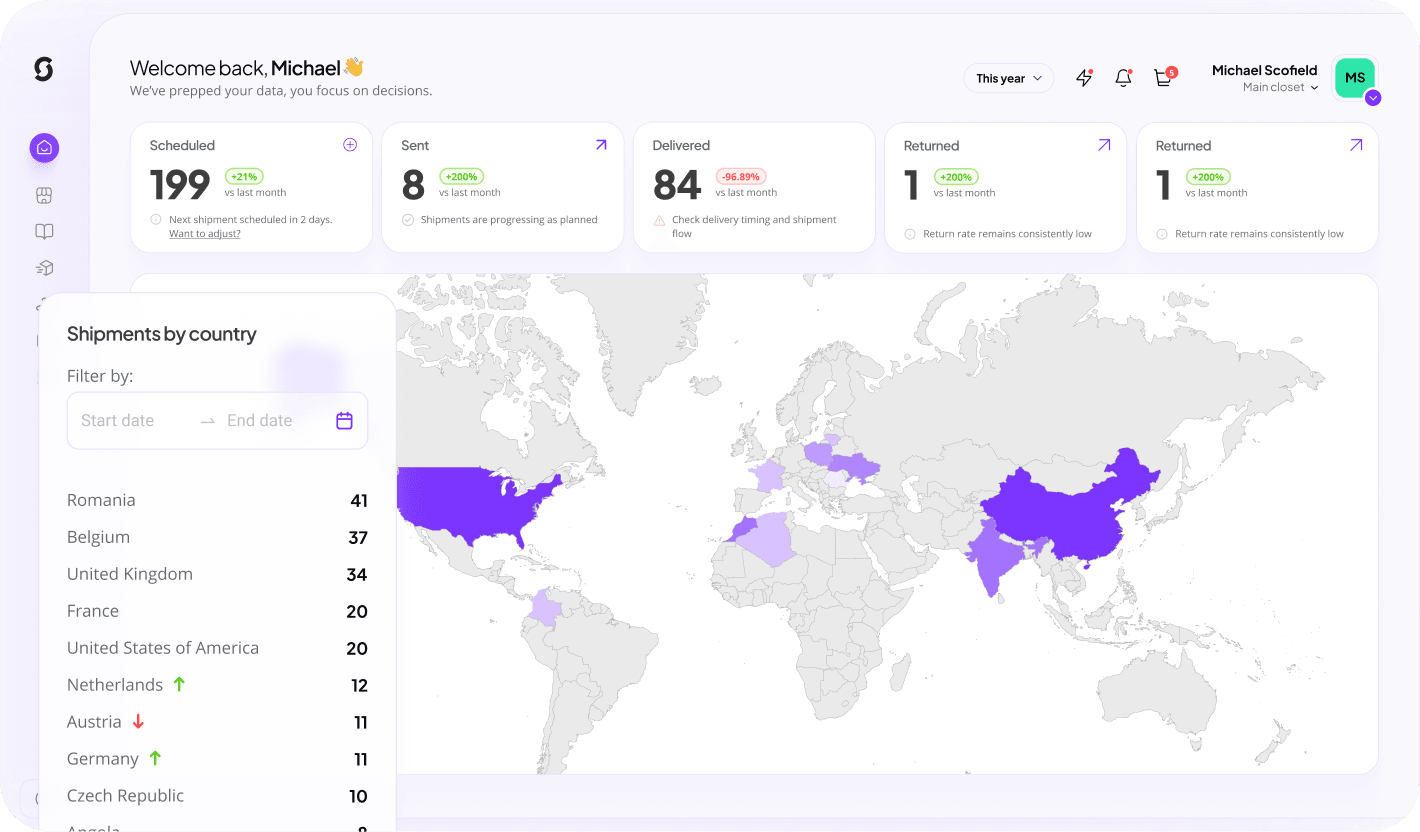
Automating triggers and redeem pages solves the software side. The physical side, warehousing, kitting, shipping, customs and tracking, is where a distribution partner earns its place. Sunday handles individual shipments, bulk partner boxes, regional shipments, pallets and recurring distributions, plus global customs and logistics. So the same platform that triggers the kit from your CRM also produces the products, runs the redeem pages and ships worldwide. That is the whole wedge: onboard 200 partners across regions without your channel team touching a box. See distribution and how it works.
Build the automation
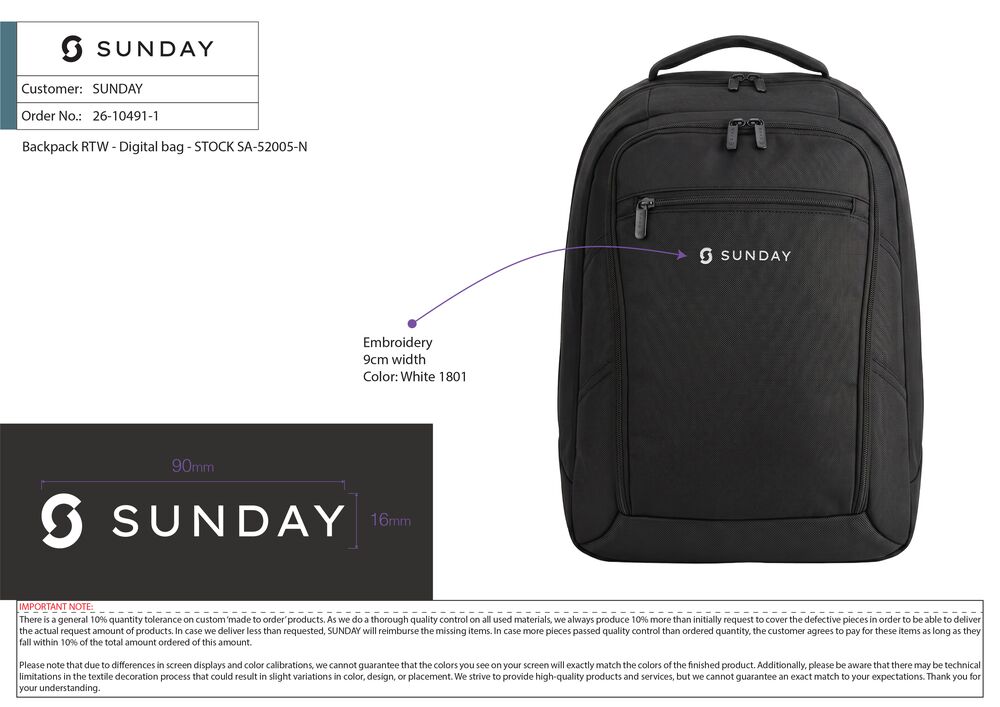
The anchor product. A premium branded backpack is the item partners actually keep and carry, which is why it leads kits like AnyDesk's and why the automation is built around it.
Start with the anchor product and work outward. A premium branded backpack is the key item in kits like AnyDesk's, so build it first on the custom backpacks page and preview your branding in the free backpack mockup generator. Then standardise the kit, connect your CRM or PRM triggers on the platform, add redeem pages, and choose fully automatic or one-button approval per trigger. This is the same infrastructure that later powers partner appreciation rewards, because onboarding and appreciation are the same lifecycle on the same triggers.
Keep reading: partner onboarding kits
Let the kit send itself
Connect your CRM, pick a trigger, add a redeem page, and ship partner kits worldwide with no hand-packing. Create a free account to start.
Build this campaign