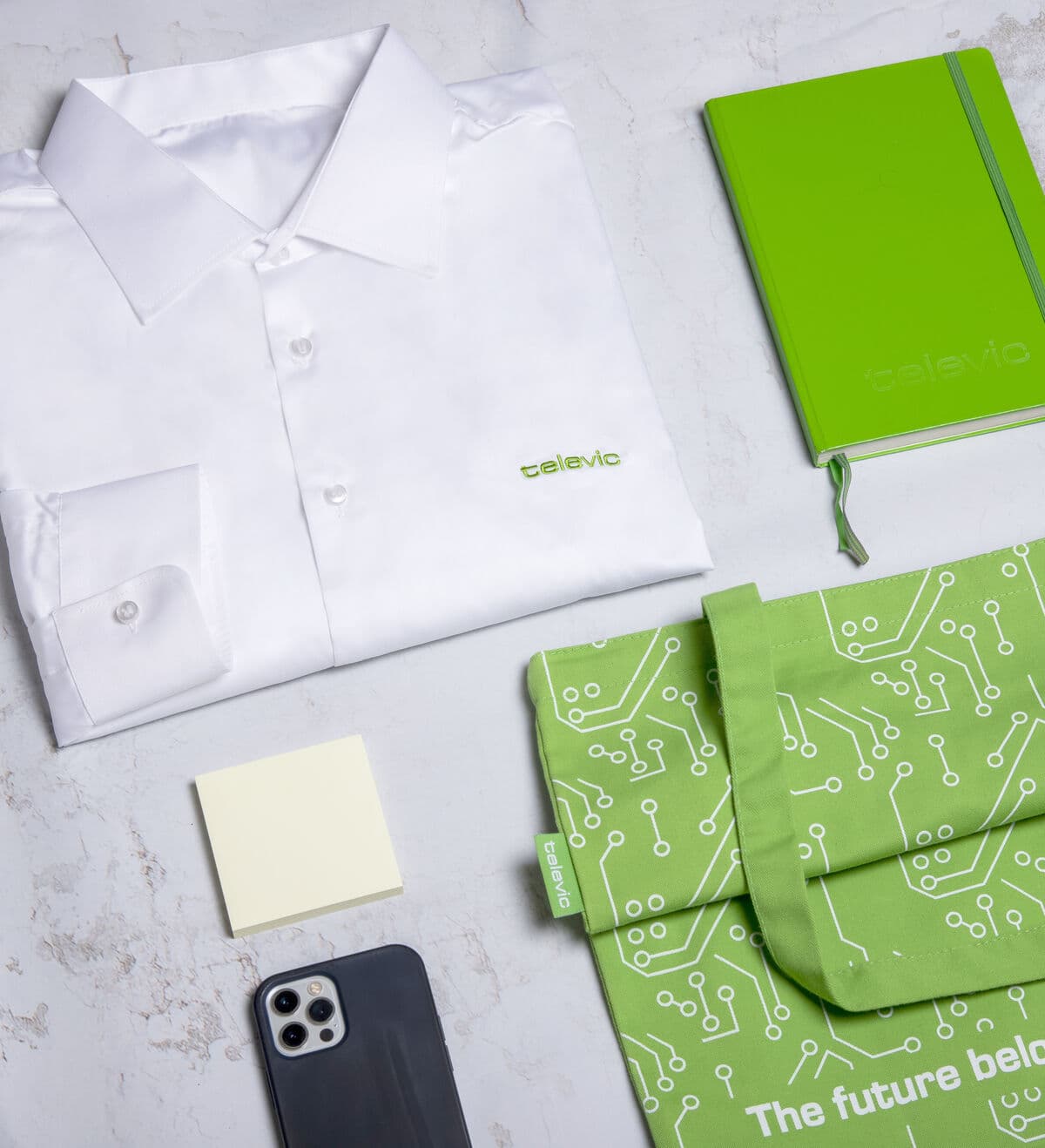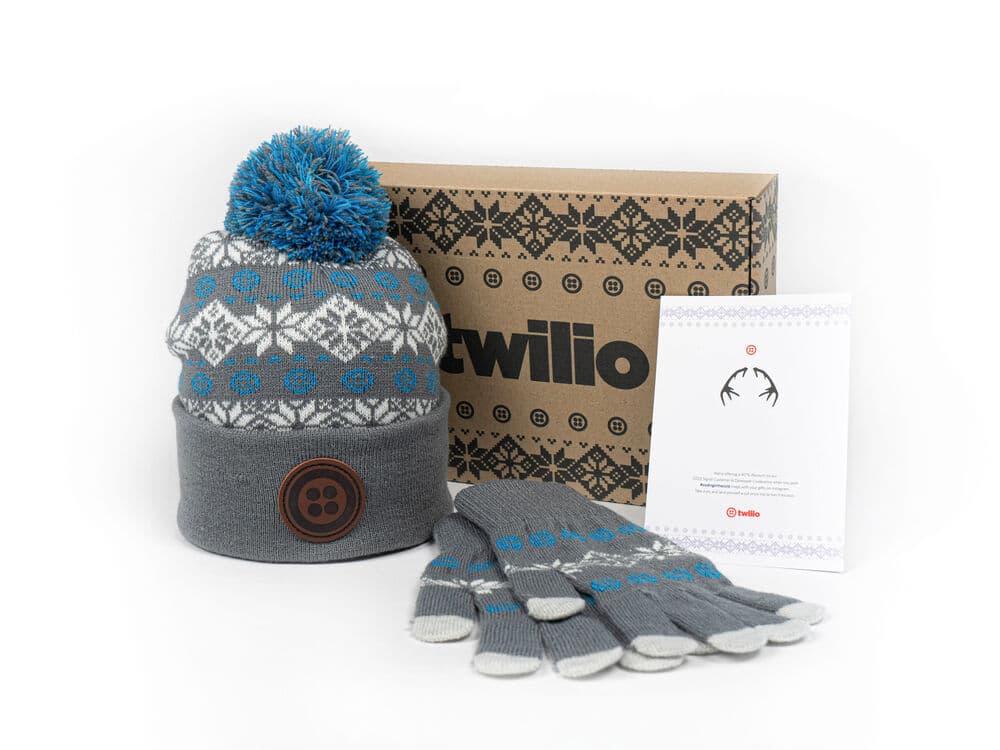
To automate new hire welcome kits, stock the kit centrally, bundle it into a pre-made package, then create a redeem campaign that generates a self-serve link. The new hire opens the link, picks their size, confirms their address, and the kit ships automatically with duties handled. Drop that one link into your HR system, like Personio, HiBob, Workday or HubSpot, and the welcome email does the rest.
The economics are simple. The product costs the same whether you pack it yourself or not, and outsourced shipping rates are usually cheaper, so automating is effectively free or better, and it removes the manual work entirely. The rule of thumb: automate the moment you are sending around 10 kits a month. Here is exactly how it works.
The 5-step automation workflow
This is the whole system. Set it up once and every new hire flows through it without anyone touching a box.
-
Design, produce and stock
Sunday designs and produces your kit, the box and the items, and holds them in stock. Nothing is packed to order by your team and nothing sits in a cupboard at your office.
-
Bundle a pre-made package
In the platform you bundle the items into a pre-made package and see live stock of that package, so you always know what is available before a new hire claims one.
-
Create a redeem campaign
Add the package to an onboarding campaign with your visual effects and rules. The system generates a redeem link that acts as your landing page, branded and ready to share.
-
The new hire self-serves
On that page the new hire selects their size, chooses the package and any variants, and enters their home or office address. They claim it, and it ships out automatically.
-
Drop the link into your HR system
Paste the redeem link into any automated comms: Personio, HiBob, Workday, HubSpot or your welcome email. Add one line, "Claim your welcome kit here," with a button. Then it goes fully automatic.
A pre-made package with live stock. Bundling once is what lets every later kit ship without manual work.
The redeem link is the integration
There is no integration project here, and that is the point. You do not connect APIs or run an IT build. A single redeem link pasted into your existing HR automation is the easiest way to connect systems. The welcome email your HR system already sends just gains one line and a button. That keeps the whole thing inside tools your team already uses, with nothing new to maintain. For the wider picture of how Sunday handles design, stock and fulfilment, see the platform and how it works.
Sizes and addresses, collected automatically
Two things break manual kit programs: guessing sizes and guessing addresses. Automation fixes both at the source. The new hire picks their own size on the redeem page, so a hoodie or tee fits, and there is no spreadsheet chasing. They also enter their own delivery address, which matters more than people expect: the right address is often not the office and not where payroll thinks they are. Confirming it directly with the recipient is the only reliable way. A quality custom hoodie is the usual hero item, and because the recipient picks the size, the most size-sensitive item in the box takes care of itself. You can preview the hoodie in your brand with the free hoodie mockup generator.
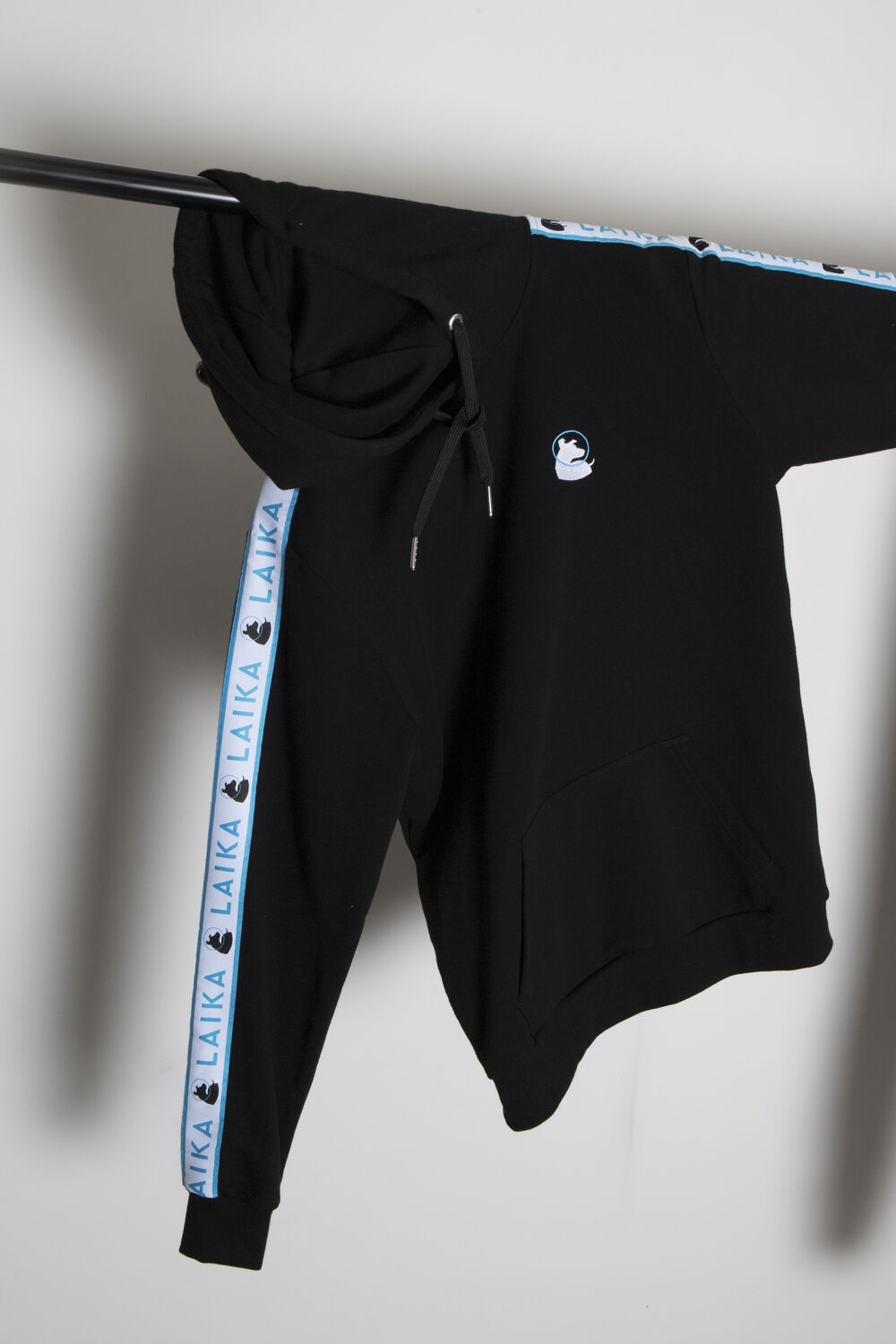
The hoodie is the usual hero item. Self-served sizing means the most size-sensitive piece never needs chasing.
Global shipping, handled
International is where DIY welcome kits die. Customs documentation is manual, couriers vary, and remote hires get forgotten. The worst failure is duties: ship it yourself and the new hire can be asked to pay 10, 25 or 70 euros to receive a gift from their new employer, a terrible first impression. Sunday always ships Delivered At Place and pre-finances the duties, so the recipient is never confronted with a bill. The kit arrives with track-and-trace, so even a remote hire knows it is coming and never feels missed. See distribution for how global fulfilment works.
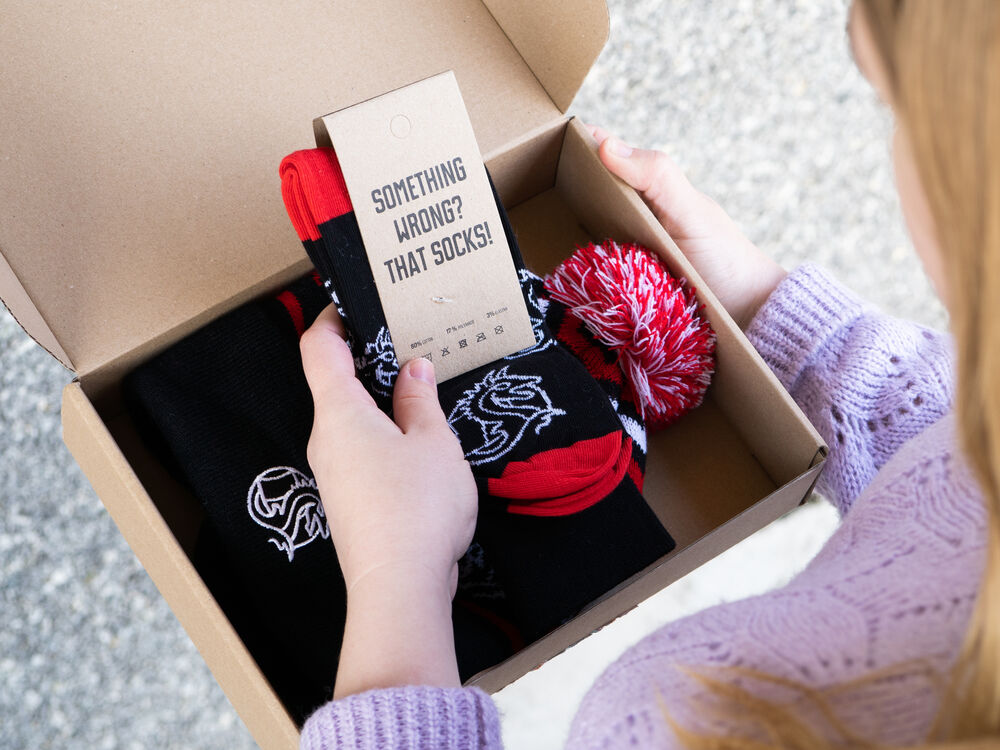
A kit packed for international shipping. Delivered At Place with duties pre-financed keeps the gift a gift.
Manual vs automated, and when to switch
Below a handful of hires a month you can get away with packing kits by hand. Above that, the manual model quietly stops working, because the hassle kills the program.
| Manual | Automated | |
|---|---|---|
| Sizes | Chased over email | Self-served by the hire |
| Addresses | Often wrong | Confirmed by the recipient |
| Packing | Someone at the office | Pre-stocked, ships on claim |
| International duties | Recipient billed at the door | Delivered At Place, duties pre-paid |
| Remote hires | Easily forgotten | Triggered by the HR system |
Build your automated welcome kit
Setting this up is a one-time job: design the kit, stock it, build the redeem campaign, and paste the link into your HR system. After that, every new hire, in any country, gets a consistent welcome kit with no manual steps.
Keep reading: new-hire welcome kits
Put your welcome kits on autopilot
Stock a branded kit, generate a redeem link, and drop it into your HR system. Set it up in 30 seconds.
Build this campaign with SundayAutomating welcome kits: questions answered
How do you automate new hire welcome kits?
Stock the kit centrally, bundle it into a pre-made package, then create a redeem campaign that generates a self-serve link. The new hire opens the link, picks a size, confirms their address, and the kit ships automatically with duties handled. Drop that one link into your HR system and the welcome email triggers everything.
Does automating welcome kits need an integration project?
No. There is no API build. A single redeem link pasted into your existing HR automation, like Personio, HiBob, Workday or HubSpot, is the integration. The welcome email your system already sends gains one line and a button. Nothing new to build or maintain.
How are sizes collected automatically?
The new hire picks their own size on the redeem page when they claim the kit. That removes size spreadsheets and chasing, and it means the most size-sensitive item, usually the hoodie, fits without anyone managing it. The recipient also enters their own delivery address at the same time.
How are international welcome kits shipped?
The kit is stocked centrally and shipped Delivered At Place with duties pre-financed, so the new hire is never asked to pay to receive a gift. Customs documentation is handled, and track-and-trace means even remote hires know the kit is coming and do not feel forgotten.
When should a company automate its welcome kits?
Around the point you are sending 10 kits or hiring 10 people a month. Below that you can pack by hand, but above it the manual work quietly stops happening. Because the product price is the same and outsourced shipping is usually cheaper, automating costs nothing extra and removes the manual burden.
What happens if a new hire is remote or their address changes?
The redeem link is triggered by your HR system when the hire is added, so remote starters are not forgotten. Because the recipient enters their own address when they claim the kit, you avoid the common failure of shipping to the wrong place, and they can track delivery the whole way.