




What it does
Connect SAP Concur to Sunday and sync invoices, cost centers and budgets so merch reconciles itself. Data flows both ways, so merch stops being a manual side project: the people, budgets and events already tracked in SAP Concur become live merch workflows, and every order writes its status back where your team can see it.
What you can do with SAP Concur
Place orders
Create merch orders in Sunday from the connected tool, single items, kits or bulk runs.
MerchMetrics analytics
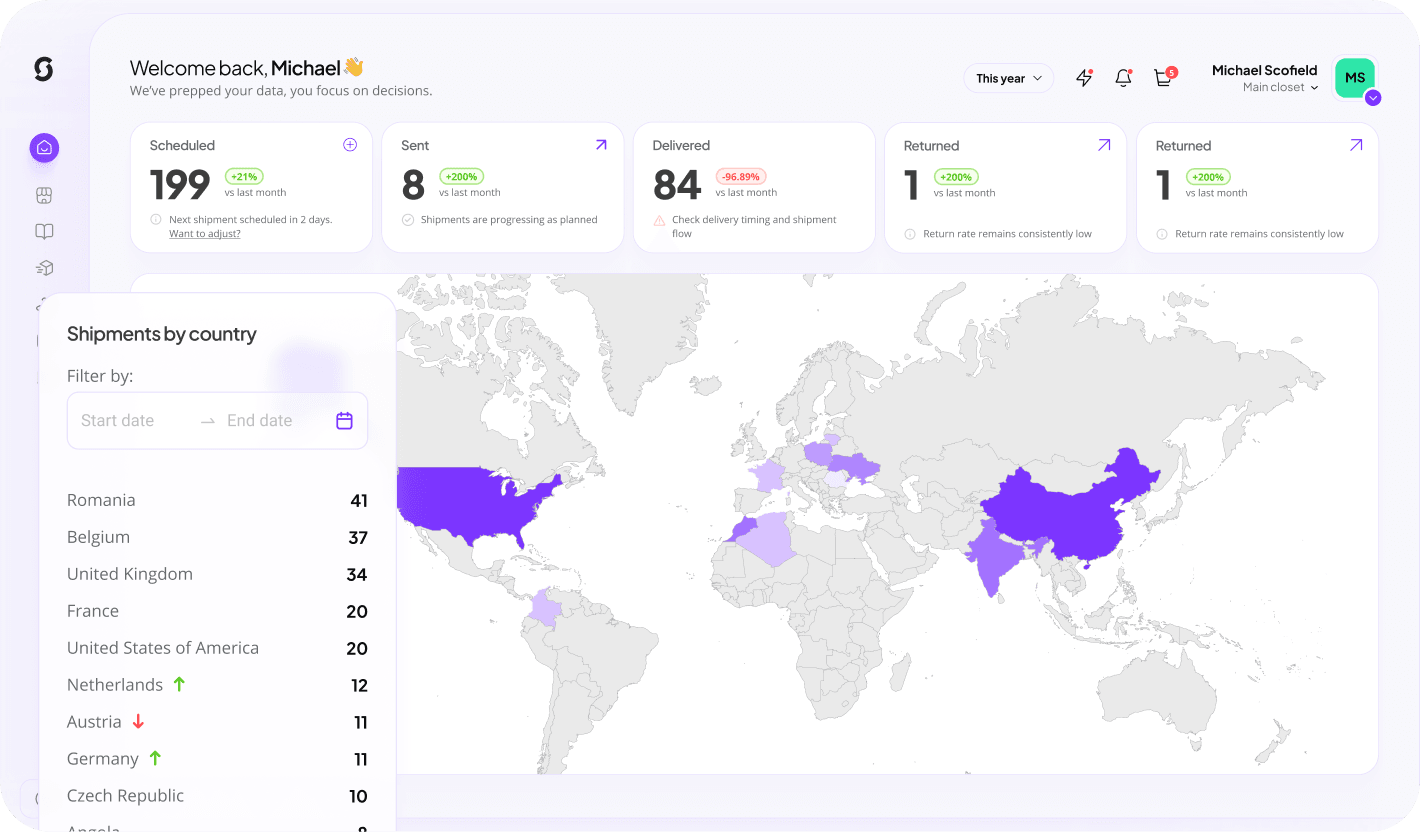
Pull spend, delivery and engagement data from MerchMetrics into your reporting.
Approvals & budgets
Spend limits, budget owners and approval steps enforced before anything ships.
Invoicing & cost allocation
POs, invoices and cost-center splits land in your finance system automatically.
Punch-out catalog
cXML/OCI punch-out: shop the Sunday catalogue inside your procurement suite and return the cart as a requisition.
How it works
Connect SAP Concur
Authorise Sunday from the integrations screen using your SAP Concur admin account, no engineering work required.
Map your data
Match SAP Concur records to Sunday recipients, budgets and product bundles once, then reuse the mapping everywhere.
Switch on automations
Pick the triggers that should order merch and decide who approves before anything ships.
Key benefits
Self-reconciling
Every order arrives with the right coding.
Fewer questions
Finance sees the detail behind each line.
Predictable spend
Budgets enforced before ordering.
What syncs
| Data | Direction | Details |
|---|---|---|
| Invoices | Sunday → App | Merch invoices and credit notes. |
| Cost centers | App → Sunday | Coding used on each order. |
| Budgets | Two-way | Limits and remaining spend. |
Requirements
- A SAP Concur account with admin or integration permissions
- A Sunday workspace on any plan
- API access enabled in your Sunday workspace
Frequently asked
Is the SAP Concur integration included in my plan?
Yes. Every Sunday workspace can connect SAP Concur at no extra cost. Usage is only limited by your SAP Concur plan's own API access.
How long does setup take?
Most teams are live in under 30 minutes. Connect the account, map your fields once, and turn on the automations you need.
Can I control what data is shared?
Yes. You choose which objects and fields sync, and you can pause or disconnect the integration at any time from workspace settings.