

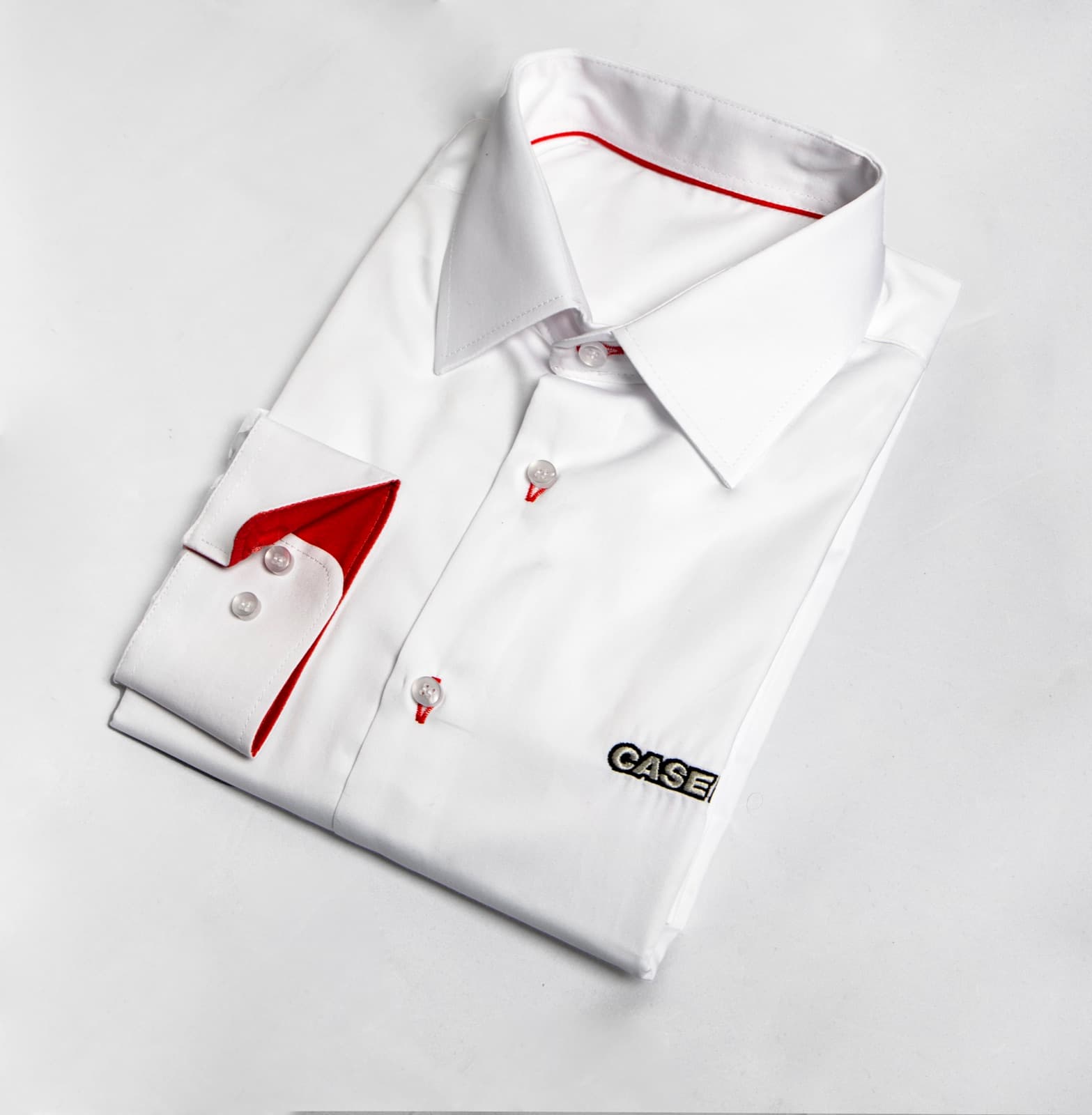
To automate sales team outfits, treat the apparel as a standing program rather than a one-off order. Build the kit once on-brand, then use self-serve sizing and redeem pages so each rep picks their own size, set up automatic reorders for new hires, and connect CRM or HR triggers so a new joiner or a new event kicks off the right kit. Sunday handles design, sizing, warehousing and global shipping, turning a recurring scramble into a workflow that runs in the background.
The painful part of sales-team apparel is never the design. It is the logistics: collecting sizes, chasing names and roles, reordering for new hires mid-quarter, shipping to reps across countries before a deadline. Most teams rebuild that scramble from scratch before every event. Automation removes it.
Treat it as a program
The shift that makes everything else possible: stop ordering apparel and start running a program. Build the kit once, a polo base plus the layers your reps need, lock the on-brand design, and keep it live. Now every future need is a draw from a defined program, not a new project. On Sunday you build that kit on-brand with live pricing in about 30 seconds, then it stays available.
Self-serve sizing and redeem pages
The single biggest time sink is collecting sizes. Automate it. A redeem page lets each rep choose their own size and fit, men's or women's, and confirm their shipping address. No spreadsheet, no chasing, no guessing. You send a link, they self-serve, and the order assembles itself.
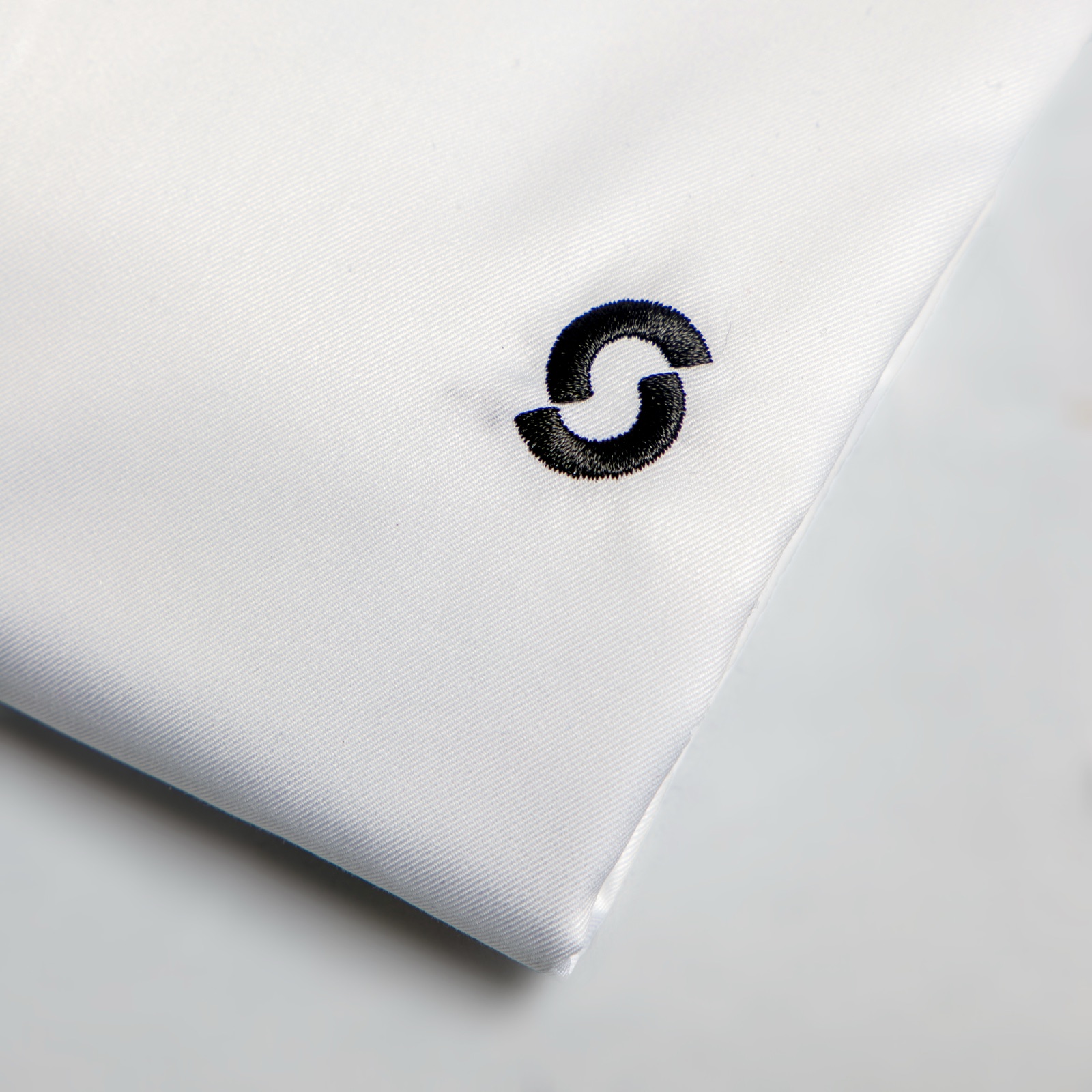
Self-serve sizing. A Sunday-branded business shirt picked by each rep through a redeem page, confirming size, fit and address in one step.
Reorders for new hires
Sales teams grow mid-quarter, and that is where manual programs break. With the kit defined and live, a new hire just gets their own redeem link, picks a size and receives the same on-brand kit as everyone else. No redesign, no minimum-order panic, no off-brand stopgap because the real kit was not available.
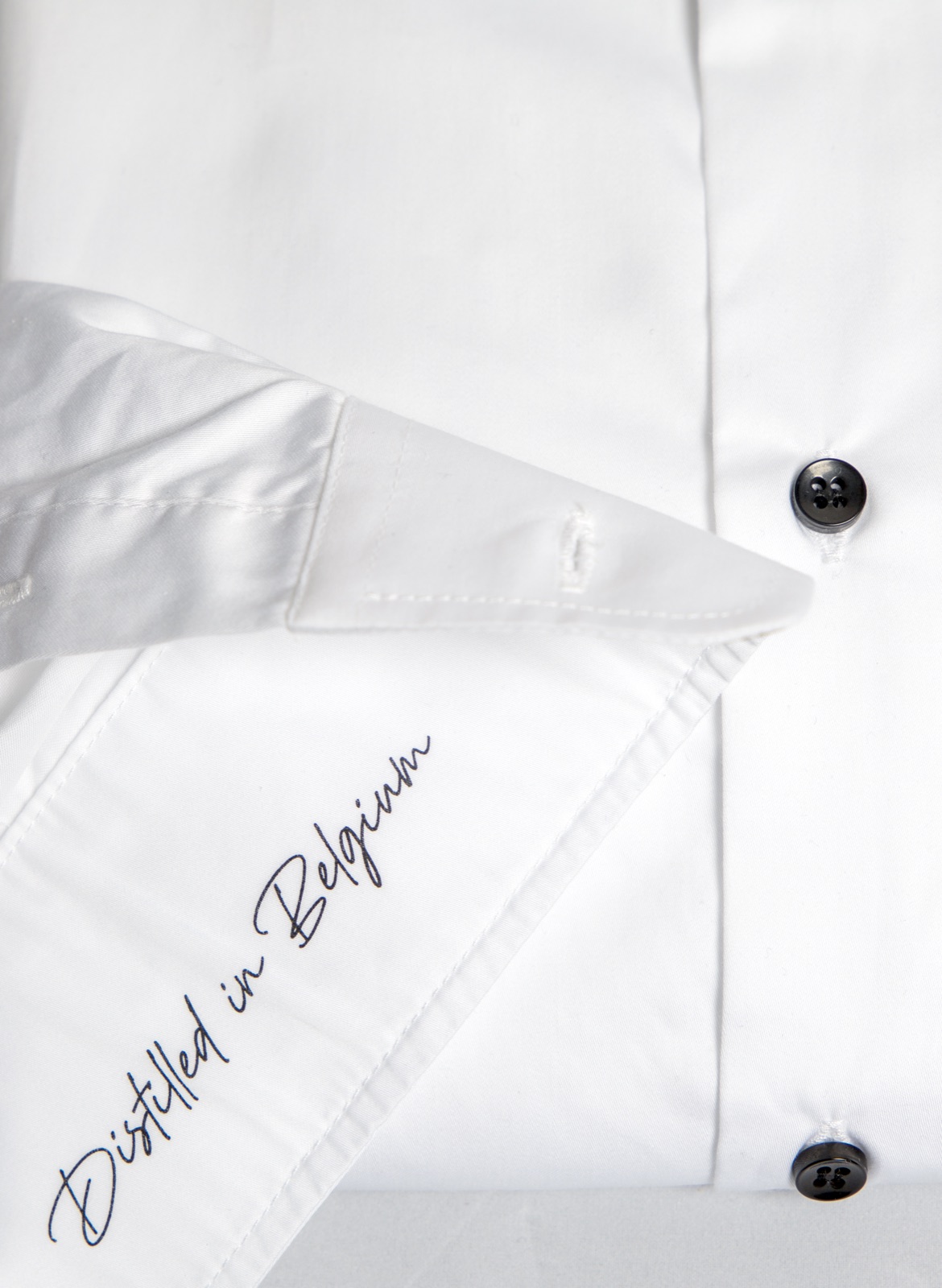
Consistent reorders. A Filliers-branded business shirt, defined once and kept live, so every new hire receives exactly the same on-brand kit as the team grows.
CRM and HR triggers
This is where it becomes truly hands-off. Connect the program to the systems you already use. A new hire created in your HR tool can trigger their welcome kit. A new event or region in your CRM can kick off the right apparel for that team. The trigger fires, the redeem link goes out, the kit ships. Sunday is built to run silently inside the tools brands already use, so merch logistics stop landing on someone's desk.
Global shipping and stock
Distributed sales teams need distributed delivery. With apparel warehoused and shipped from one program, reps in different countries receive the same kit on time, without anyone hand-managing customs or carriers. Stock is held against the program, so reorders and new hires draw from inventory instead of starting a fresh production run each time.
One program, every market. A Sunday-branded business shirt warehoused and shipped centrally, keeping a growing, distributed team on-brand and on time without per-country admin.
Manual versus automated
| Task | Manual | Automated with Sunday |
|---|---|---|
| Collecting sizes | Spreadsheet and chasing | Self-serve redeem page |
| New-hire kit | New order each time | Triggered, drawn from stock |
| Brand consistency | Drifts over time | Locked, defined once |
| Global delivery | Hand-managed per country | Warehoused and shipped |
| Trigger | Someone remembers | CRM or HR event |
How to start
You do not need to automate everything on day one. Build the kit, switch sizing to a redeem page, and add triggers once the program is running.
- Design the kit once, on-brand, with a polo base and the layers reps need.
- Replace size collection with self-serve redeem pages.
- Set up automatic reorders for new hires.
- Connect CRM or HR triggers when you are ready.
- Let warehousing and global shipping run in the background.
The Sunday platform handles design, warehousing, global shipping and campaign automation, so the apparel program runs itself. Design the base polo in your colours with the free polo mockup generator, browse custom polos and custom jackets for the layers, see how distribution works, or read how it works.
How to automate sales team outfits: questions answered
How do I automate sales team outfits?
Treat the apparel as a standing program, not a one-off order. Build the kit once on-brand, use self-serve sizing and redeem pages so each rep picks their own size, set up automatic reorders for new hires, and connect CRM or HR triggers so a new joiner or event starts the right kit. Sunday handles design, sizing, warehousing and global shipping.
What is a redeem page for sales-team apparel?
A self-serve page you send to each rep so they choose their own size and fit, men's or women's, and confirm their shipping address. It replaces the spreadsheet and the chasing, which is the most error-prone step in any apparel rollout. The order assembles itself from each person's choices.
How do reorders for new hires work?
Because the kit is defined once and kept live, a new hire simply gets their own redeem link, picks a size and receives the same on-brand kit as everyone else. There is no redesign, no minimum-order panic and no off-brand stopgap, so the team stays coordinated as it grows through the quarter.
Can I trigger apparel from my CRM or HR system?
Yes. Connect the program to the tools you already use. A new hire created in your HR system can trigger their welcome kit, and a new event or region in your CRM can kick off the right apparel for that team. The trigger fires, the redeem link goes out and the kit ships, with no manual step in between.
How does global shipping work for a distributed sales team?
Apparel is warehoused and shipped from one program, so reps in different countries receive the same kit on time without anyone hand-managing carriers or customs. Stock is held against the program, so reorders and new-hire kits draw from inventory rather than starting a fresh production run each time.
Do I have to automate everything at once?
No. Start by building the kit once and switching size collection to a self-serve redeem page, which removes the biggest time sink immediately. Then add automatic reorders for new hires, and connect CRM or HR triggers once the program is running smoothly. You can scale the automation as the team grows.
Keep reading: sales team outfits
Automate your sales-team apparel
Create a free account, build the kit once, then let self-serve sizing, reorders and triggers run the program for you.
Build this campaign with Sunday