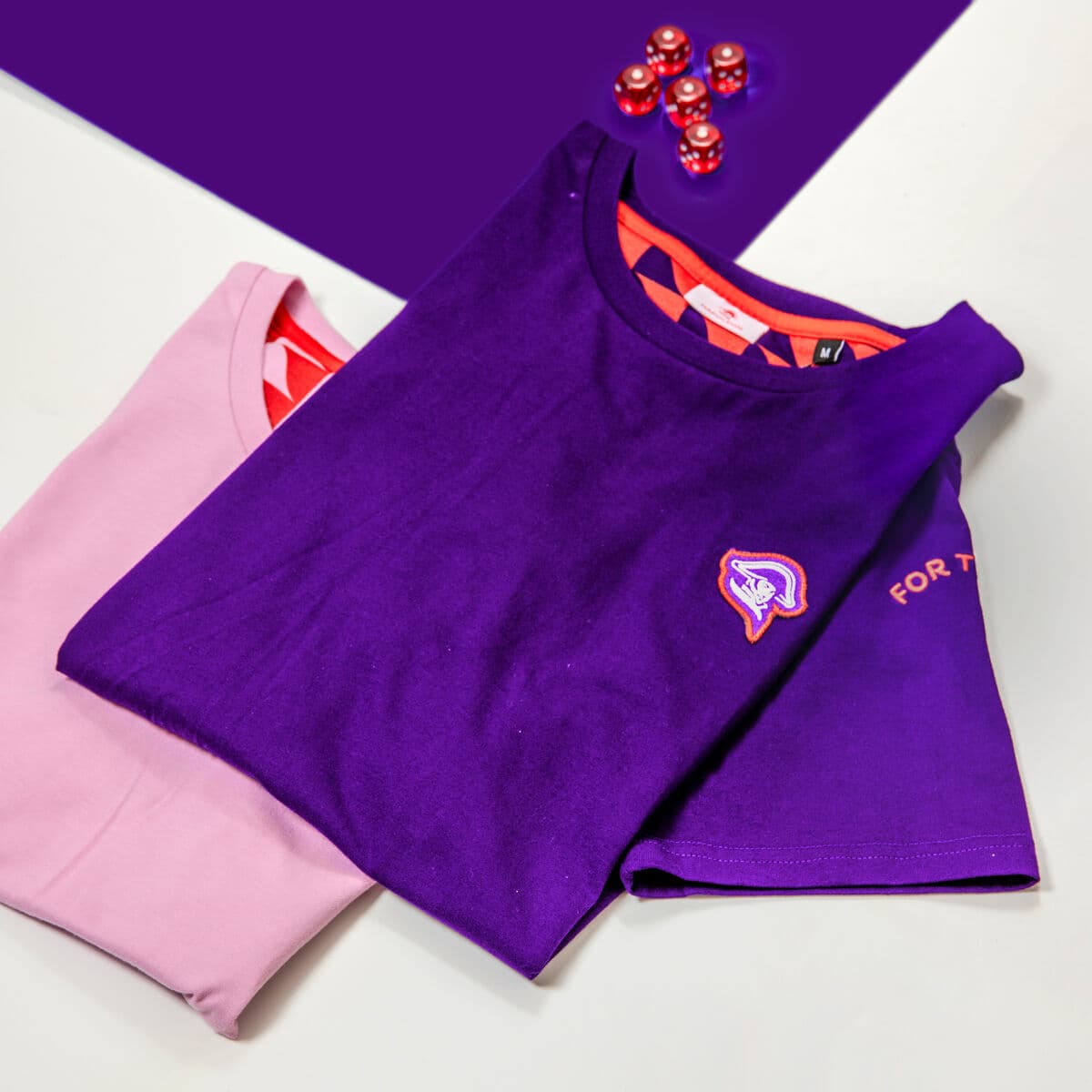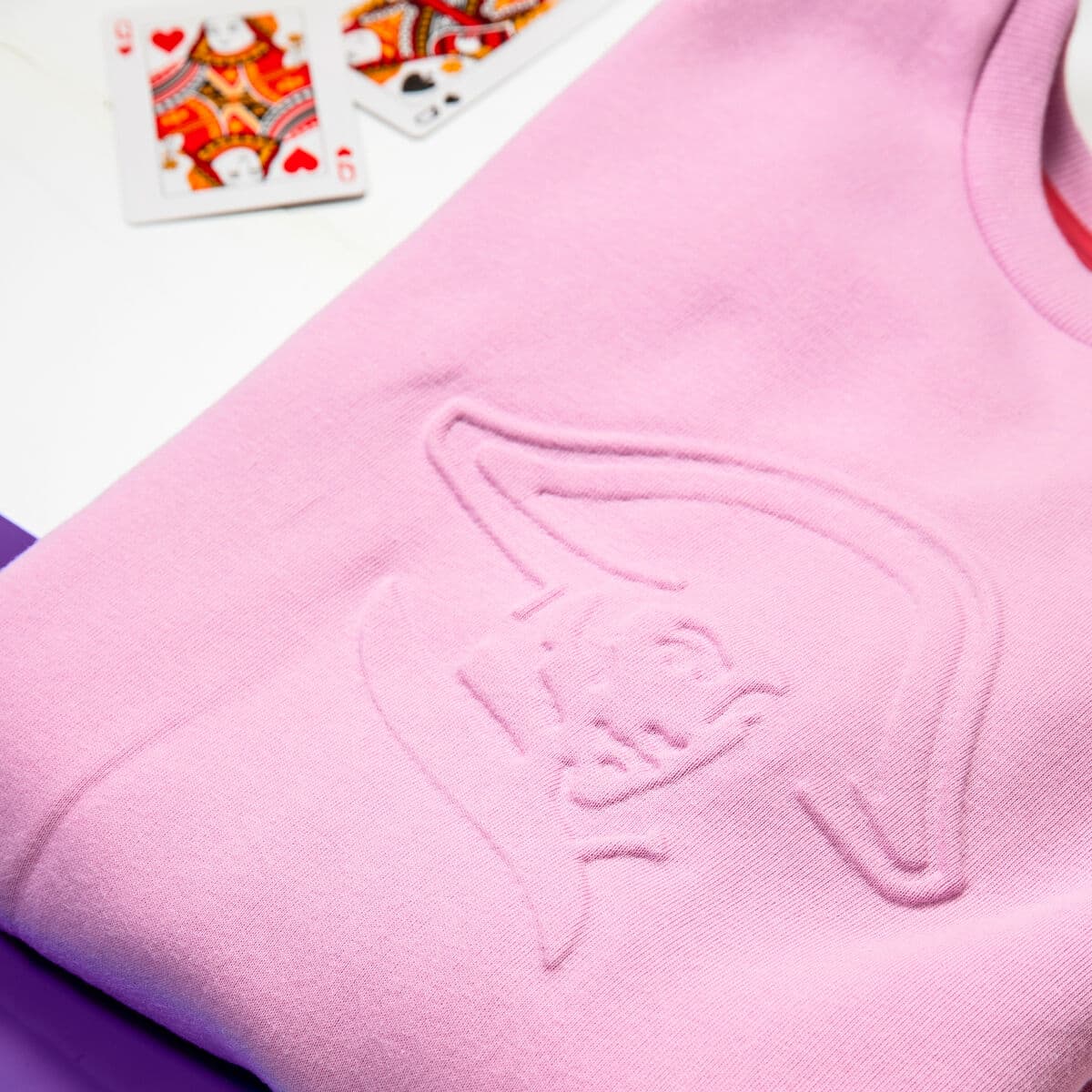





To automate corporate Christmas gifts, replace the spreadsheet with a redeem page. Recipients enter their own address, size and product choice on a branded page, often triggered from your CRM or HR system. Sunday then produces, kits and ships with duties pre-paid so no one is billed on delivery, and tracks every package in one dashboard. This is what makes a send of 500 to 1,000 gifts across countries run smoothly.
The hardest part of a Christmas send is never the gift, it is the data and the logistics. Doing it by email is almost impossible: someone spends weeks chasing and correcting a spreadsheet of names, addresses and sizes, then trying to track who received what. Automation fixes both. Here is the system, step by step. For the wider campaign, read the complete corporate Christmas gifts guide.
The six steps
1. Trigger the send
Start from a list, not a guess. The trigger can be a calendar date for an annual send, a CRM segment like your top 100 accounts, or an HR export of all current employees. Define who qualifies once, and the rest of the flow runs from that list. For Christmas, the calendar is the trigger and early September is the start, so the list is ready before the production peak.
2. Build the redeem page
This is the core of the whole system. Instead of chasing details by email, you send recipients a branded redeem page where they enter their own delivery address, pick a size, choose between products and confirm their info, sometimes adding a personal note. It is easier for the company and better for the recipient, and it eliminates the spreadsheet entirely. This is the same redeem-link model Sunday uses for onboarding and welcome kits, applied to Christmas.
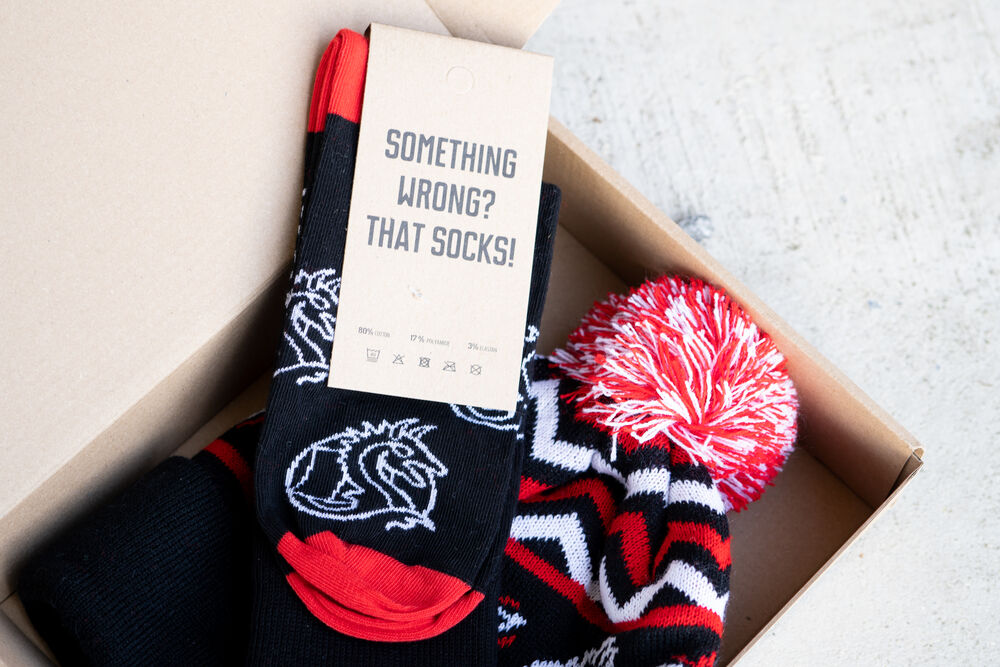
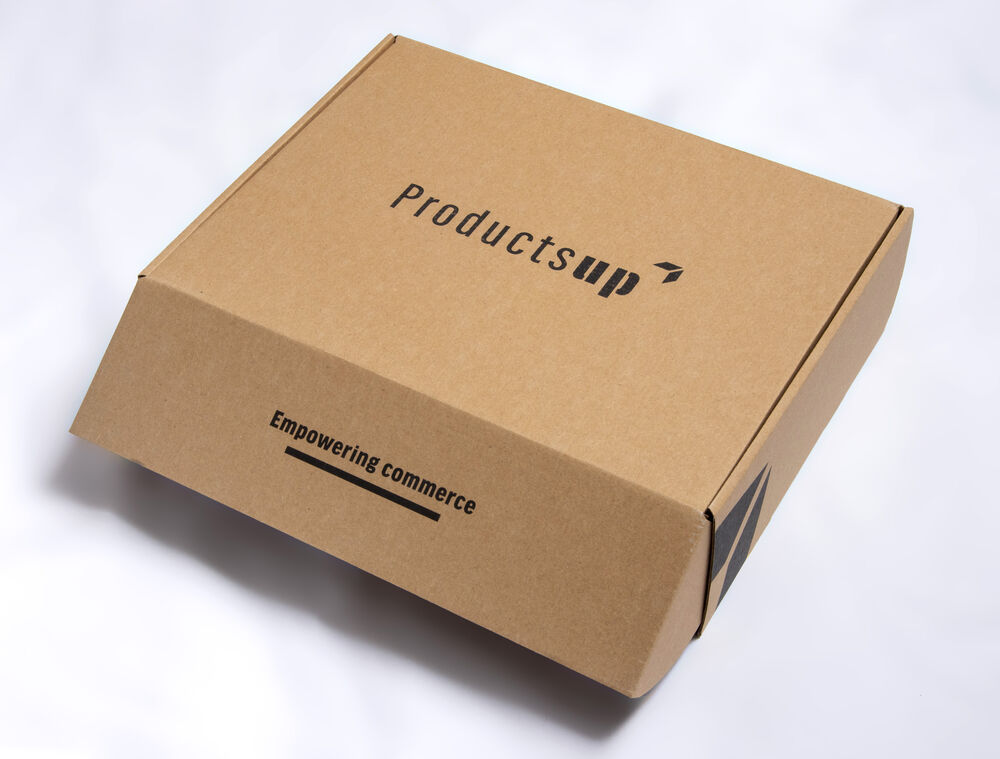
A branded box kitted for delivery. A redeem page collects the data so kitting and shipping can run without manual chasing.
3. Connect your CRM or HubSpot
Automation gets stronger when the trigger and the data live where you already work. Pull the recipient list straight from a CRM segment or HubSpot list, fire the redeem invite from a workflow, and write delivery status back so your team sees who has redeemed and who has received their gift without leaving the tools they use. The same approach powers always-on gifting, but at Christmas it simply removes the manual list-building step.
4. Collect sizes and choices automatically
Sizes are where manual sends fall apart. The redeem page solves it by letting each recipient choose their own size and product, so apparel fits and there are no returns from guesswork. For mixed audiences, offer a small menu, a blanket, a winter set, a box, and let people pick, which also makes employees and clients feel the gift was chosen, not assigned. Sizeless items like a custom blanket are the safest default when you cannot collect sizes in time, and you can preview the design first in the free blanket mockup generator.
5. Ship globally with duties pre-paid
Crossing borders is where gifts get ruined. A recipient who has to pay unexpected duties before receiving a package, or chase a courier five times, remembers the frustration, not the gift, and it reflects on the sender. Sunday ships with duties pre-paid so the recipient is never billed, and manages the full process: data collection, packaging, customs, shipping and delivery follow-up, across hundreds of thousands of packages. That is how Deel sent to more than 7,000 people across Europe, India and the US without anyone touching a spreadsheet. See more on global distribution.
6. Track and report in one place
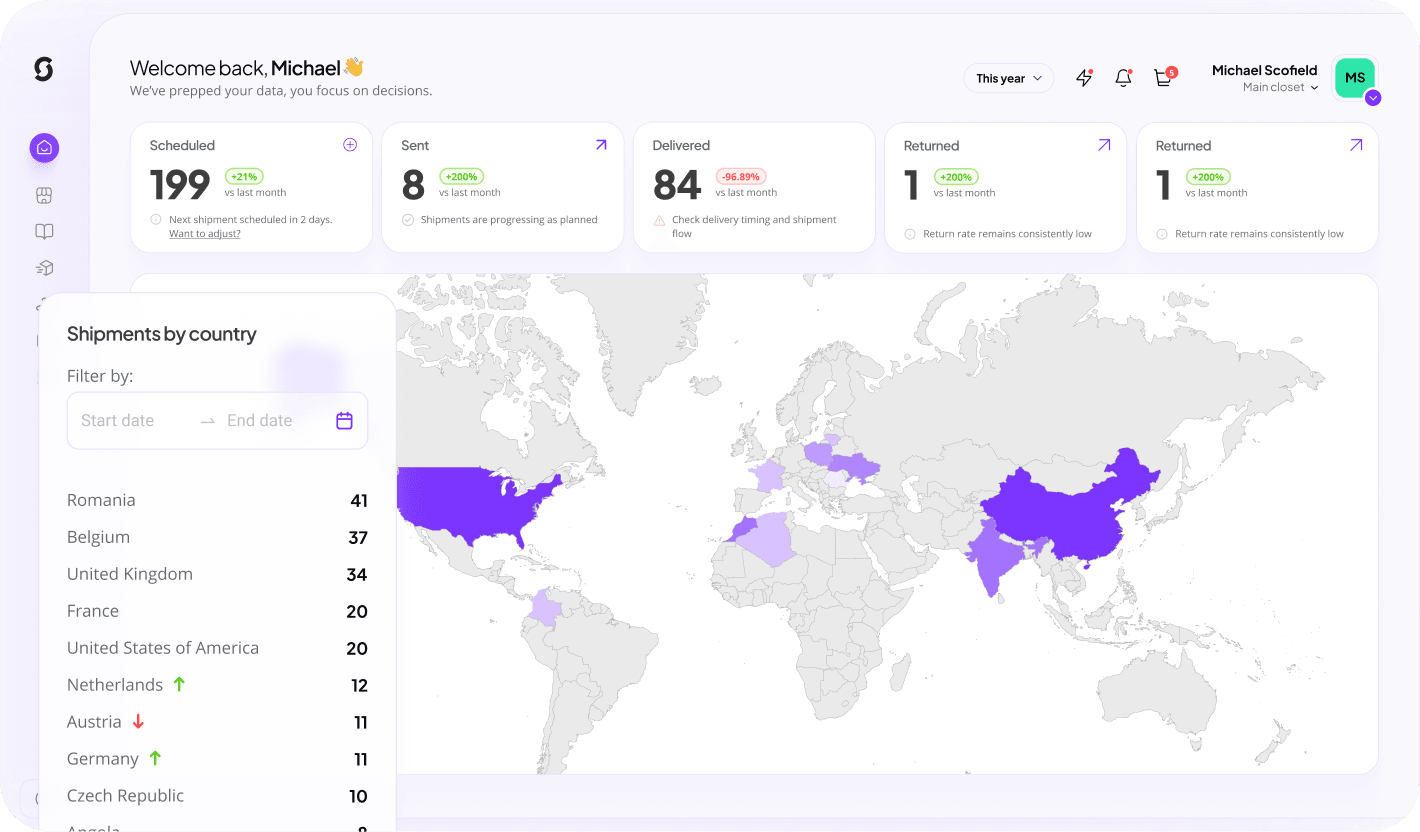
At 500 to 1,000 packages across countries, with different contents, personal notes and split send dates, some before and some after Christmas, tracking and reporting become essential. You need one dashboard showing what is sent, in transit, delivered or needs follow-up. That visibility is what lets you run a large send confidently and report completion back to the business afterwards.
A kitted branded set. Automation turns hundreds of individual sends into one coordinated, trackable campaign.
Manual versus automated
The difference is stark once a send passes a few dozen people.
| Task | Manual send | Automated send |
|---|---|---|
| Address collection | Weeks of email chasing | Recipients self-enter on a redeem page |
| Sizes | Guesswork and returns | Each recipient picks their own |
| Recipient list | Manual spreadsheet | Pulled from CRM or HR |
| Customs and duties | Recipient billed on arrival | Pre-paid, never billed |
| Tracking | No single view | One dashboard, status per package |
Ready to set one up? Explore the catalog, or see how it works.
Keep reading: corporate Christmas gifts
Automate your Christmas gift send
Redeem page, CRM-triggered, duties handled, every package tracked. Create a free account and preview your campaign in 30 seconds.
Build this campaign with Sunday