Definition
Crop marks are thin lines placed at each corner of a print file to show exactly where the finished piece should be trimmed. They sit just outside the final size, so the printer or cutting machine knows where the edge of your artwork ends. Used correctly, they give you clean, accurate edges on everything from business cards to swing tags.
Definition
Crop marks, also called trim marks, are the small lines added outside the trim area of a document. They mark the four corners of the final size and never appear on the finished product. For example, a 90 by 50 mm business card is usually laid out on a slightly larger sheet with crop marks showing the exact 90 by 50 mm cut. The guillotine or die then follows those marks, so every card comes out the same size.
How crop marks work
Crop marks are added in design software such as InDesign or Illustrator, then baked into a PDF at export. They appear as four pairs of short lines, one pair at each corner, set a small distance away from the artwork. That gap, called the offset, keeps the marks clear of the printed area so they stay visible right up to the cut. A 3 mm offset is the common standard.
They work together with two other print-prep elements. Bleed is the artwork you extend past the crop marks so no thin white slivers appear if the cut drifts slightly. The safe zone is the inner margin where you keep logos and text away from the edge. Crop marks define the cut itself, bleed protects the outside, and the safe zone protects the inside. Miss any one of the three and trimming becomes a gamble.
There are trade-offs to know. On single-item, web-to-print orders, the platform often adds crop marks and bleed for you, so a file with marks already baked in can cause double marks or the wrong trim size. For custom print jobs sent as a PDF to a production partner, you almost always want them included. When many designs are ganged onto one large sheet, crop marks also double as a guide for slitting the sheet into individual pieces, alongside registration marks that keep the ink colors aligned.
Crop marks in branded merch
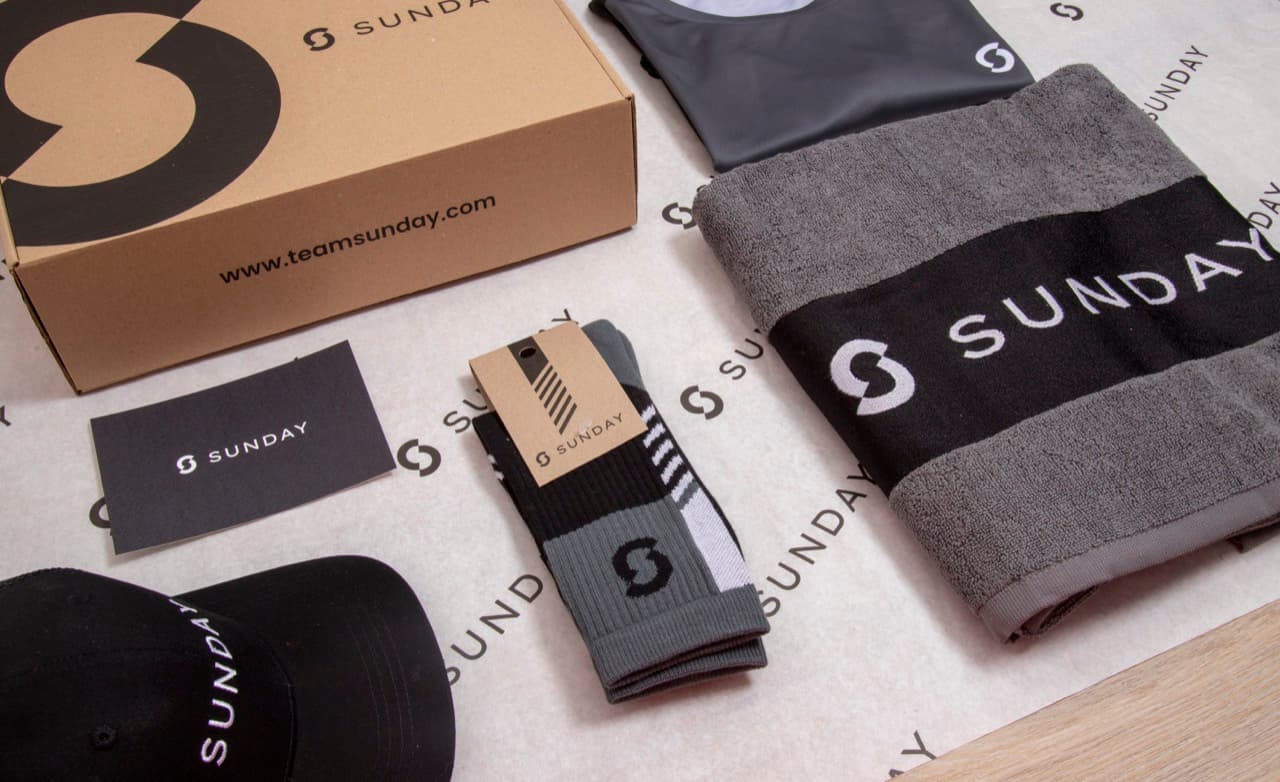
- Printed packaging and inserts. Boxes, sleeves, tissue paper and thank-you cards are printed oversized and cut down, so crop marks tell production exactly where the final edge of each piece falls.
- Swing tags and hang tags. Product tags carry branding right to the edge. Crop marks paired with bleed keep the color running off the side cleanly instead of leaving a white border.
- Stickers and labels. Sheet-printed stickers rely on crop marks to line up the cut or kiss-cut with the artwork, which keeps logos centered and edges tidy across a full run.
Crop marks are short lines at the corners of a print-ready file that tell a printer where to cut the sheet down to the final trim size.
5 tips to elevate your Crop marks strategy
| Tip | Steps |
|---|---|
| Add bleed with your marks | Extend artwork 3 mm past the crop marks so no white edge shows if the cut shifts. |
| Use a standard offset | Set a 3 mm crop mark offset so the marks sit clear of the bleed and stay readable. |
| Export as print-ready PDF | Save a PDF or PDF/X with crop marks and offset enabled, not a flat JPG or PNG. |
| Check for double marks | On web-to-print orders, upload artwork without marks if the platform adds its own. |
| Confirm the trim size | Make sure the distance between opposing crop marks matches your intended final size exactly. |
Key Terminologies
Frequently Asked Questions
What is the difference between crop marks and bleed?
Crop marks show where a sheet is cut, while bleed is the extra artwork that extends past that cut line. Crop marks mark the edge, bleed protects it, and you usually need both on a print file.
Do I always need crop marks?
No. Many print-on-demand and web-to-print tools add crop marks automatically or work from a fixed template. For custom jobs sent as a PDF to a production partner, you should include them yourself.
How much offset should crop marks have?
A 3 mm offset is the standard. It keeps the marks clear of the bleed so they stay visible and are not trimmed away before the cut is made.
Will crop marks show on my finished merch?
No. Crop marks fall outside the trim line and are cut away during finishing, so they never appear on the delivered product.
What file format keeps crop marks?
Export a print-ready PDF or PDF/X with crop marks and offset enabled. Flattened JPG or PNG files cannot carry separate trim information, so the marks are lost.