



Definition
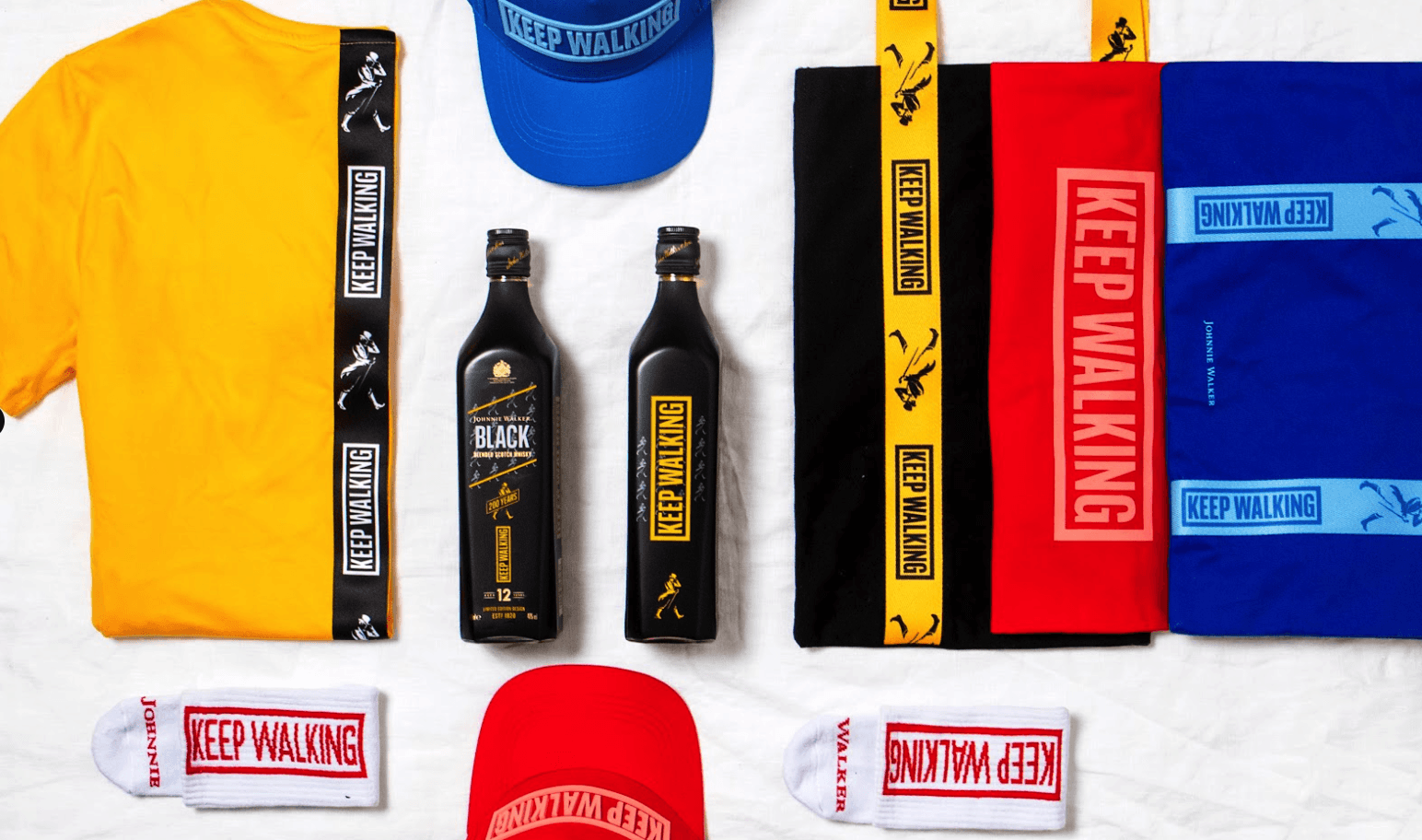
RGB is a color model that builds every shade from three lights, red, green, and blue, mixed in different amounts. It is how screens create color. Your phone, laptop, and the design preview of your merch all use RGB, which is why color on a screen can look brighter than the same design printed on a product.
Definition
RGB stands for red, green, and blue. It is additive, meaning the more light you add, the brighter the result, and all three at full strength make white. Each channel runs from 0 to 255, so a color is written as three numbers like 255, 0, 0 for pure red, or as a hex code like #FF0000. Designers pick colors in RGB on screen, then convert to print colors when the file goes to production. A real example: a vivid screen green at 0, 255, 0 simply cannot be reproduced by print inks, so it shifts to a duller green on a physical product.
How RGB works
RGB is additive because it starts from black, an unlit screen, and adds colored light to build up to white. This is the opposite of print, which starts from white paper or fabric and adds ink to subtract light. Because screens emit light, RGB can show very bright, saturated colors that ink cannot match. That gap is the source of most color surprises in merch.
Each pixel on a display has tiny red, green, and blue elements. By varying their intensity, the screen mixes millions of colors. The standard range most screens use is called sRGB, and it covers a fixed set of colors known as a gamut. The print gamut is smaller, so some RGB colors have no exact ink equivalent. When a file converts from RGB to print, those out-of-range colors get pulled to the nearest printable shade, which is why neon and electric tones tend to lose punch.
For merch, RGB is where your design lives during creation and online preview. The important step is converting to a print model before production, and ideally specifying a Pantone code for brand colors, so the physical result matches expectations rather than the glowing screen version.
RGB in branded merch
- Designing and previewing online. Your logo and product mockups display in RGB on every screen, so the design stage always happens in this model before any conversion to print.
- Setting expectations on color. Knowing that bright RGB greens and blues print duller helps you brief stakeholders before approval, avoiding surprise when samples arrive.
- Building digital brand assets. Email signatures, social graphics, and web banners that sit alongside your merch all use RGB hex codes, so your digital and physical kits should be defined together.
RGB is an additive color model that mixes red, green, and blue light to display color on screens.
5 tips to elevate your RGB strategy
| Tip | Steps |
|---|---|
| Convert before production | Move artwork from RGB to a print model early so you see realistic color before approving. |
| Pair hex with Pantone | Record both an RGB hex code and a Pantone code for each brand color. |
| Do not approve on screen alone | Sign off color from a physical sample, since screens overstate brightness. |
| Calibrate your monitor | A calibrated screen reduces the gap between what you see and what prints. |
| Watch neon and electric tones | Flag highly saturated colors early, as these shift most when printed. |
Key Terminologies
Frequently Asked Questions
Why does RGB look brighter than my printed merch?
RGB uses emitted light, which can produce more saturated colors than ink reflecting off a surface. Print has a smaller color range, so bright RGB tones shift to duller versions on a product.
Is RGB used for printing?
Not directly. RGB is for screens. Print uses CMYK or spot inks, so RGB files are converted before production to predict the real result.
What is the difference between RGB and hex codes?
They describe the same thing. A hex code like #FF0000 is just a compact way of writing RGB values, in this case 255, 0, 0 for red.
Should I send my merch artwork in RGB?
It is better to convert to a print model and specify Pantone codes for brand colors first. Sending RGB without conversion can lead to unexpected color shifts.
Can every RGB color be printed?
No. Print has a smaller gamut than screens, so some bright RGB colors have no exact ink match and will be approximated by the nearest printable shade.