Everyone keeps saying "just connect it to Claude". Here is what an MCP server actually is, what MCP stands for, and what it changes for teams who don't write code.
Part of our complete guide to Sunday MCP: manage your merch from Claude, ChatGPT or Gemini.
An MCP server is a connector that lets an AI assistant such as Claude, ChatGPT or Gemini use another piece of software. MCP stands for Model Context Protocol, an open standard. The server tells the assistant what the software can do, and the assistant uses those actions when you ask for something in plain language.
In one line: an MCP server lets you talk to a tool you used to log into.
What does MCP stand for in AI?
MCP stands for Model Context Protocol. Each word does some work.
Model is the AI model behind your assistant. Context is the information and actions it can reach beyond its training: your files, your CRM, your stock levels. Protocol means a shared set of rules, the way email works no matter which email app you use.
Anthropic introduced MCP in November 2024 and published it as an open standard. Since then it has spread well beyond Claude. That is why one MCP server can work in Claude, ChatGPT and Gemini without being rebuilt for each. People often describe it as a universal plug for AI. That's close enough to be useful.
What is an MCP server, in plain English?
An MCP server is the connector for one specific piece of software. Your CRM can have one. Your project tool can have one. Your merch platform can have one.
The server does two things. It tells the assistant what the software can do, in words the assistant understands: "look up a contact", "check stock for a product", "create a quote". And when the assistant decides to use one of those actions, the server runs it inside the software and hands back the result.
You never see any of that. You type a question. The assistant picks the right action, the server runs it, and you get an answer in the chat. If you ask a follow-up, it does it again.
The word "server" puts people off, so it helps to know you don't run anything. Most business MCP servers are hosted by the software company. You add a link to your assistant and sign in. That's the whole installation.
How does MCP work?
Five terms cover almost everything you'll read about it.
| Term | What it means | Example |
|---|---|---|
| Client or host | The AI app you type into | Claude, ChatGPT, Gemini |
| Server | The connector for one piece of software | Sunday MCP for your merch platform |
| Tools | Actions the server offers the assistant | Check stock, calculate a price, prepare a quote |
| Resources | Data the server lets the assistant read | A product list, past orders, shipment history |
| Sign-in | How the server knows who you are, usually OAuth | You log in with your own account, so the assistant only sees what you can see |
The assistant is the one that decides which tool to use and when. That's the big shift. With a classic integration, a developer decides in advance exactly what happens. With MCP, you describe what you want and the assistant figures out the steps. The difference is unpacked in MCP vs API.
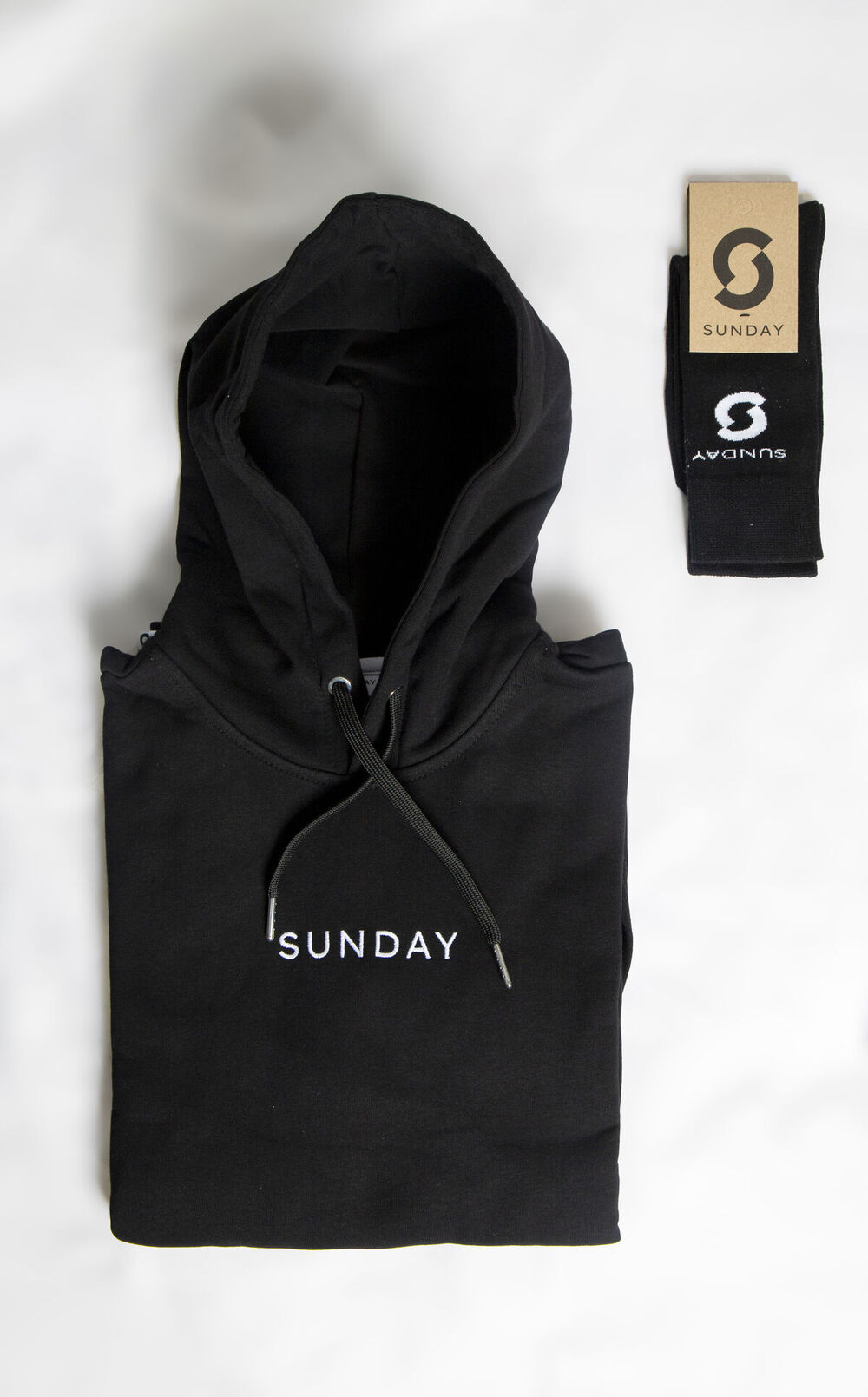
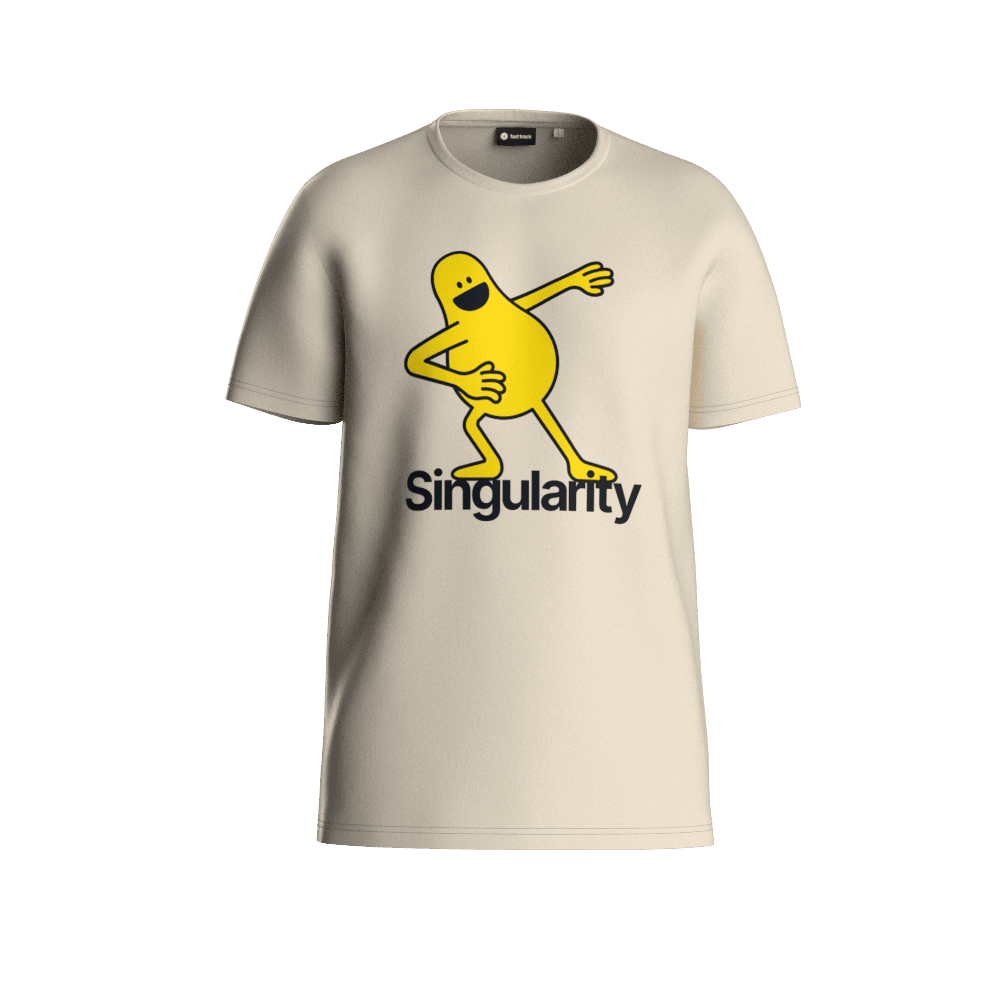
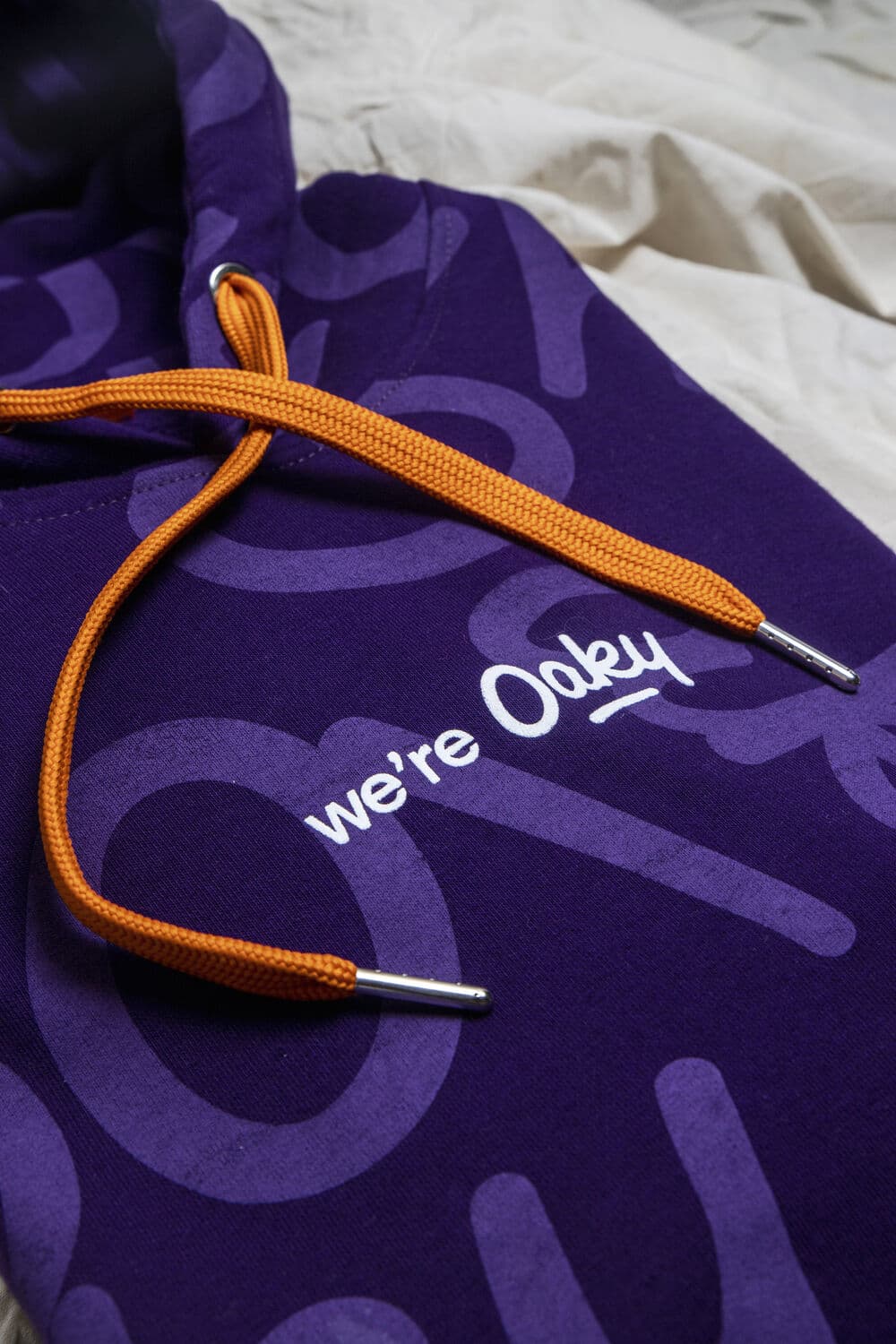
Sunday's own branded hoodie and socks. With an MCP server, questions about real products like these, how many are left and where they shipped, get answered from inside the chat.
What is MCP used for?
For teams outside engineering, it's mostly three kinds of work.
Asking questions about live data. How many open deals are in the pipeline. Which tasks are overdue. How many hoodies are left in medium. Questions that used to mean a report or a message to whoever owns the tool.
Preparing work for a person to approve. A draft email, a draft task list, a quote. The assistant does the assembly. You check and send.
Combining tools in one conversation. This is where it gets good. When your CRM and your merch platform are both connected, you can ask which customers deserve a thank-you gift and what to send them, in the same chat.
By team, that looks something like this:
- Marketing: pull campaign numbers, plan event merch, draft a budget for a kickoff.
- HR and people teams: check onboarding kit stock before a big start date, prepare a reorder. More on that in AI agents for HR.
- Sales: find accounts that need attention and prepare a gift for each.
- Ops and office managers: answer the "do we still have any of those?" question without walking to the cupboard.
- Finance: see what was spent and shipped, by country or by team.
Which servers are worth connecting first, for these roles, is covered in best MCP servers for marketing, HR and ops teams.
What an MCP server is not
A few common misreadings, cleared up quickly.
- It's not an AI model. The intelligence is in the assistant. The server is plumbing.
- It's not a robot running on its own. Most of the time, nothing happens until you ask.
- It's not a copy of your data. The assistant asks for what it needs, when it needs it.
- It's not the same as RAG, which feeds documents into an answer. MCP lets the assistant use live tools and take actions. The MCP vs API guide covers RAG vs MCP too.
Is it safe to connect an MCP server?
It depends on the server, so check two things before you connect one.
First, how you sign in. A good business MCP server makes you log in with your own account, usually through OAuth. That means the assistant works with your permissions, not with some master key.
Second, what it's allowed to do. Some servers only read data. Others can change things, send things or spend money. The question to ask is where the human checkpoint sits.
Sunday's answer is strict. Sunday MCP cannot place an order. It prepares a quote, and a person approves it through a link. Shipments need a human confirmation too. The details, and general MCP security advice, are in spend controls for AI agents.
What does an MCP server for merch look like?
Here's a concrete one. Sunday MCP connects Sunday's merchandise platform to Claude, ChatGPT, Gemini or any other MCP client. Through it you can check stock, get product and kit ideas, calculate prices, build a budget, request designs, plan shipments and reorder as a quote.
Illustrative example · You, in Gemini: We have 20k to spend on merch for new customers this quarter. Suggest a budget split and make a wish list I can share with the team.
Sunday MCP: I've looked through your catalog and the products that are popular with teams like yours. Here's a suggested split across a few product types, and a wish list you can share. When you're happy with it, I can request a quote for your approval.
Nothing in that exchange required logging into anything, browsing a catalog or building a spreadsheet. And nothing was ordered. More examples, grouped by job, are in 30 prompts to run your merch program.
How do you start using an MCP server?
For most business tools the pattern is the same. You get a connector URL from the software company. You add it as a custom connector in your assistant. You sign in with your account at that software. Then you start with a read-only question to see what comes back.
For Sunday, access is on request and included on every plan. The full walkthrough is in how to connect Sunday to Claude, ChatGPT or Gemini. No Sunday account yet? Create a free one first.
About this article
Try an MCP server on something real
Connect Sunday to your assistant and ask about your own merch: stock, budgets, ideas and quotes.
Request Sunday MCP accessIncluded on every Sunday plan · Works with Claude, ChatGPT and Gemini · You approve every order