Four steps, one connector URL and your own Sunday login. Here is how to set up Sunday MCP, what to ask first, and what the connection will and won't do.
Part of our complete guide to Sunday MCP: manage your merch from Claude, ChatGPT or Gemini.

To connect Sunday to Claude, ChatGPT or Gemini, request Sunday MCP access through the form on the Sunday MCP page. Once Sunday grants access, you receive a connector URL. Add Sunday as a custom connector in your AI assistant using that URL, then sign in with your Sunday account. It's included on every Sunday plan.
Before you start: setup takes a few minutes. Deciding what to ask first takes longer, so there's a section on that too.
What do you need before you start?
- A Sunday account. You sign in with it when you connect. No account yet? Create a free one.
- Access to Sunday MCP. It's on request and included on every plan. You ask through the form on the Sunday MCP page, and Sunday grants it.
- An AI assistant that supports MCP connectors. Claude, ChatGPT and Gemini all work, and so does any other MCP client.
- Permission to add custom connectors. If your company manages your AI assistant centrally, check with whoever runs it that custom connectors are allowed on your workspace.
If "MCP connector" is a new term, the two-minute background is in what is an MCP server.
How do you connect Sunday, step by step?
| Step | What you do | What happens |
|---|---|---|
| 1. Request access | Fill in the form on the Sunday MCP page | Sunday reviews the request |
| 2. Get your URL | Wait for access to be granted | You receive the Sunday connector URL |
| 3. Add the connector | Add Sunday as a custom connector in your assistant, using that URL | Your assistant now knows Sunday exists |
| 4. Sign in | Log in with your own Sunday account when prompted | The assistant can work with what your account can see and do |
| 5. Test it | Ask a read-only question, like your current stock | You see the answer come back from your own Sunday data |
That's it. There's nothing to install and no API key to copy around. The sign-in in step 4 uses OAuth, the same kind of login you use when an app asks to "continue with" another account. Your password stays with Sunday.

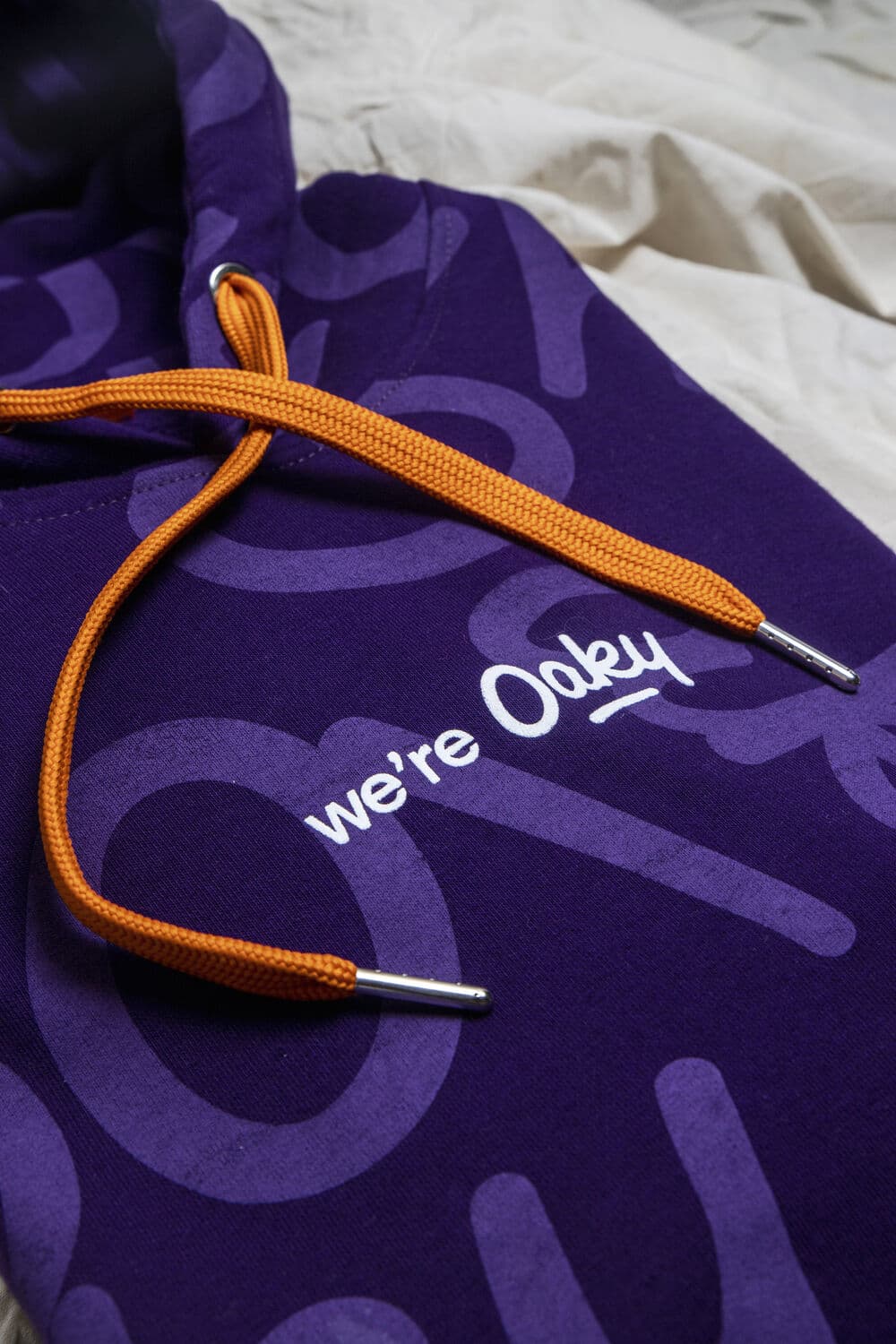
A branded hoodie from a studio shoot. Once you're connected, a reorder of a piece like this starts with one sentence in the chat and ends with a quote you approve.
Does setup differ between Claude, ChatGPT and Gemini?
The pattern is the same in all of them: add a custom connector with the URL, then sign in with your Sunday account. What differs is where the setting lives in each app, and those menus change often enough that we don't print them here. Look for the place your assistant lists connectors or integrations, and choose the option to add a custom one.
If you searched for "Claude custom connectors" or "how to add MCP to Claude", this is the same process. Sunday is added as a custom connector, using the URL you get when access is granted. Teams using ChatGPT or Gemini follow the same two moves.
Many companies run more than one assistant. That's fine. Each person connects Sunday in the assistant they use, and they all work with the same Sunday platform underneath.
What should you ask first?
Build trust in three rounds. Read-only first, then planning, then quotes.
Round one: questions. Ask about things you already know the answer to, so you can check the result.
Illustrative example · You, in Claude: Using Sunday, show me our current stock for the navy T-shirt, by size.
Sunday MCP: Here's the current stock for the navy T-shirt in your Sunday inventory, by size. Want me to compare it with how fast each size has been shipping?
Round two: planning. Ask for a budget split, product ideas or a kit for a specific audience. Ask for a wish list you can share with a colleague. Nothing is committed at this stage.
Round three: your first quote. Pick a simple reorder of something you've ordered before. The assistant prepares the quote. You open the link and approve it, or don't.
You, in Gemini: Create a quote to reorder the onboarding kit we sent last time, same contents, for 40 new hires.
Ready for more? There's a full list in 30 prompts to run your merch program from Claude or ChatGPT, and a no-code rollout plan for a whole team in how to use AI agents for your merch program.
What can the connection do, and what can't it?
| It can | It can't |
|---|---|
| Answer questions about stock, shipments and your top countries | Place an order on its own |
| Suggest products and pre-made kits, and calculate prices | Approve its own quote |
| Build a budget split and a shareable wish list | Ship anything without a human confirmation |
| Request designs for selected products | Sign off a design against your brand guidelines |
| Prepare quotes, plan shipments and request reporting | See more than your Sunday account can see |
For a deeper look at permissions, OAuth and spend controls, read spend controls for AI agents.
Who on your team should connect?
Anyone who handles merch requests. Each person signs in with their own Sunday account, so there's no shared login to manage and the assistant works within each person's own access.
Sunday used the MCP internally first. It's now rolling out to partners and agencies who handle merch requests for their clients, and to power users who run large merch programmes. Those are good first connectors in your company too: the person who fields the most "can we get some hoodies for…" messages, and the person who owns the stock.
What if something doesn't work?
A few things to check before you get in touch.
- Name Sunday in your prompt. If several connectors are active, "using Sunday" helps the assistant pick the right one.
- Check which account you signed in with. The assistant only sees what that Sunday account can see.
- Confirm the connector is switched on for the conversation you're in. Some assistants let you toggle connectors per chat.
- Sign in again if the assistant says it can't reach Sunday. Connections can expire like any other login.
Still stuck? Contact your Sunday team. Common questions, including what data the assistant can access, are in the Sunday MCP FAQ.
About this article
Get your connector URL
Request access and we'll send you everything you need to connect Sunday to your assistant.
Request Sunday MCP accessIncluded on every Sunday plan · Works with Claude, ChatGPT and Gemini · You approve every order