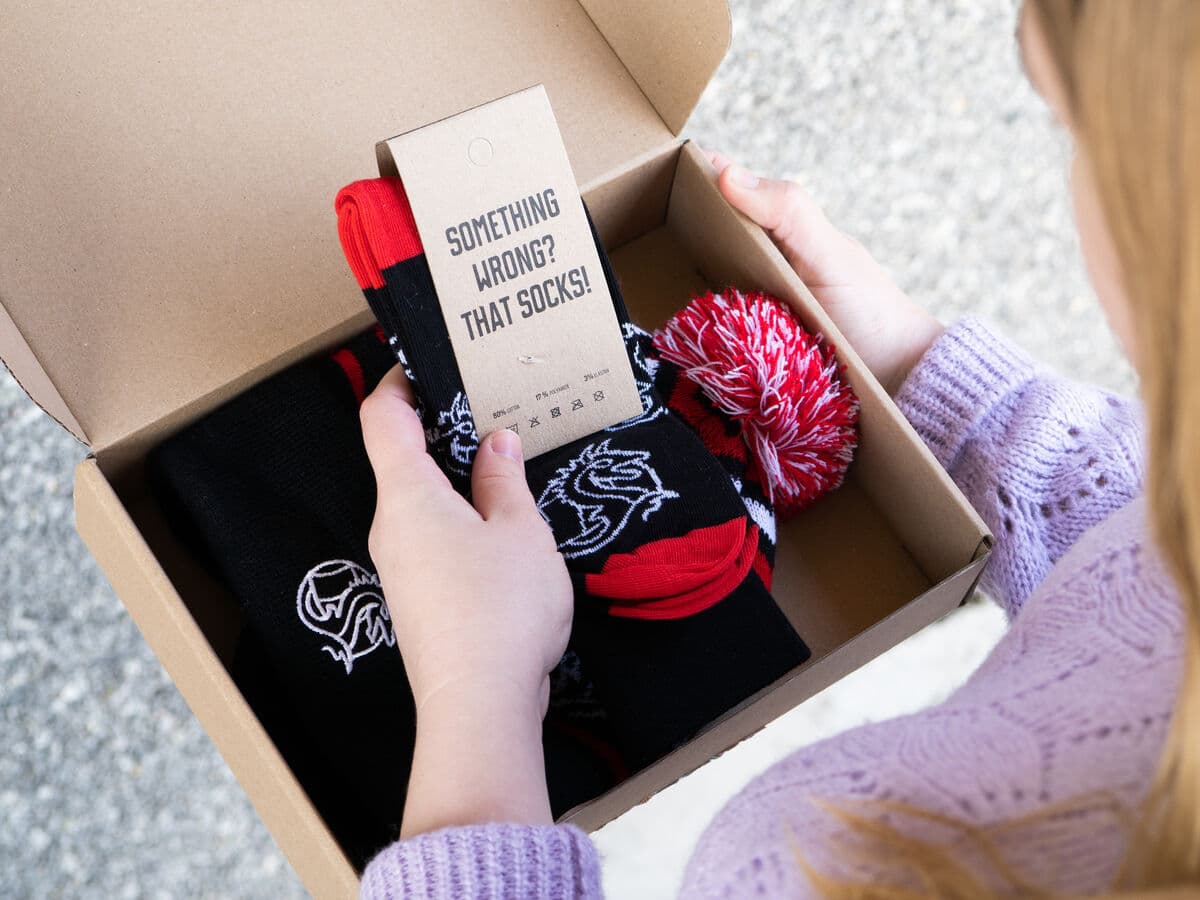
A welcome kit should feel personal to the new hire. Building it should not eat half a day of someone's week. Here is how AI agents take over the admin while HR keeps the decisions.
Part of our guide to agentic commerce for branded merch.
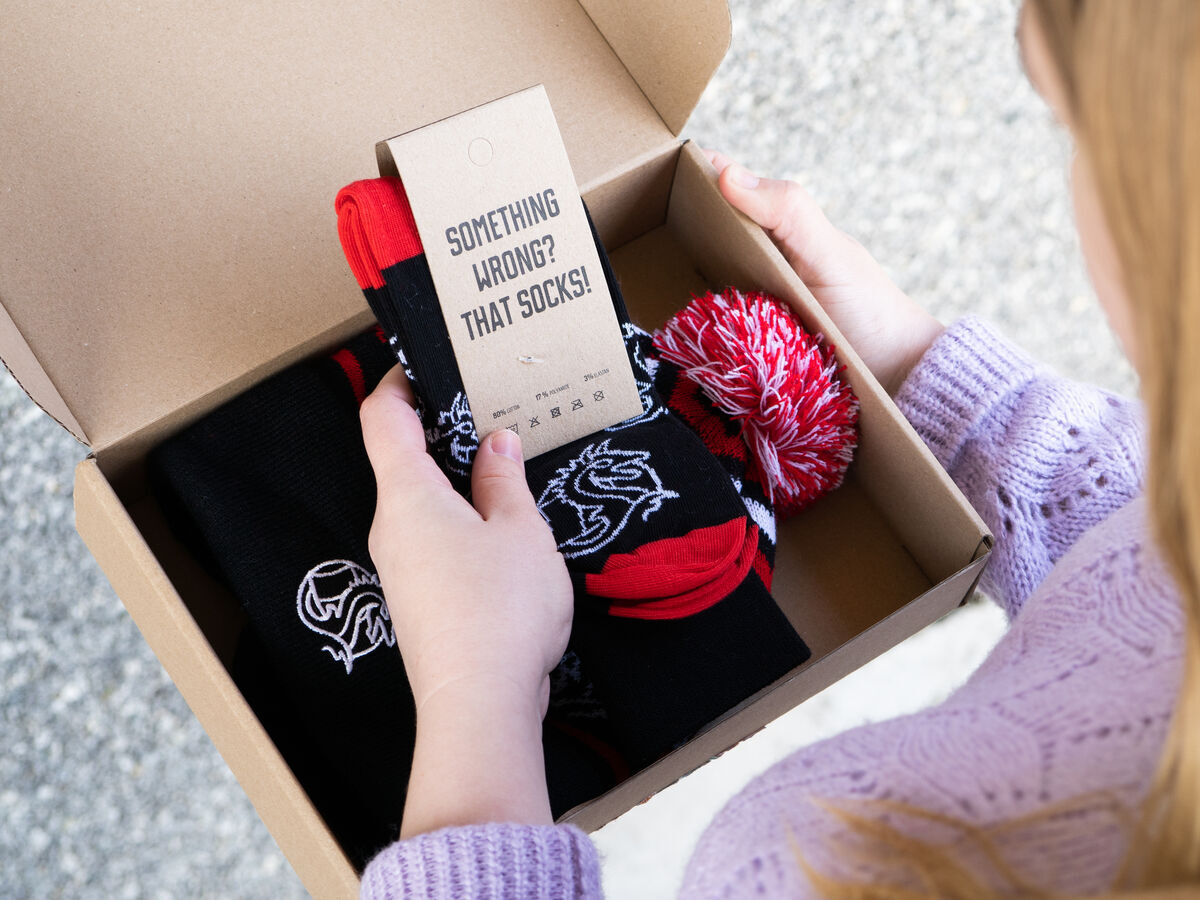
AI agents for HR are AI assistants connected to the tools HR already uses, so they can carry out admin steps instead of only answering questions. For employee onboarding, an AI agent connected to Sunday can suggest a welcome kit, check stock by size, plan the shipment and prepare a quote. HR approves the order and confirms every shipment.
The short version: AI onboarding works best when the agent handles counting, checking and preparing, and HR keeps the welcome.
What can AI agents for HR actually do?
Most AI for HR so far has been writing help. Job descriptions, policy drafts, a friendlier rejection email. Useful, but the assistant only produces text, and a person still does the work in five other tools.
An AI agent is different because it is connected. Through the Model Context Protocol, an assistant like Claude, ChatGPT or Gemini can open a business system, read from it and prepare actions in it. If the term is new, our plain-English guide to MCP servers covers it in a few minutes.
For HR, the connected part matters most in the jobs that are physical and repetitive. Onboarding kits are the clearest example. Every new hire needs one, the contents barely change, and yet each kit still involves a stock check, a size question, an address, a budget line and a shipment.
Where does onboarding merch eat HR time?
Ask anyone who runs onboarding at a growing company and the list is familiar.
- Checking whether the hoodie is still in stock in the right size.
- Chasing the new hire's size and delivery address.
- Noticing too late that the notebooks ran out.
- Reordering, which means finding last year's order and rebuilding it.
- Working out how much a hiring wave will cost before finance asks.
- Sending kits to remote hires in other countries on time for day one.
None of these is hard. All of them are interruptions. And they land on people whose real job is making new colleagues feel welcome. A platform like Sunday already takes most of the production and shipping work off the table, with a warehouse and delivery to 200+ countries. What is left is the asking, checking and preparing. That is exactly the part an agent can carry.
How does an AI agent build an onboarding kit, step by step?
Say you are hiring 15 people next month across two offices and a handful of remote roles. Here is how that looks with Sunday MCP connected to your assistant.
1. Ask what you have
Start with the data question. The agent checks current stock of your welcome kit items, by size.
You, in Claude · Illustrative example: We have 15 new starters next month. Check our stock of the onboarding hoodie, socks and notebook by size, and tell me what we need to reorder to cover them.
Sunday MCP: Here is current stock for the three items, by size. Based on your usual size split, two sizes of the hoodie will run short. I can prepare a reorder quote for those, using the same design as your last order. Nothing is ordered until you approve the quote.
2. Reorder the gaps
The kit is approved and the design is fixed, so the reorder is administrative. The agent creates a quote in one prompt, and you approve it through the link.
3. Plan the shipments
The agent plans shipments to the offices and to remote hires' addresses. Each shipment needs your confirmation before it goes.
4. Report back
After the wave, ask how many kits shipped, to which countries, and what is left in stock. That answer used to be an export.
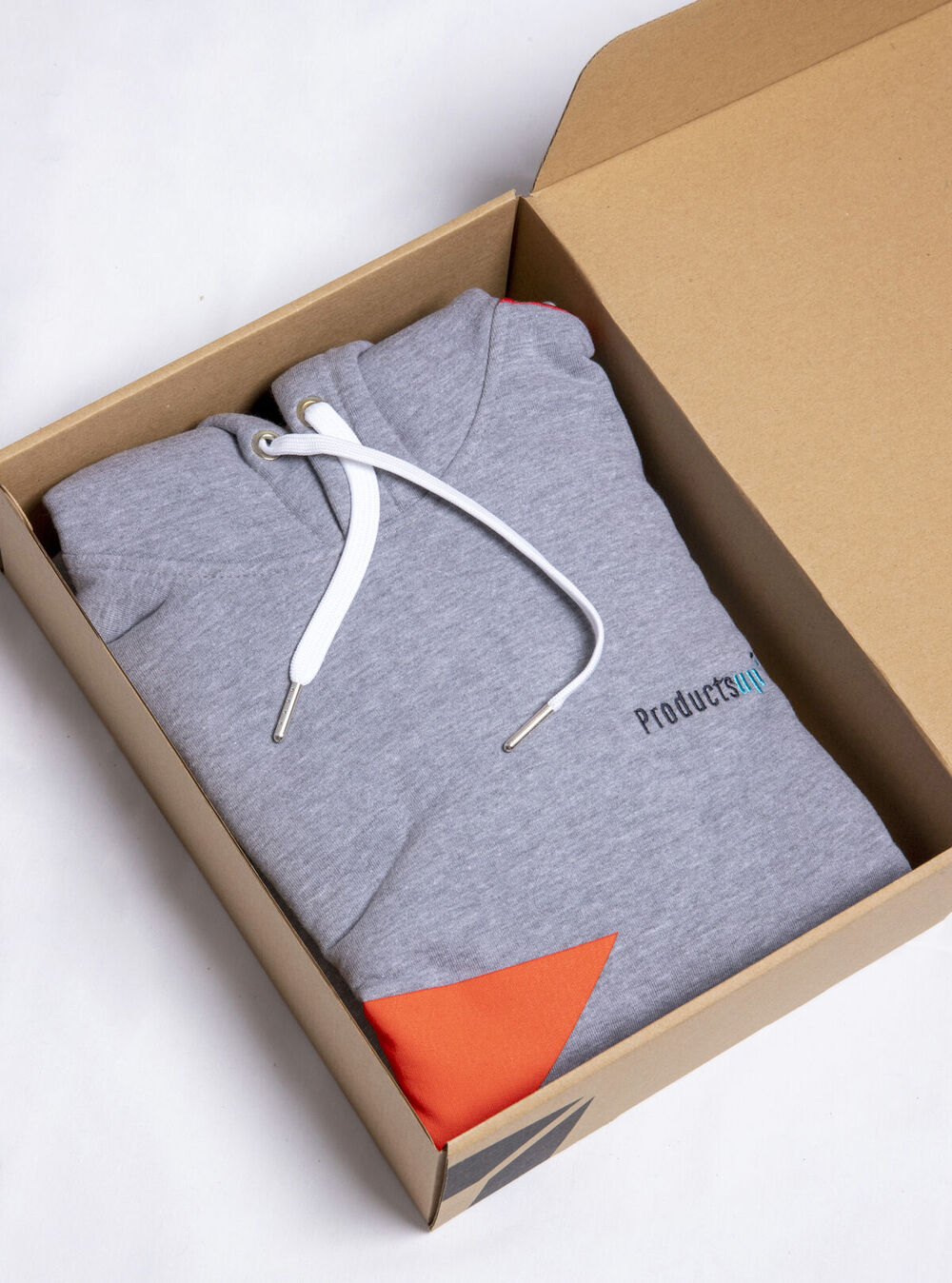
A real welcome kit hoodie, packed and ready. Once a piece like this is approved, keeping it in stock is admin that an agent can prepare for you.
What should stay with HR?
Merch is complex. There are designs, approvals and brand guidelines, and a welcome kit is the first branded thing a new colleague holds. Automate as much as possible, and keep a person confirming the brand is respected.
| The agent prepares | HR decides |
|---|---|
| Stock checks by item and size | What goes in the kit |
| Reorder quotes for an approved kit | Approving each quote, through a link |
| Kit suggestions for a role or a budget | Which suggestion fits your culture |
| Shipment plans for offices and remote hires | Confirming each shipment |
| Budget splits for a hiring wave | Sign-off on any new design |
| Reporting on what shipped and where | The personal note in the box |
In Sunday MCP this is built into the product. The agent cannot place an order. It generates a quote, and a person approves it. Shipments need human confirmation too. If your security team wants the detail, point them to spend controls for AI agents.
How does this connect to your HR system?
Sunday MCP connects your assistant to your Sunday account. It does not read your HR system. The useful part is that an assistant can hold several connections at once.
Say your HR tool also offers an MCP connection and you have it added in the same assistant. You could ask it to list next month's start dates and locations, then ask Sunday for a kit suggestion and a shipment plan for that list. Two systems, one conversation, and a quote waiting for your approval at the end. That is what we mean when we describe Sunday MCP as adding physical products to any software layer.
For the platform side of connecting a swag store to HR, CRM and procurement tools, read swag store integrations for SSO, HRIS, CRM and procurement. The MCP route is the conversational layer on top.
Which onboarding tasks should HR hand over first?
Start where the risk is lowest and the annoyance is highest.
- Read-only questions. Stock by size, kits shipped last quarter, which countries your new hires are in. No approvals needed, and you learn how the agent answers.
- Reorders of the approved kit. Same items, same design, new quantities. One prompt, one quote, your approval.
- Budgets for a hiring wave. Give the agent the headcount and a budget per person, and ask for a split. It can save the result as a wish list to share with finance or your team lead before anything is quoted.
- Ideas for a refreshed kit. The agent suggests products and pre-made kits that fit your audience, so nobody browses the full catalog. Design sign-off stays with you and the brand team.
For the physical side of the kit, what to put in it and how to make it land on day one, read our guide to new hire welcome kits. If you also let employees pick extra items themselves, a company swag store handles that well.
More scenarios beyond onboarding are collected in 12 agentic AI examples in merch and gifting, and if you want the same logic for your sales team, read AI agents for sales.
Onboarding kits from your AI assistant
Check stock, reorder the kit and plan shipments from Claude, ChatGPT or Gemini. You approve every quote.
Request Sunday MCP accessIncluded on every Sunday plan · Works with Claude, ChatGPT and Gemini · You approve every order
How do you get started?
Sunday MCP is included on every Sunday plan. Access is on request: fill in the form on the Sunday MCP page and we grant it. Then add Sunday as a custom connector in your assistant using the URL you receive, and sign in with your Sunday account. The details are in how to connect Sunday to Claude, ChatGPT or Gemini.
Your first prompt should be a question, not an order. Ask for stock by size. Ask what shipped last month. Once the answers look right, move on to a reorder quote. No Sunday account yet? Create one for free and set up your welcome kit first.