Definition
An EPS file is a vector graphics format used to store logos and artwork so they scale to any size without losing sharpness. EPS stands for Encapsulated PostScript, a format built for high-quality print rather than screens. It is the file most print and embroidery teams ask for because the paths inside it can be resized, recolored and separated cleanly.
Definition
An EPS file describes an image using mathematical paths and points instead of a fixed grid of pixels. That means the same logo can print at postage-stamp size on a pen and at billboard size on a banner with identical crispness. For example, if you send a decorator a logo as a 400-pixel PNG, it will blur when enlarged for a tote bag print. Send the same logo as an EPS file and they can scale it to any product without quality loss.
How an EPS file works
An EPS file stores artwork as vectors, which are shapes defined by anchor points and curves rather than colored dots. Because the shapes are described by math, software can redraw them at any resolution. This is the opposite of a raster image like a JPG or PNG, where zooming in eventually reveals blocky pixels. An EPS file usually opens and edits best in vector software such as Adobe Illustrator or CorelDRAW.
The format also carries information that print production needs. Spot colors, Pantone references and clean color separations can live inside an EPS, which is why it suits screen printing and embroidery digitizing. Fonts should be converted to outlines before saving, otherwise the text can shift or drop out on a machine that lacks the same typeface. A quick low-resolution preview is often embedded so the file shows a thumbnail even where full rendering is not available.
There are trade-offs. EPS is an older format, and newer workflows increasingly favor PDF or SVG for the same vector job. EPS files do not handle transparency and layered effects as gracefully as modern formats, and they are not meant for photographs. For a flat logo destined for print, though, an EPS is still one of the safest files you can supply.
EPS files in branded merch
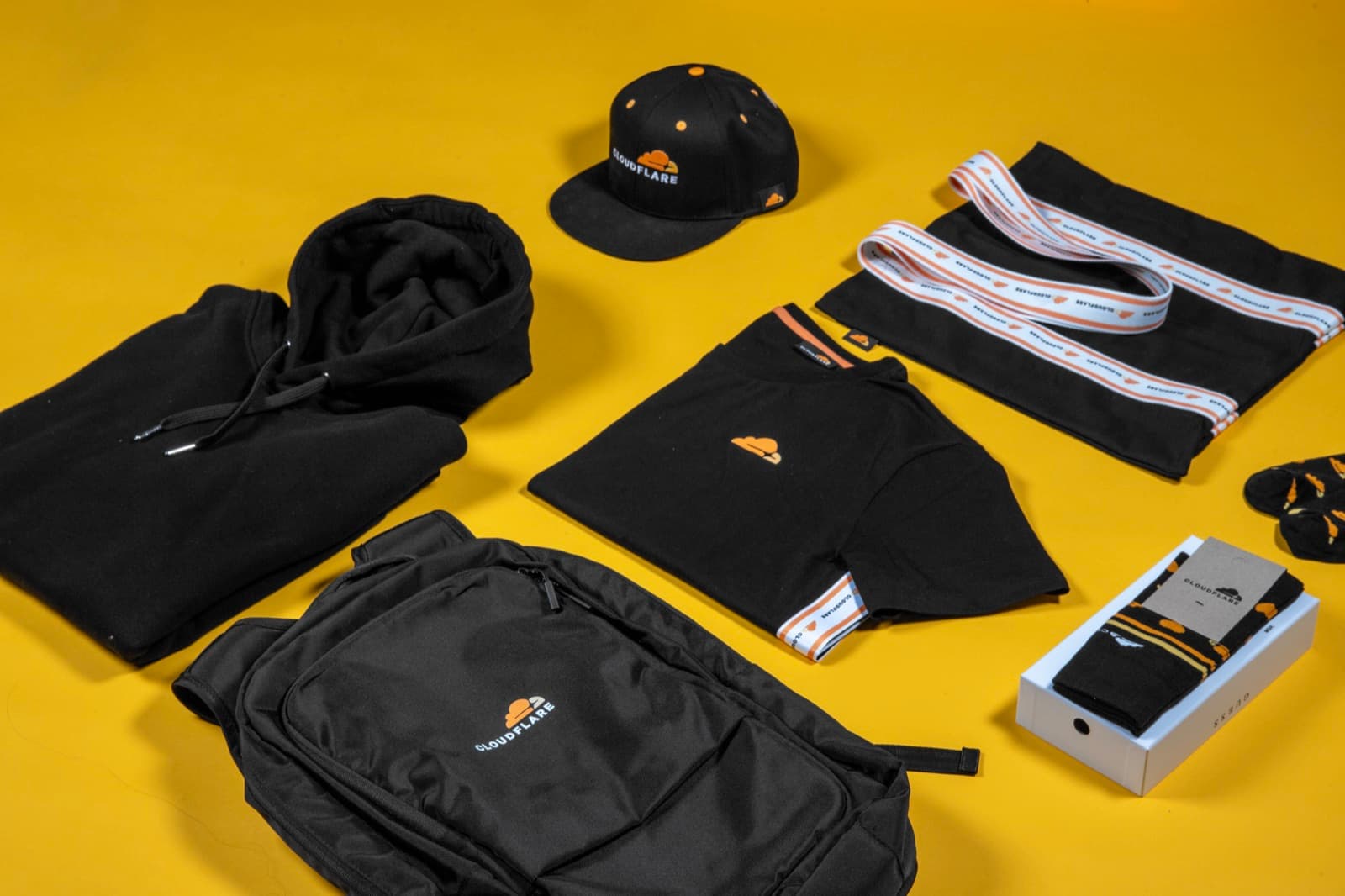
- Supplying a print-ready logo. Send your logo as an EPS file so a decorator can place it on any product, from a small pen to a large backpack, without the artwork breaking up.
- Enabling accurate color matching. Because an EPS can hold spot color and Pantone data, it lets production teams match your brand colors precisely across screen print, embroidery and pad print.
- Future-proofing your brand assets. Keep a master EPS of every logo lockup in your brand kit so reorders and new product lines always start from clean, scalable artwork.
An EPS file is an Encapsulated PostScript vector file that stores artwork as scalable paths, making it the print-ready standard for logos on merch.
5 tips to elevate your EPS file strategy
| Tip | Steps |
|---|---|
| Ask for a vector master | Request an EPS or other vector file of your logo from your designer so you always have a print-ready source. |
| Outline the fonts | Convert all text to outlines before saving the EPS so type renders correctly on any machine. |
| Keep colors as spot where needed | Include Pantone or spot color values in the file so decorators can match your brand exactly. |
| Do not upscale a raster | Never save a blurry JPG or PNG as an EPS and expect quality, since the pixels stay pixels. |
| Store a clean master copy | Archive the original EPS in your brand kit so every reorder starts from the same source. |
Key Terminologies
Frequently Asked Questions
What is an EPS file used for?
An EPS file is used to store logos and vector artwork for high-quality print. It lets decorators scale, recolor and separate a design for screen printing, embroidery and other merch decoration methods.
How do I open an EPS file?
EPS files open best in vector software such as Adobe Illustrator, CorelDRAW or Affinity Designer. Some image viewers can show a preview, but you need vector software to edit the paths inside.
What is the difference between EPS and PNG?
An EPS file is a vector format that scales to any size without quality loss, while a PNG is a raster image made of fixed pixels. Use EPS for print logos and PNG for on-screen or web images.
Is EPS still used for printing?
Yes, EPS is still widely accepted for print and merch decoration, though many teams now also accept PDF and SVG. If a decorator asks for vector artwork, an EPS file almost always meets the requirement.
Can I convert a JPG to an EPS file?
You can save a JPG as an EPS, but this does not make it a true vector. To get a real scalable EPS, a designer must recreate or trace the logo as vector paths.